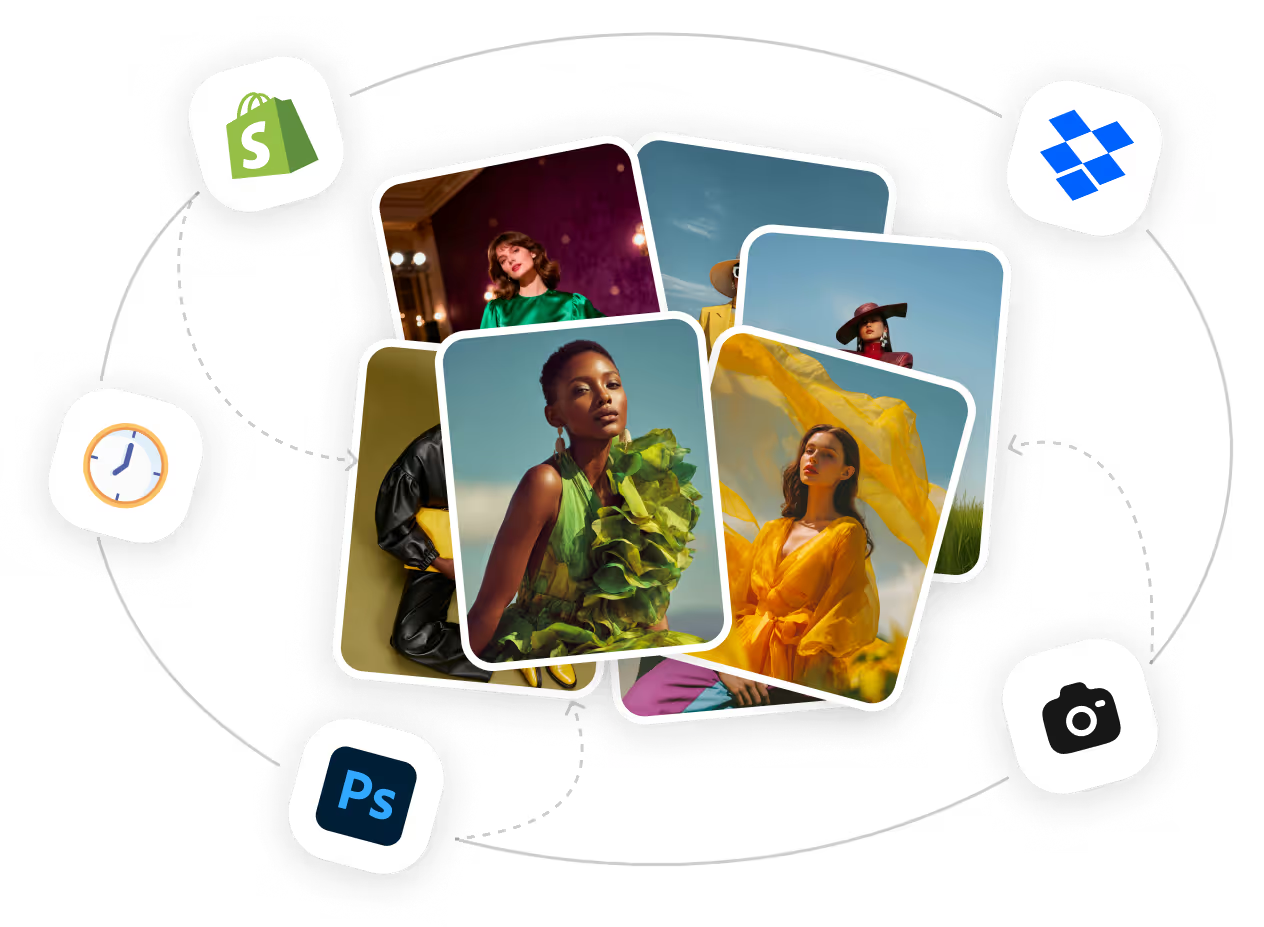
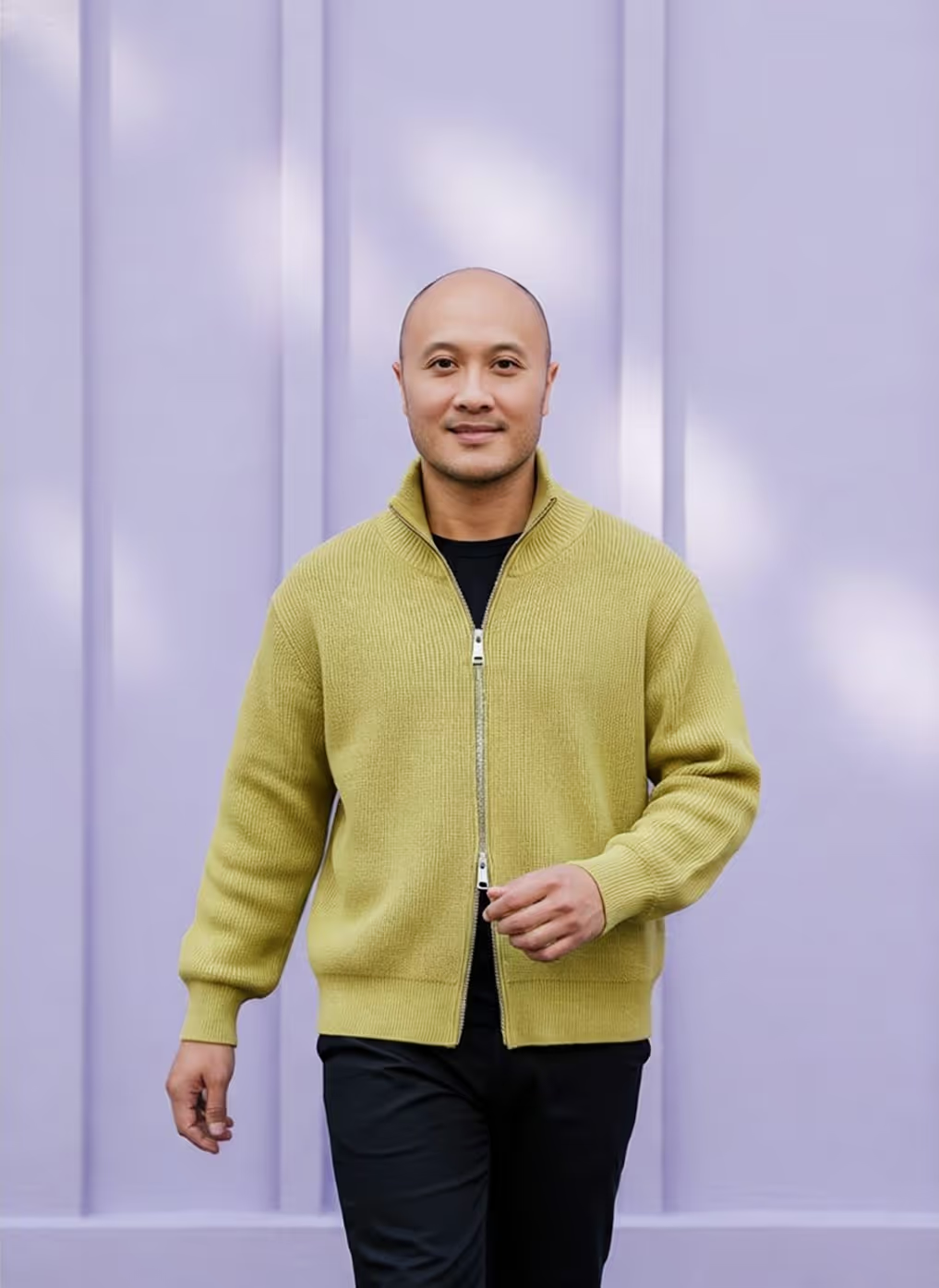
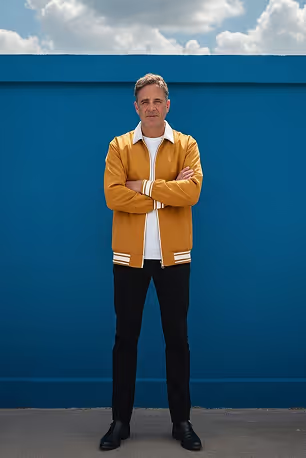
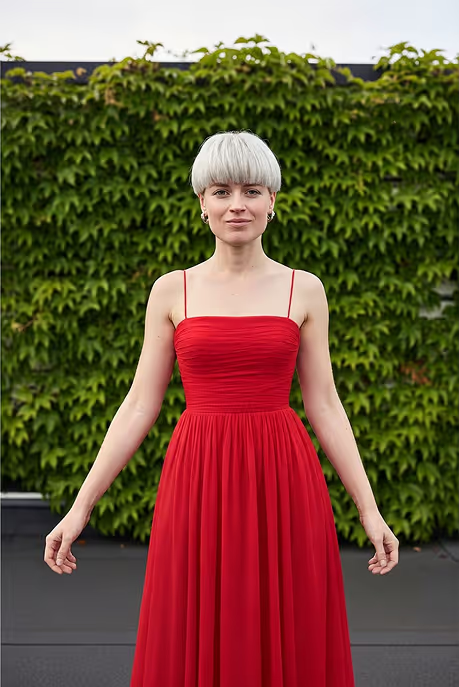
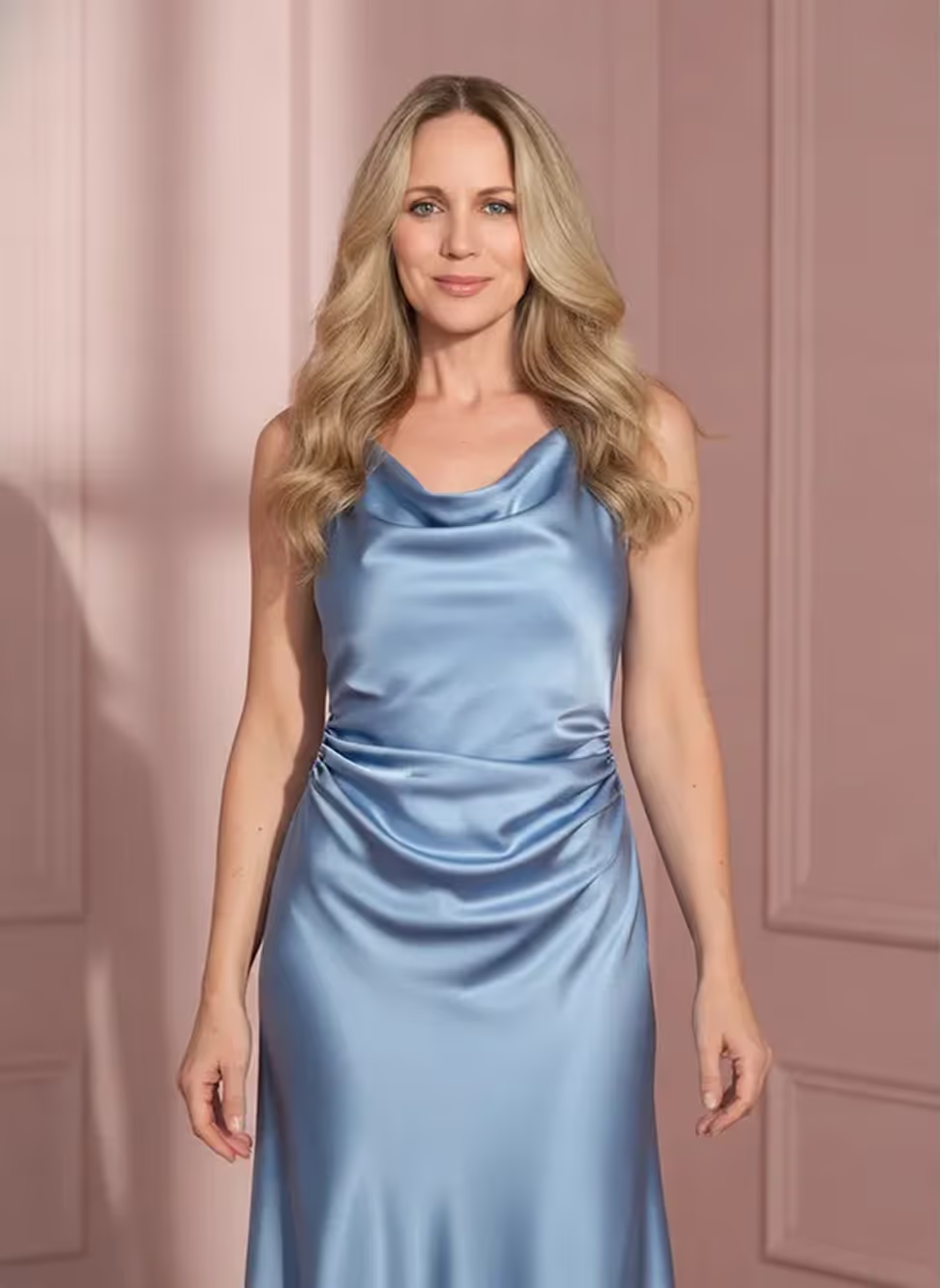
Shopify PDP Images, Automated

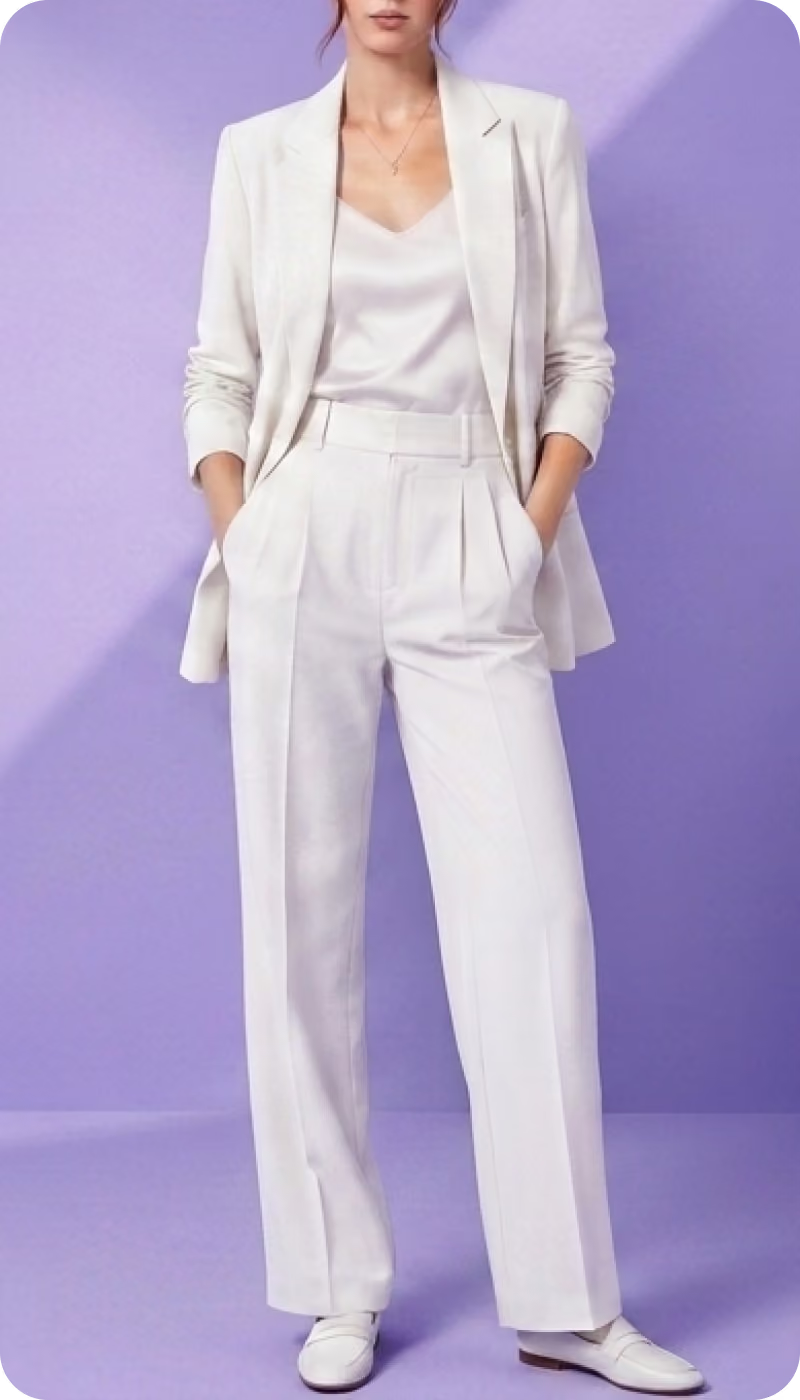
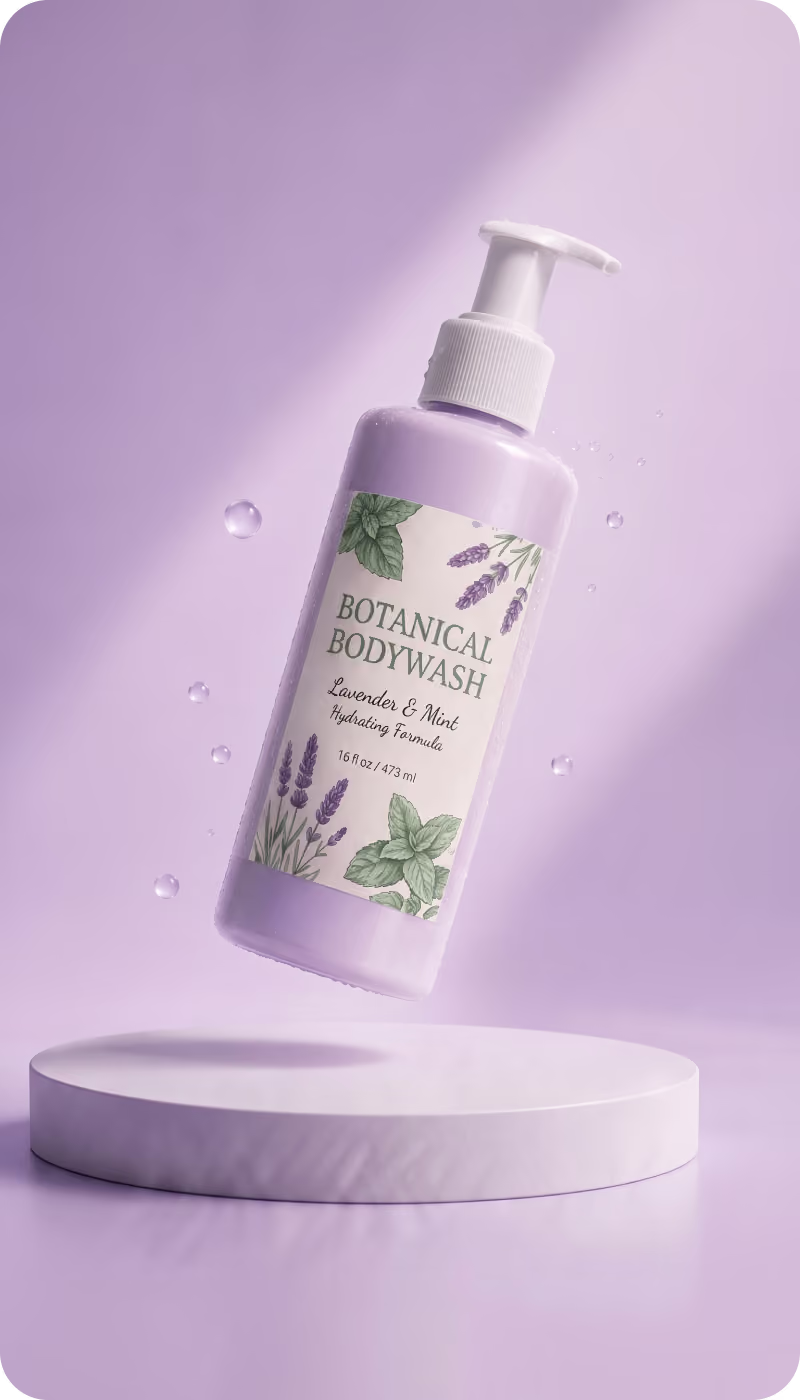
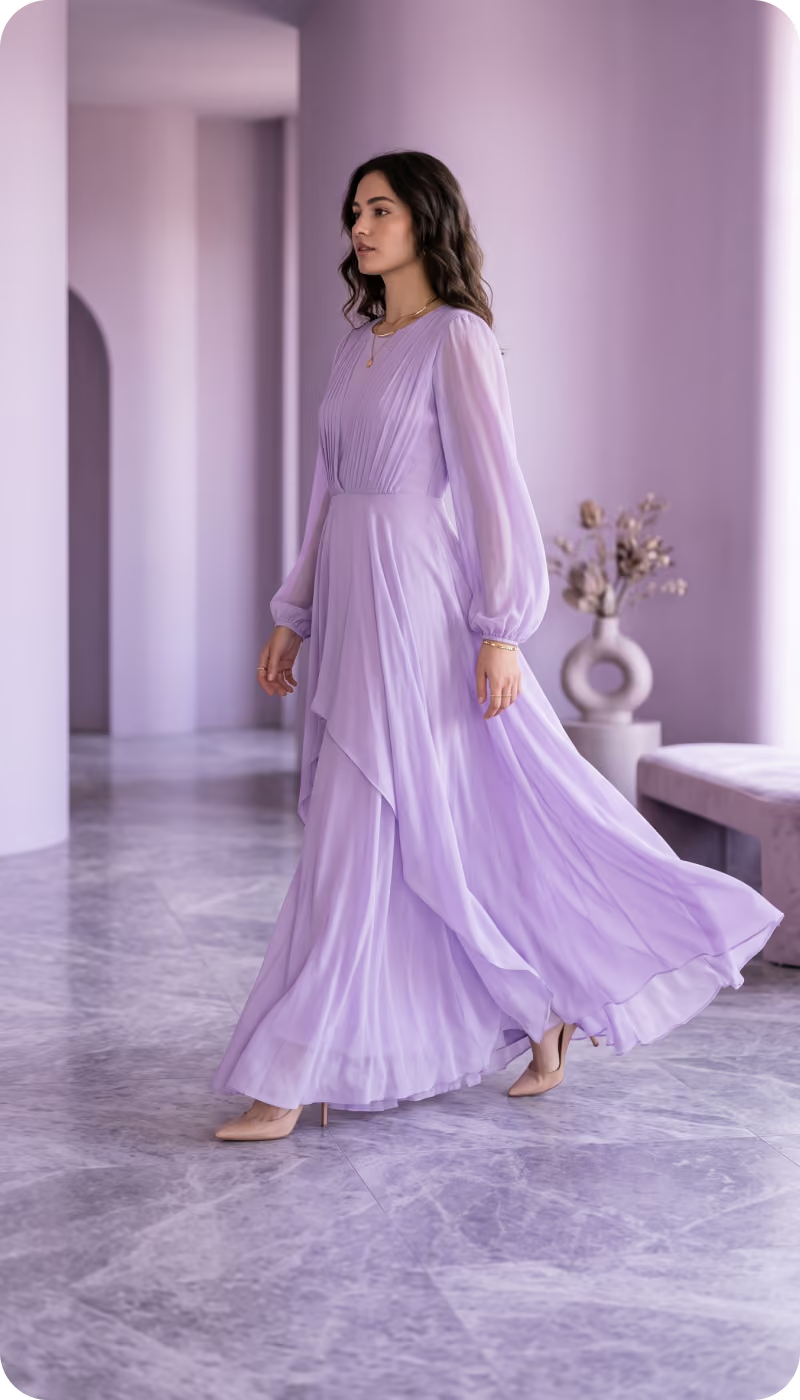
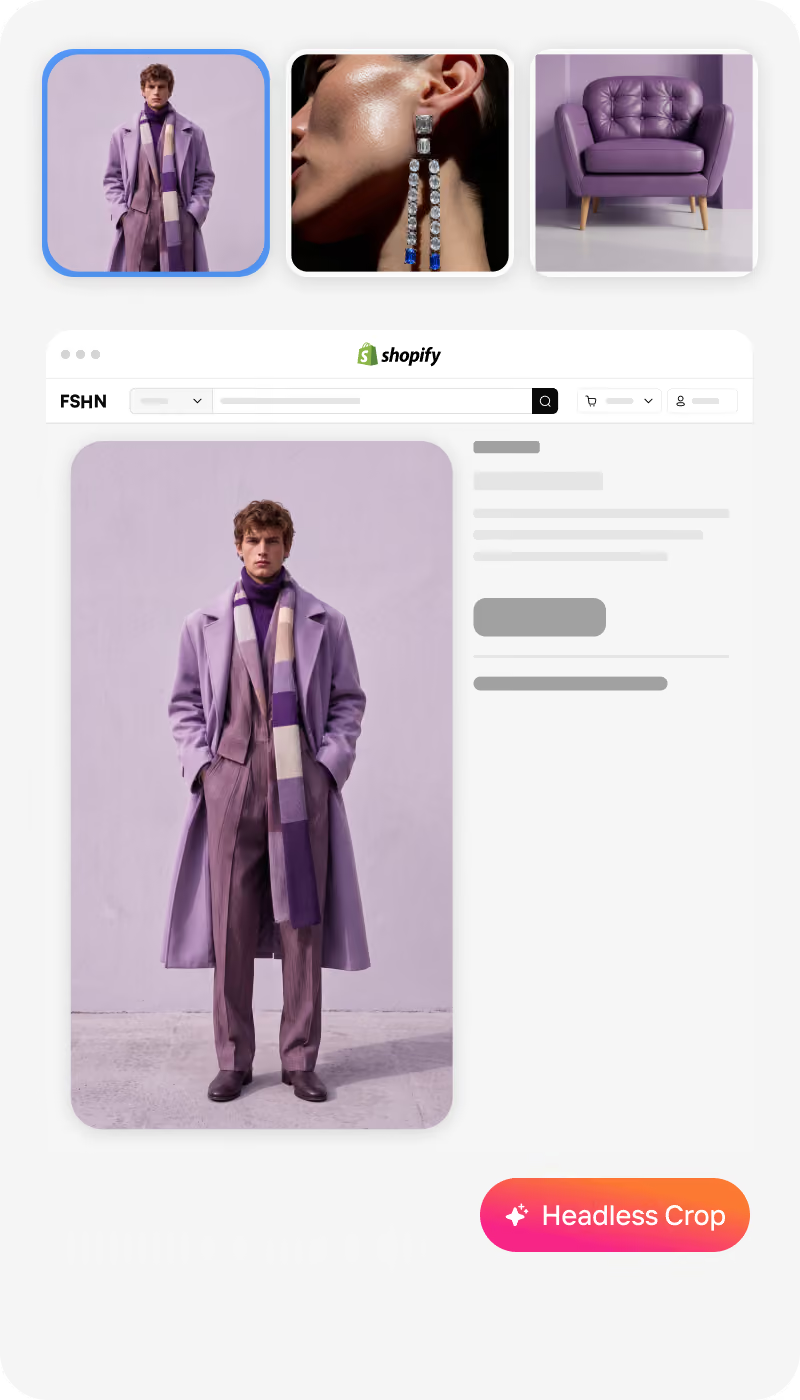
Generate complete PDP sets — lifestyle images, on‑model visuals, alternate angles, banners, and PDP videos, even when your source photos fall short.
Used by
5K+
Shopify stores
Production grade Battle tested

What Shopify Brands Are Struggling With Right Now
You built a Shopify store to grow sales — not to fix images all day.

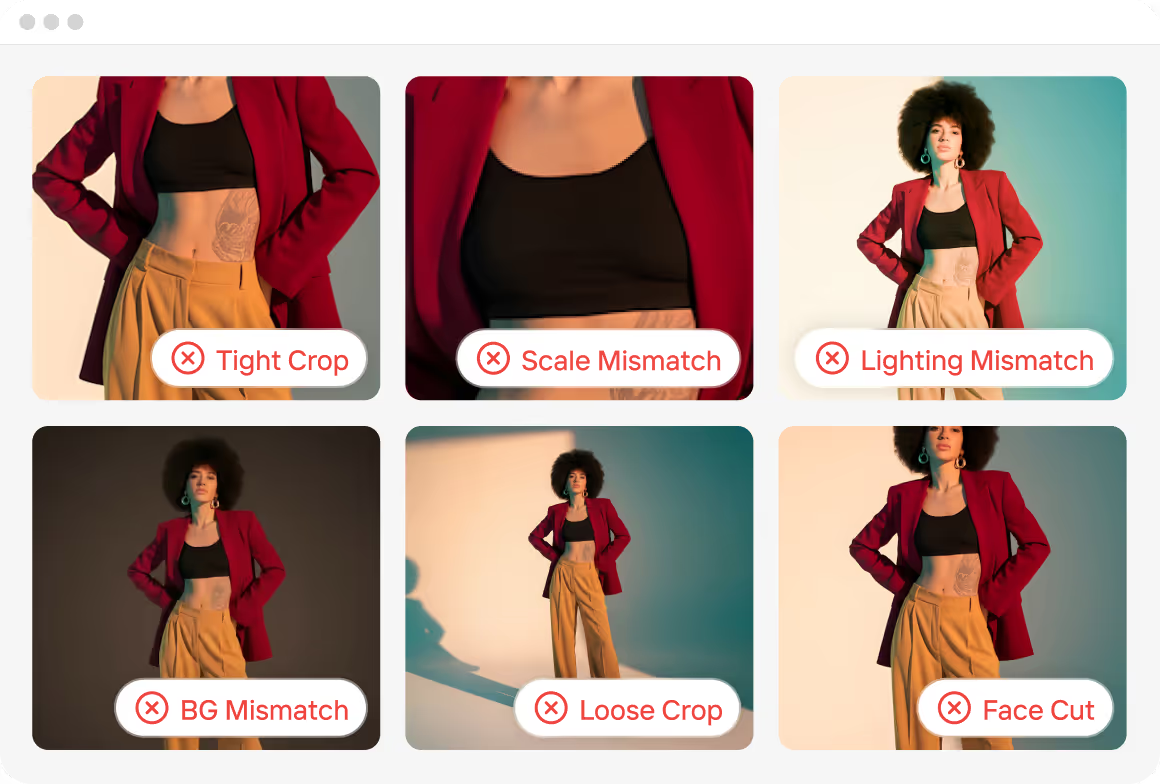
Inconsistent Product Photos

Mixed crops, lighting, and backgrounds make PDPs look unpolished and hurt conversion

Slow, Costly Content Production

Photoshoots, retouching, and alternate angles take weeks and drain budget each catalog update

Endless Format Requirements

PDPs, PLPs, thumbnails, banners, and ads all need different sizes and ratios.

One Shopify Workflow to Handle Every Product Drop

No more piecing together tools or rebuilding processes for each new collection. Your entire image pipeline - from raw assets to Shopify-ready outputs - runs automatically.

Bulk PDP Image Editor

Automatically prep every product image for Shopify — applying your rules for crops, aspect ratios, alignment, and visual standards across 1000s of product SKUs.

Bulk Content Generation

Generate campaign-ready assets at scale — including on-model shots and PDP videos that match your brand’s look across your Shopify store.

What Shopify Brands Can Do With Crop.photo

Run your entire product imagery pipeline in one automated platform built for Shopify scale.

Fix Product Images in Bulk

Make 1000s of SKU photos consistent instantly.
Auto-crop for apparel, accessories, shoes
Auto-resize for PDP, Instagram, Meta Ads
Background cleanup or branded background
Auto-align flat lays and model shots
Try the Web App

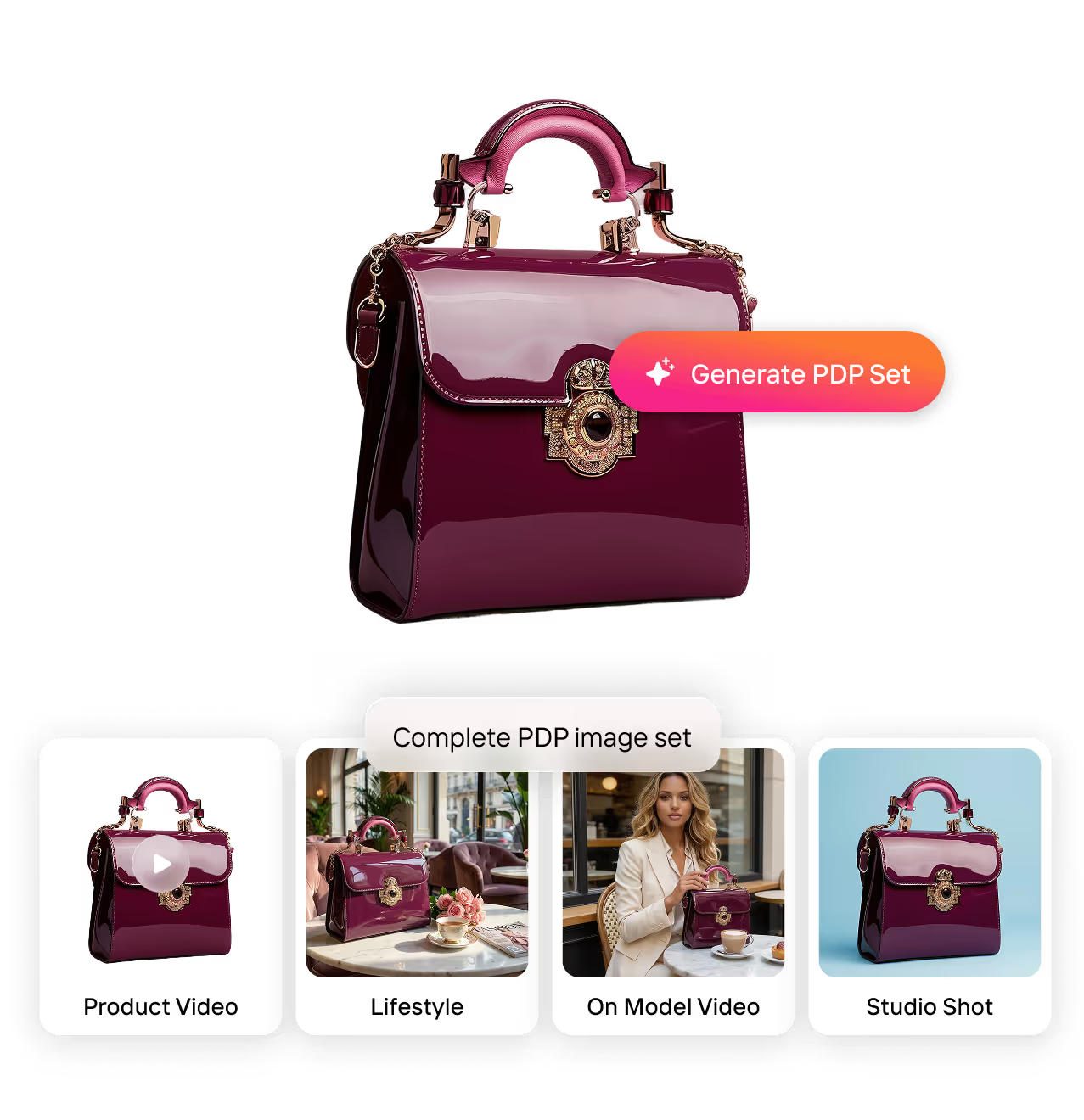
Generate Complete PDP Sets

Create every PDP asset your Shopify brand needs without another shoot. Turn one product image into:
Studio-background shots
Lifestyle images
On-model visuals
Short PDP videos
Try the Web App

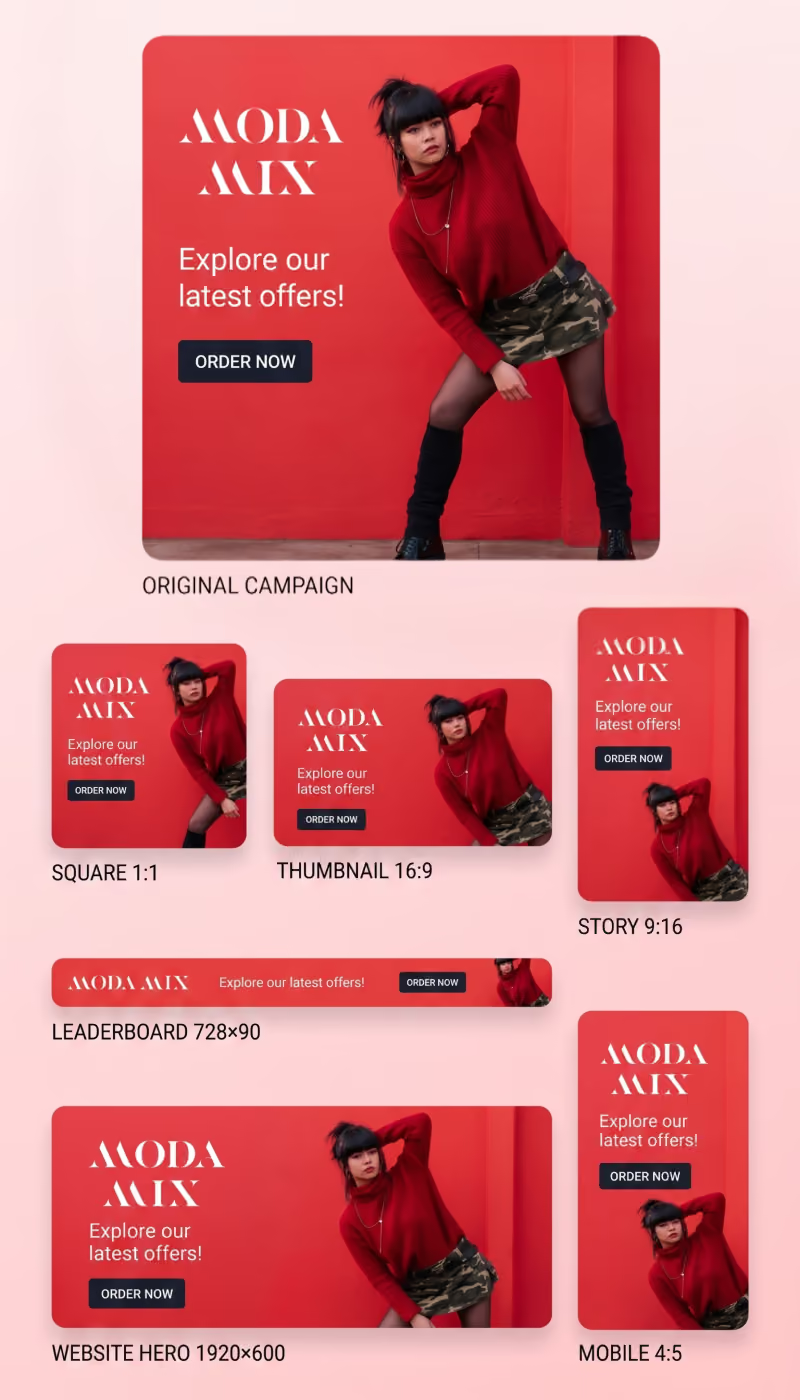
Create Campaign Banners Instantly

Turn any product image into a full set of homepage, collection, and email banners. Resize and adapt banners as:
Homepage hero
Collection header
Announcement bar
Email + ad creatives
Try the Web App

API Access

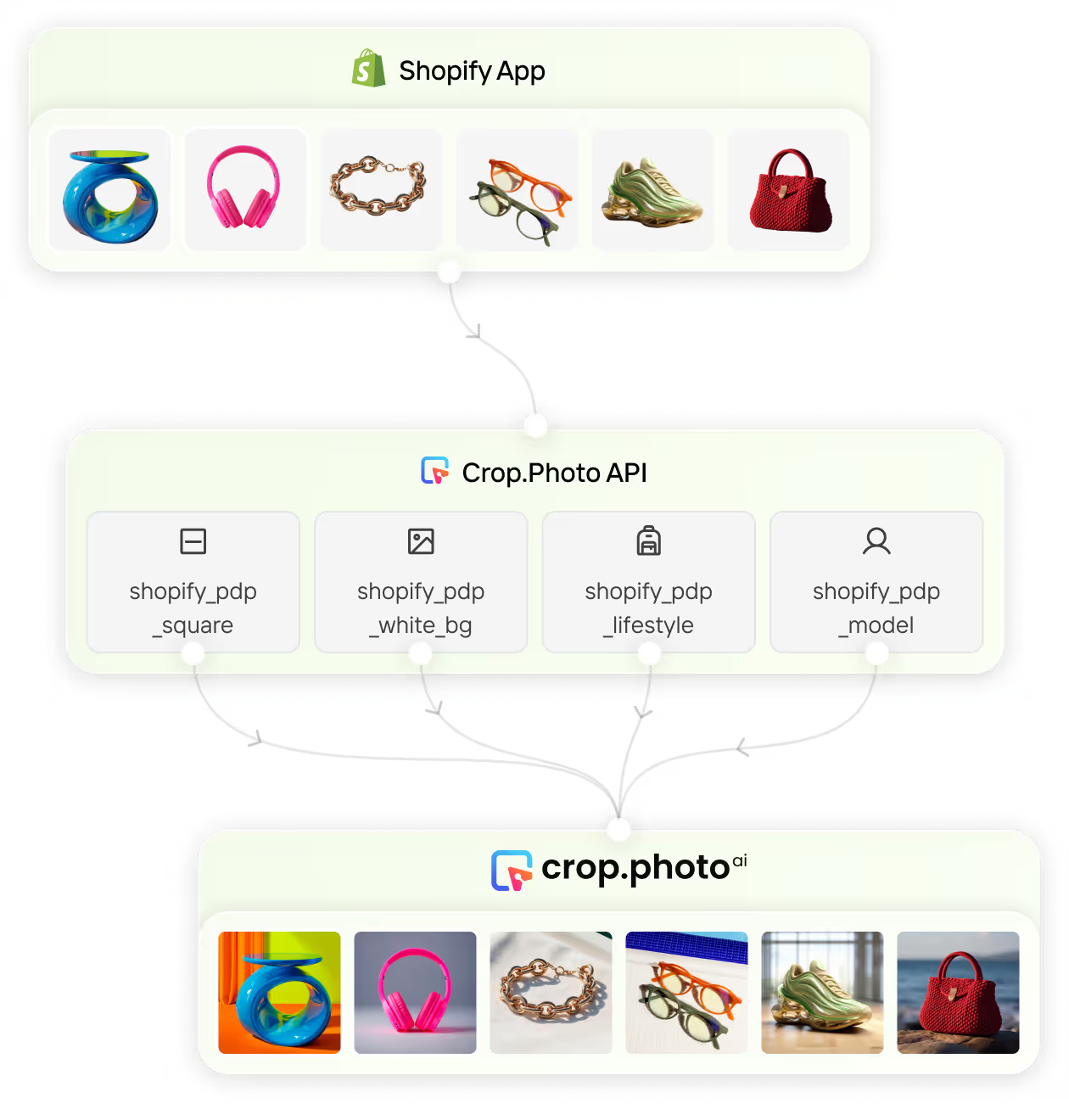
Integrate Crop.photo directly into your Shopify PIM workflows — auto-generate PDP assets, edit images in bulk, and push final outputs back to your product catalog automatically.
Try the Web App

What Leading Shopify Brands Achieve With Crop.photo

We will never give up this tool.

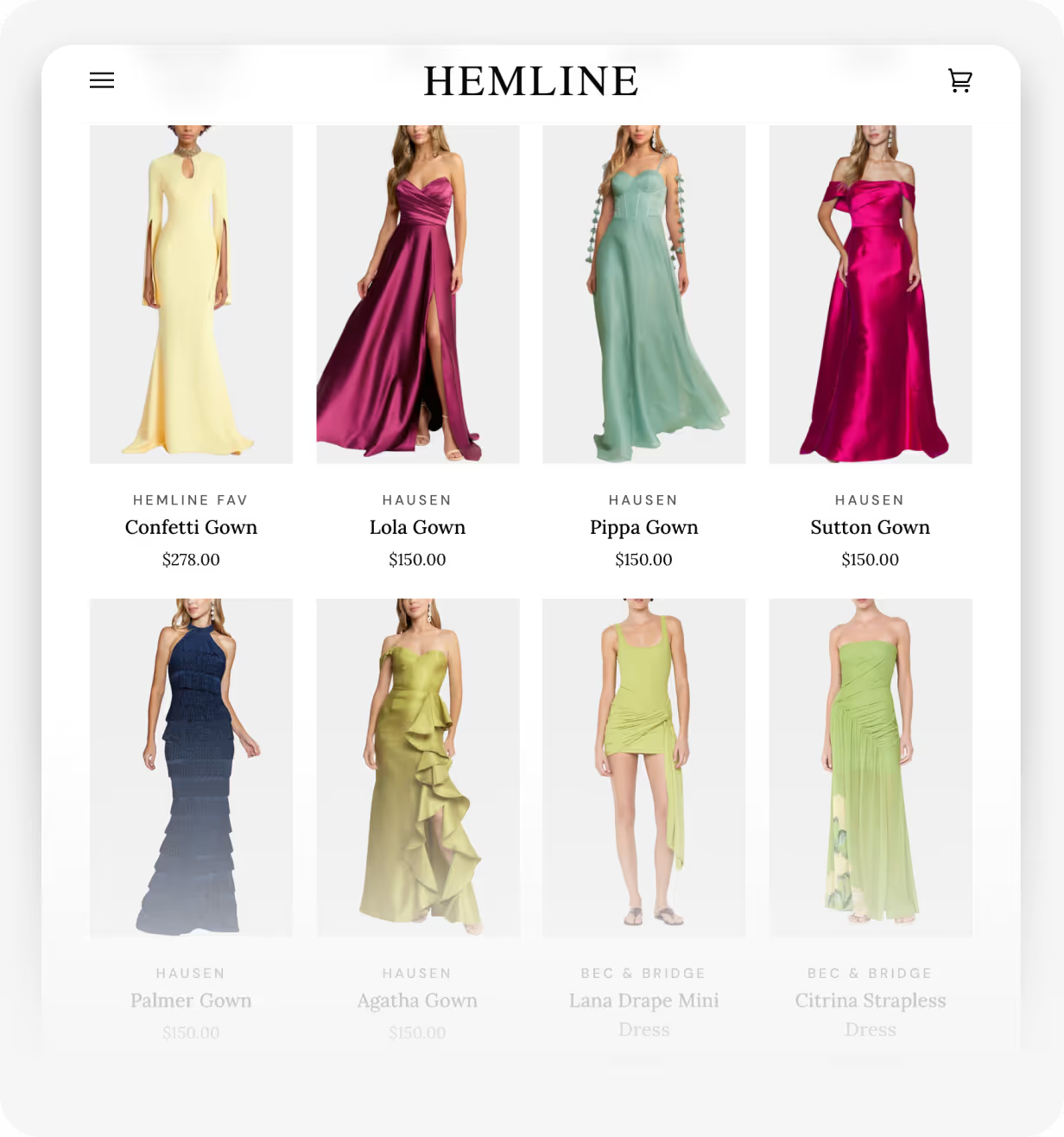
“There's nothing like Crop.photo. It's simply the best way to keep our images consistent across all 32+ Shopify stores. Using Crop.photo to prepare our images before publishing them, it has shown clear ROI with every product listing.”

Gabriella Holthausen

VP at Hemline | Shopify Plus Store
Read Case Study

Built for Shopify Plus, Multi-Store, & Multi-Brand Scale

Running multiple brands or dozens of Shopify stores? 
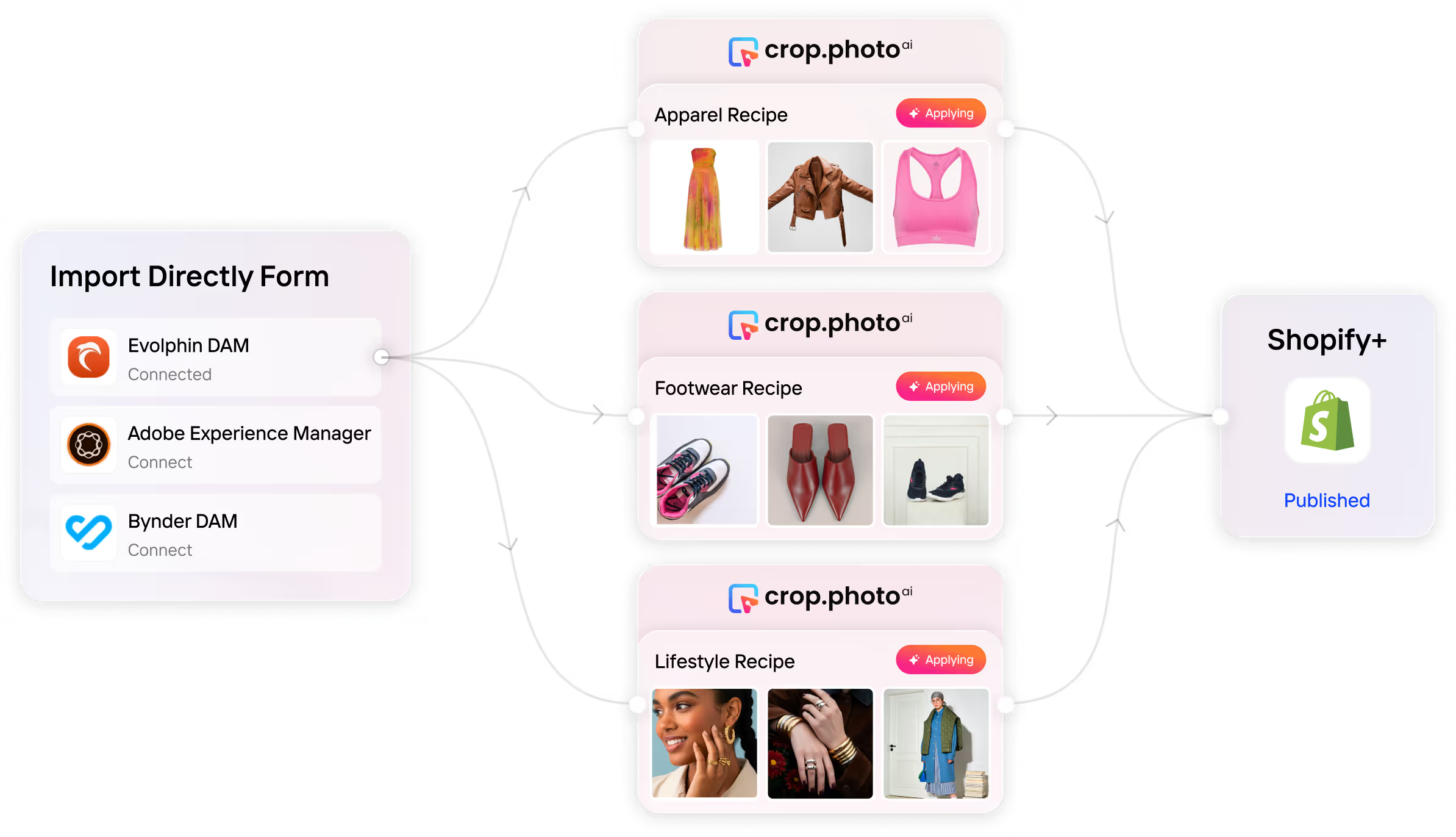
Crop.photo handles massive catalogs with ease — select and process 40K+ images in a single bulk workflow.

Try Shopify Recipes Today!

Thousands of Shopify stores already use Crop.photo’s Recipes to automate their PDP workflows – now you can too.

and get 25 free credits

Brands Across The Globe ♥️ Us

Before finding Crop.photo, I had searched tons of websites and options for the ability to have my membership headshots automatically cropped to the shoulders and the top of the heads, and to have the background removed. It seems like a simple process, but I had not been able to find it. When I found Crop.photo, I was so impressed with what I have seen so far and cannot believe how elegant their system is and how much of a blessing this is going to be. It's going to be so nice to have these photos automatically cropped and have the background removed, so that all of my members' headshots are uniform and cropped to the same level.
Read More
Shanna Middleton
Business Owner, ICID World
It's so easy and convenient to use. I just need to upload the photos and the finished photos are ready just minutes later. It saves me a lot of time!
Read More
Johanna Törnqvist
Co-founder, 7EAST
With Crop.photo's content-aware resizing feature, we were able to migrate products with new images, 1700 and more, in a fraction of the time it would have taken us with other tools we looked at such as Canva. It's been a game-changer for us.
Read More
Mike Horwood
Owner, A&A Wines
Now, we automate resizing, background removal, and alignment, saving multiple hours monthly cropping images using AI, allowing us to focus on other important tasks in our job. What's even better is that Crop.photo is always evolving, constantly improving their software to provide an even better user experience. They're also eager to hear feedback, ensuring that they stay ahead of the curve. Their response time on the Chat is really great too. Always willing to help.
Read More
Craig Resurreccion
B2B Digital Content Producer at Workwear Group
Using Crop.photo, for us, was very KPI driven. The first KPI was time to market our banners and, of course, the ROI from Crop.photo as well. Before we had to do a lot of back and forth with the agencies on what we wanted in banners for various channels. Now it’s like putting back this creative control with the teams that are producing those banner images. So, Crop.photo really helped us on time to market. It also amps up the ROI for sure, it’s definitely an increase. Since it was manual before, and now we have banner automation, the ROI is quite huge. It’s 10x ROI with Crop.photo! So that’s really good.
Read More
Lacoste Team
Handling a vast array of ecommerce images was always challenging. With Crop.photo, we've transformed our workflow, customizing automations for each client's unique needs. This has dramatically streamlined our process, reducing turnaround time from 4 days to less than an hour, while maintaining high-quality output.
Read More
Eray ÖZ
Founder at Wonder Wheel
Needing to center and crop nearly 200 corporate headshots to 2 different crops is a pain to do manually. Crop.photo made automatically cropping super easy.
Read More
Gary Hughes
Sr. Director of Creative Imaging at TTI Floor Care
Crop.photo has been a game-changer for our PIM workflow. The AI bulk-editing keeps every product image consistent, clean, and on-brand, without slowing the team down. It’s fast, reliable, and makes large batches of edits feel effortless.
Read More
Gabriella Holthausen
Vice President ,Hemline

Frequently 
Asked Questions

Learn more about our offering and services that can help your business grow exponentially.

Will Crop.photo work with any product type I sell on Shopify?

Yes - it supports apparel, accessories, footwear, beauty, home goods, and more. The system automatically applies the right crop logic and framing for each category.

What types of images can Crop.photo edit for Shopify?

Crop.photo works with on-model images, flat lays, product-only shots, accessories, footwear, home goods, and beauty products. The system applies the correct crop logic based on the content.

How many images can I process at once?

You can process up to 2,000 images per batch, and you can run multiple batches. Ideal for seasonal drops, replenishments, and large Shopify catalogs.

Is my imagery secure? How does Crop.photo handle privacy?

All images are processed through secure SOC-2 compliant infrastructure with no external sharing. You retain full ownership of your images and all generative outputs.

Is Crop.photo available as a Shopify App?

Yes. Crop.photo can be installed directly from the Shopify App Store. You can also use the Crop.photo web app if you prefer to manage images outside Shopify or across multiple channels.

How reliable is the AI? Will it crop my products correctly?

Crop.photo detects models, products, posture, and key markers like shoulders, eyes, and product center. This ensures consistent, repeatable crops across your entire PDP catalog.

What are Shopify-ready Recipes?

Recipes are pre-built PDP workflows made for Shopify images. They handle PDP crops, background cleanup, margins, centering, face/headless crops, resizing, and even generative outputs like on-model, lifestyle variations, or PDP videos — all in one click.

Can Crop.photo generate new visuals like on-model shots and lifestyle images?

Yes - Crop.photo includes generative AI tools that produce on-model looks, lifestyle scenes, and PDP videos from your existing product images.

Will Crop.photo overwrite my existing Shopify media or variant images?

No. You decide whether to overwrite, replace, or add new media. Crop.photo never changes existing Shopify assets without your approval.

Is Crop.photo's Shopify app fully compliant with Shopify product image requirements?

Yes, Crop.photo's Shopify app generates high-quality, compliant Shopify product images that meet all Shopify product image requirements, including optimal dimensions, formats (like JPG or WebP), aspect ratios, file sizes, and background standards for professional storefronts.

Have more questions or doubts for us? Get your questions answered from out team within 14 hours