

AI Fashion Model Generator
For Product Photography
- Built for Scale
Generate on-model images in bulk, automatically edited for PDPs, marketplaces, and ads.
…and get 25 free credits
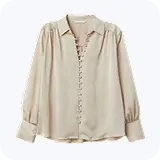
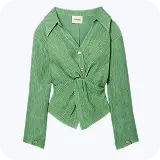
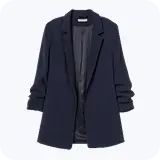
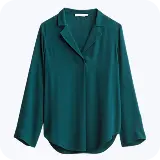












How the AI Fashion Model Generator Works
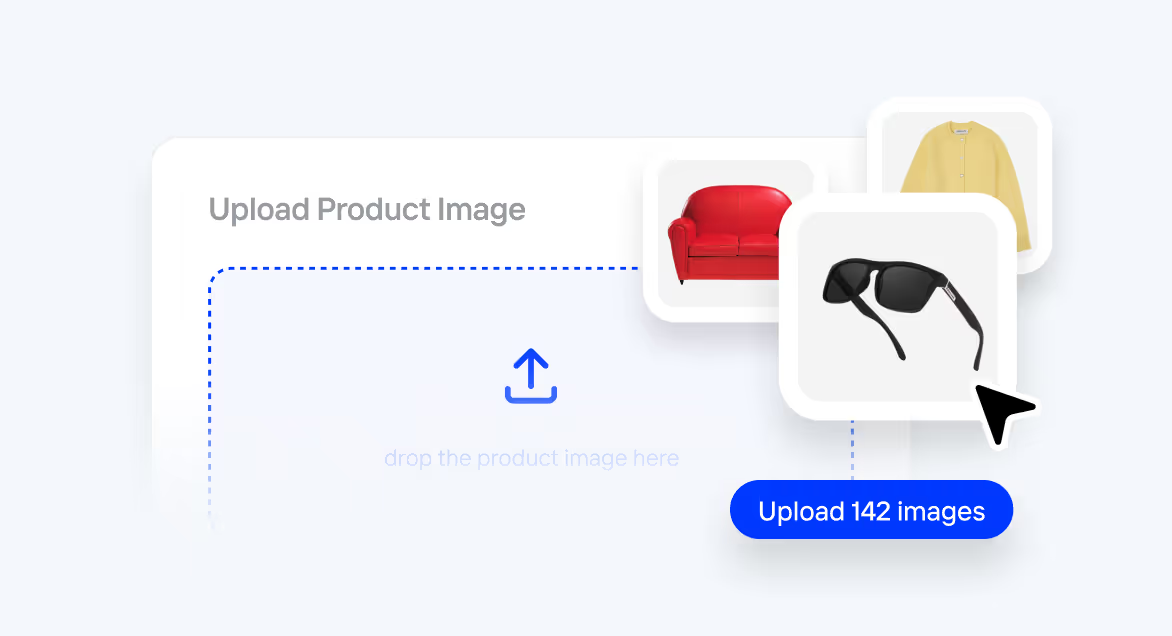
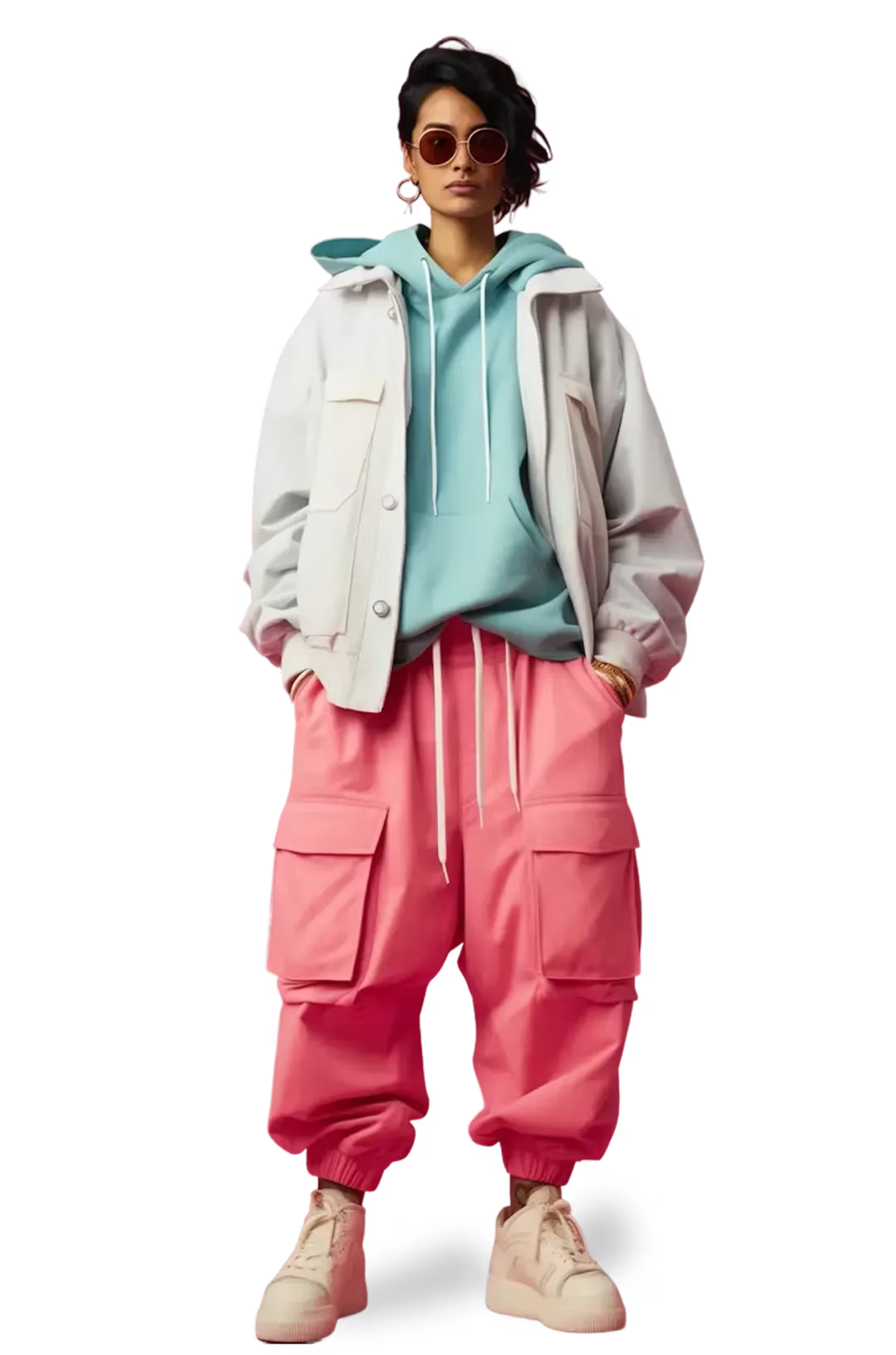
Upload Products in Bulk
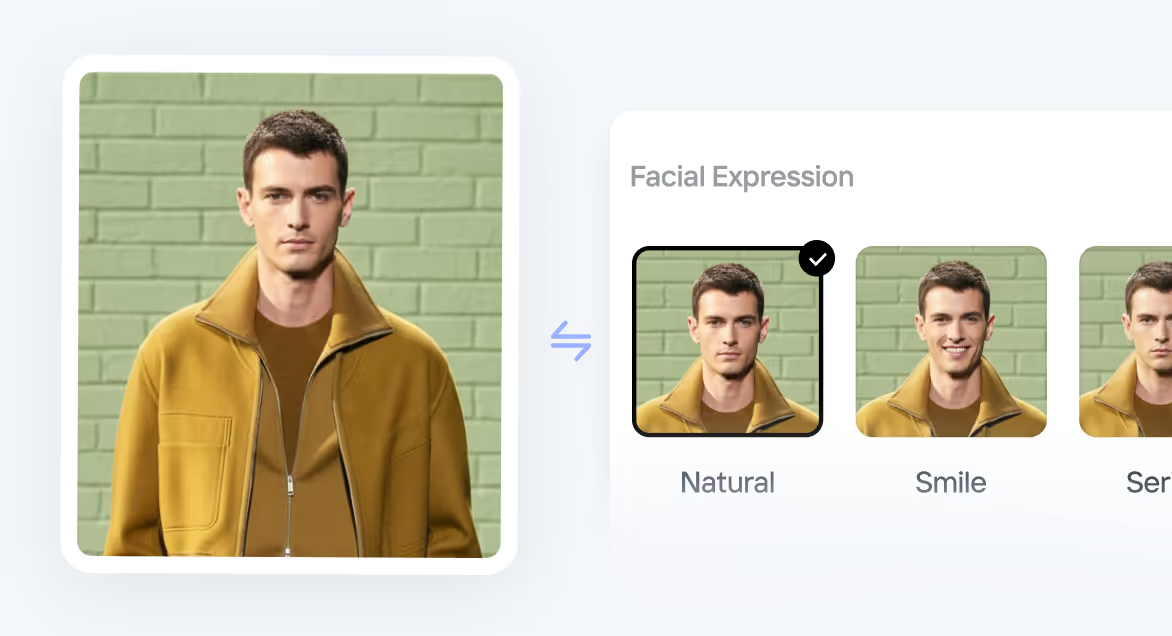
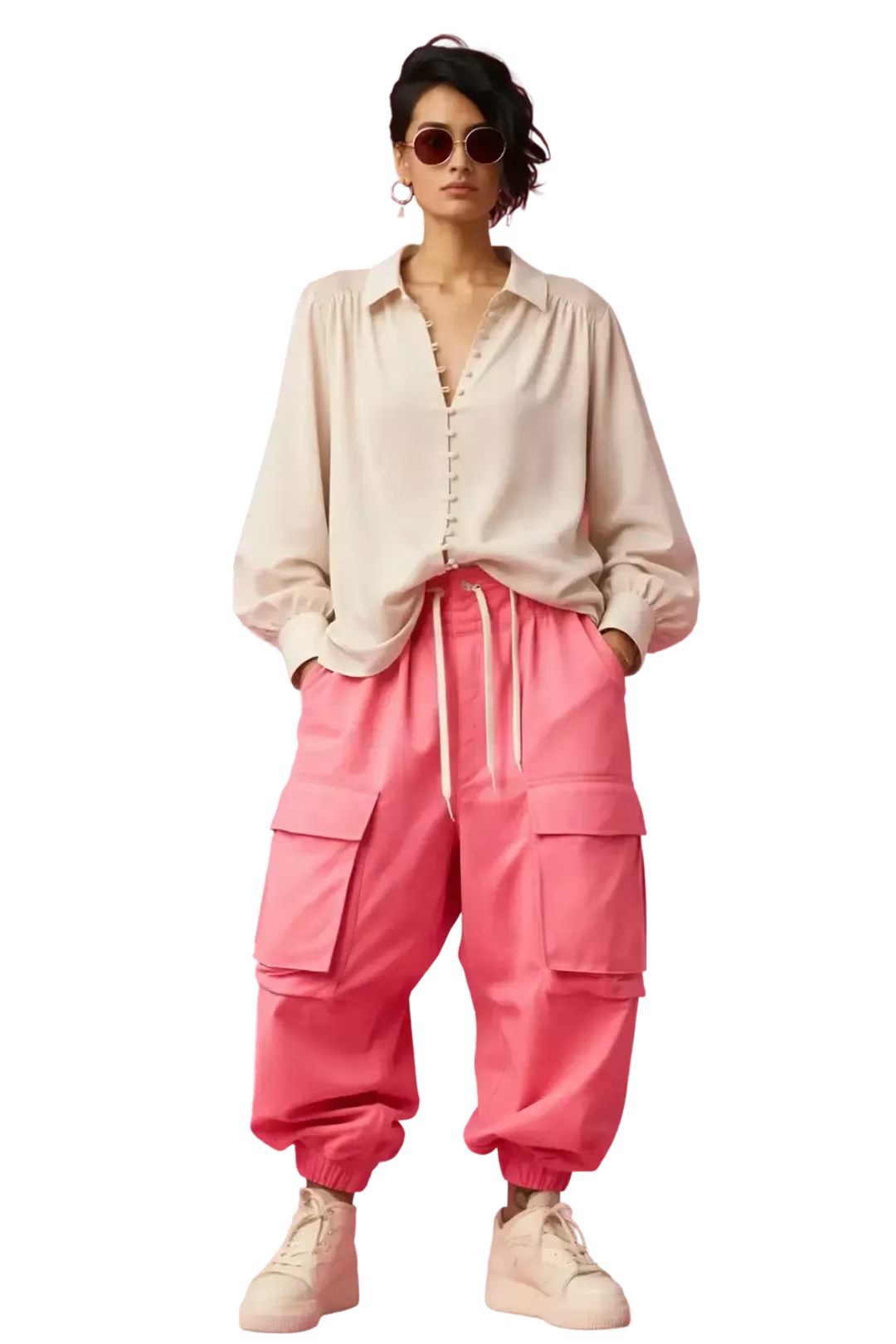
Define The Model’s Expression
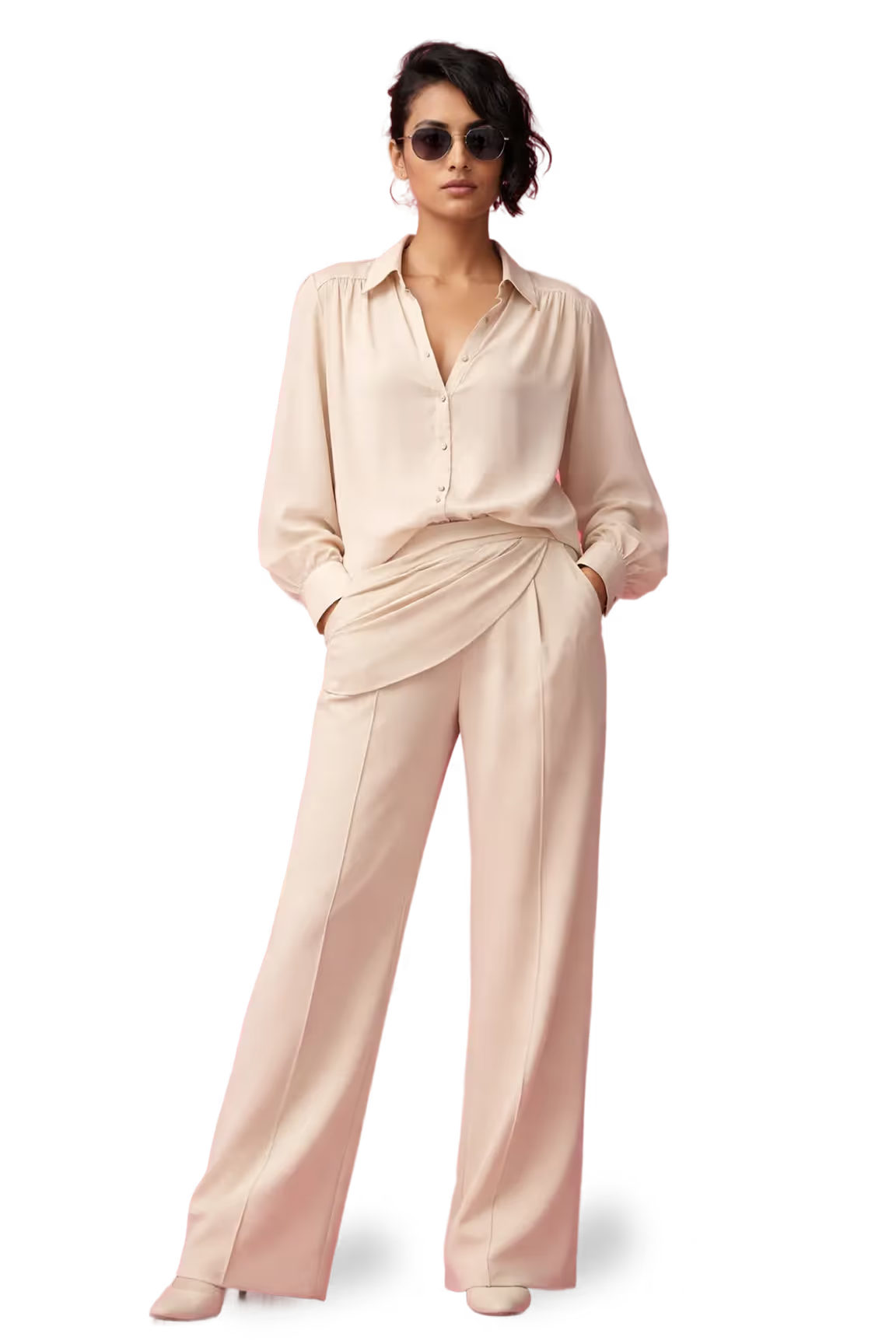
Generate Images Without Prompts
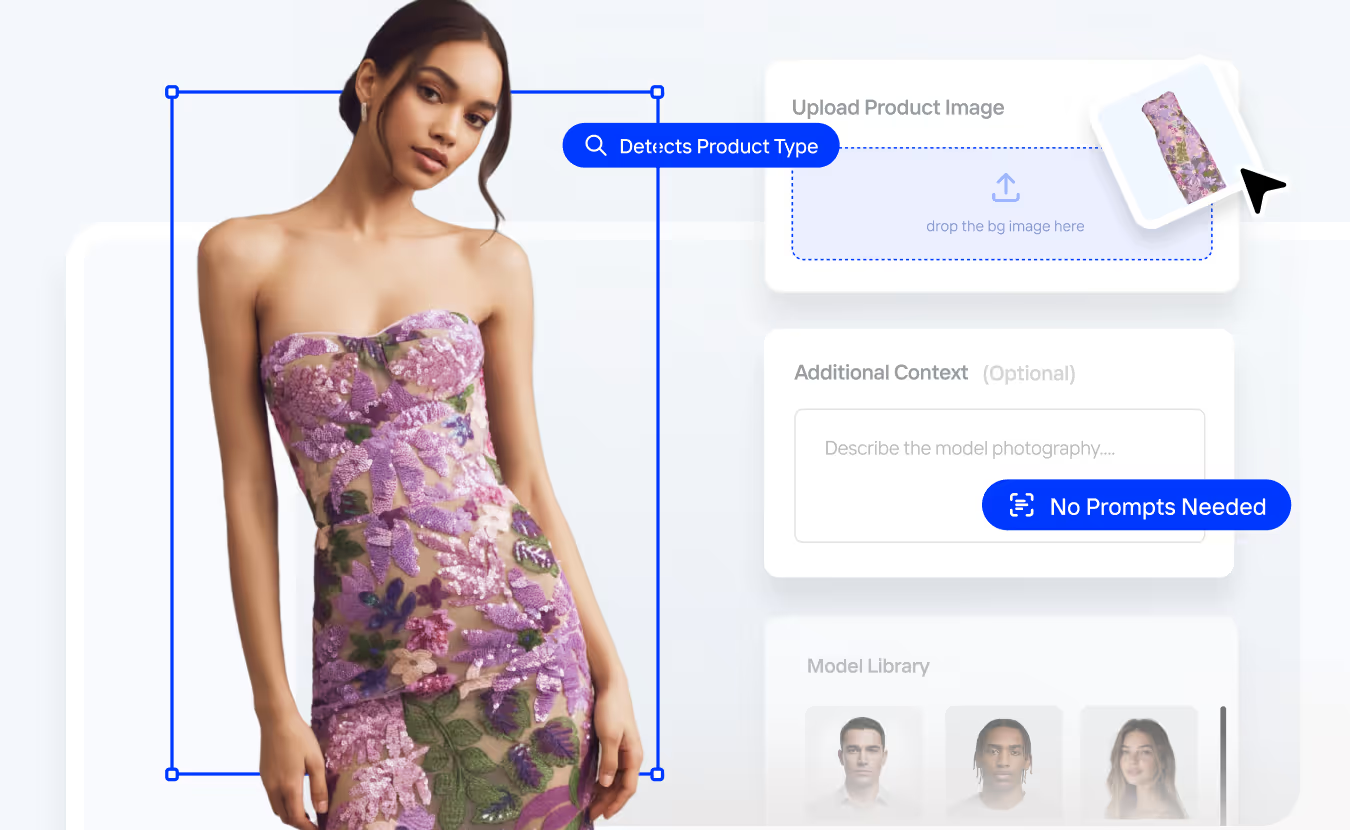
Put Your Products on AI Models - On-Model Generation at Scale
Upload one or more product photos and get studio-quality on-model shots in seconds - using your own brand models or AI-generated models.

Frame Your Shots
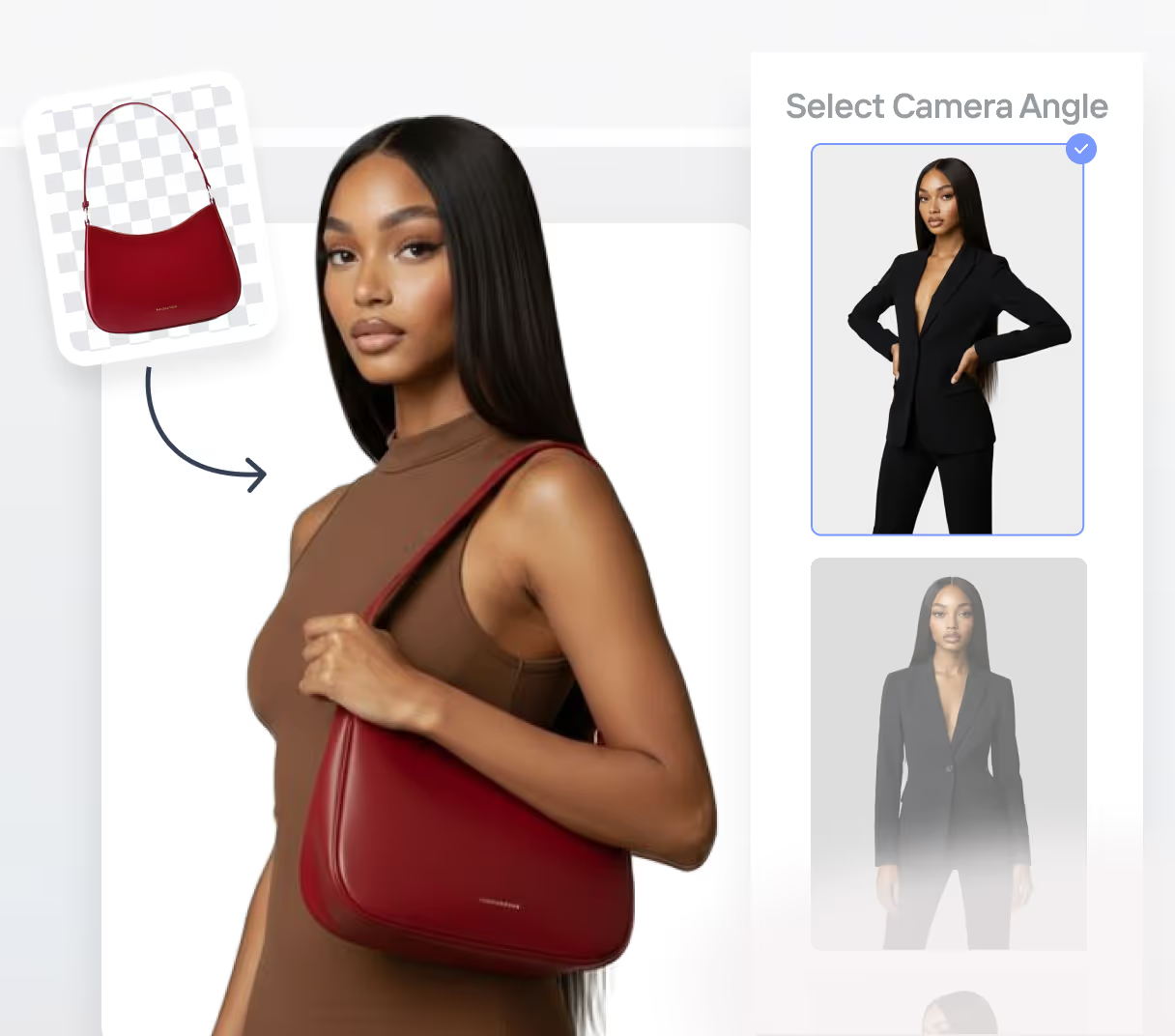
Choose your camera angle, lighting preference, and detailed model pose from standing, seated, walking, or product-holding positions, as well as orientation (front, side, or 3/4 view).

Set The Scene
Use solid colors, brand palettes, or AI-generated context-aware backgrounds that adapt to the product aesthetic automatically - No need for manual prompts.

Bulk AI Product Edits
Crop, align, retouch, and enhance entire product sets in one place — no more juggling multiple tools for PDP editing.

Export For Every Platform
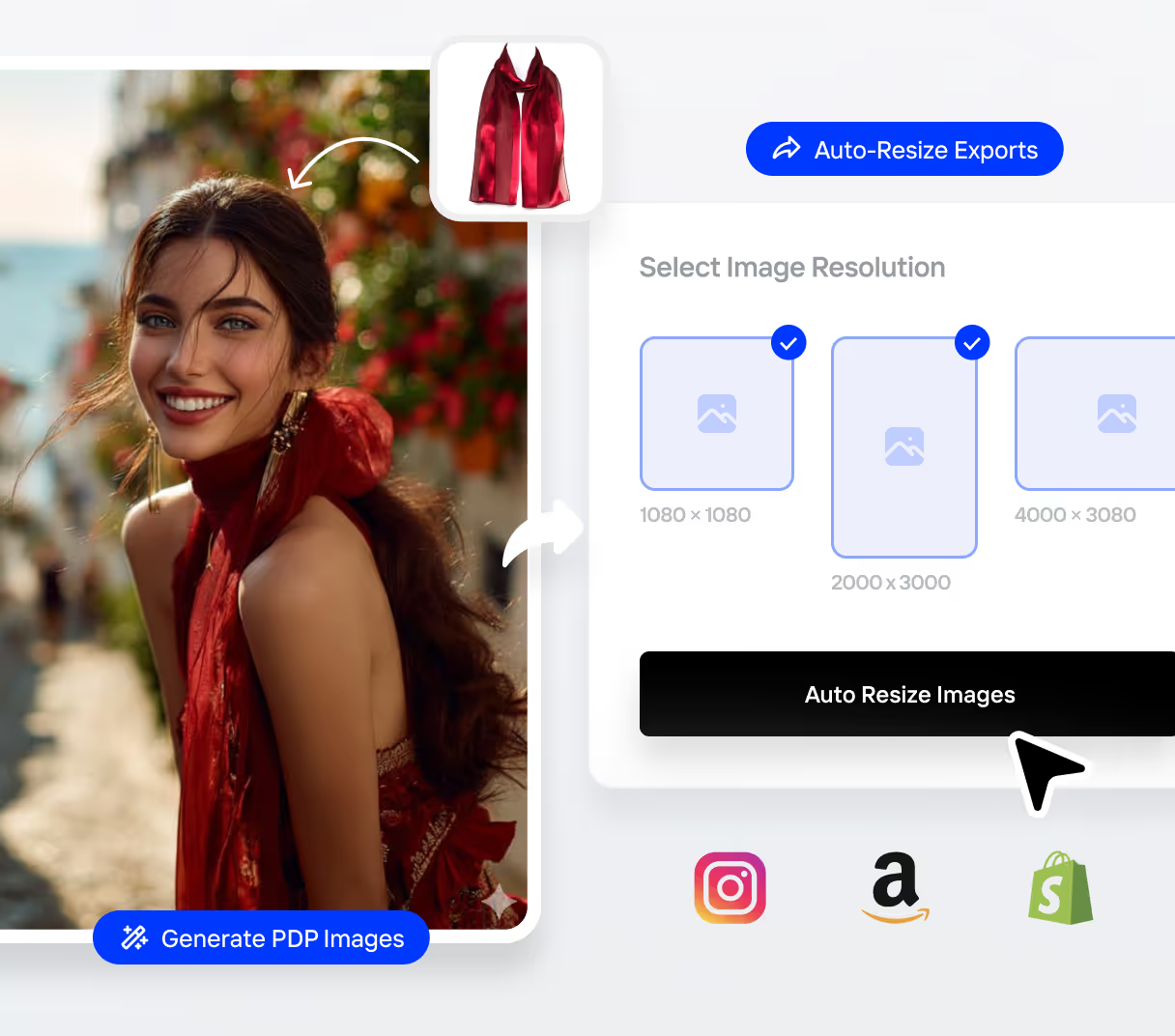
Export marketplace-ready PDP images for Amazon, Instagram, Shopify, and more. Automatically generates your PDP images in every required size.
Every Product. Every Category. Every Channel.
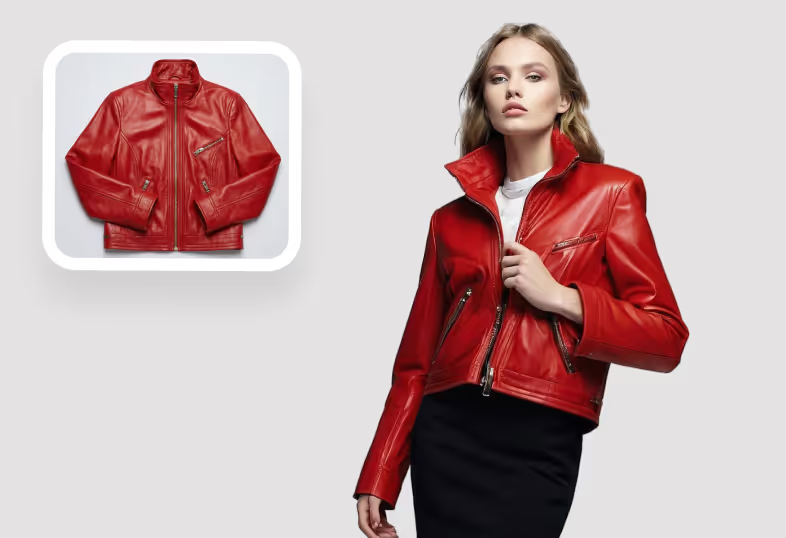
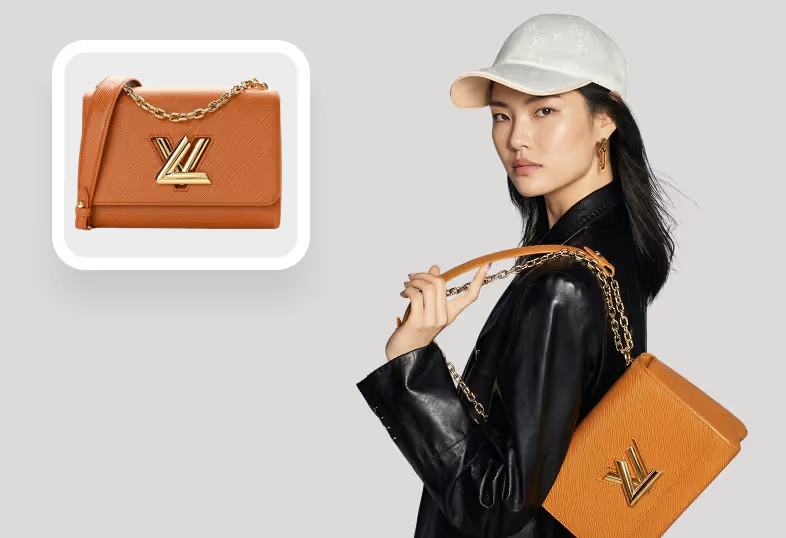
From apparel and jewelry to beauty, home, and packaged goods, Crop.photo adapts to any product type and context automatically.
Fashion & Apparel
Accessories
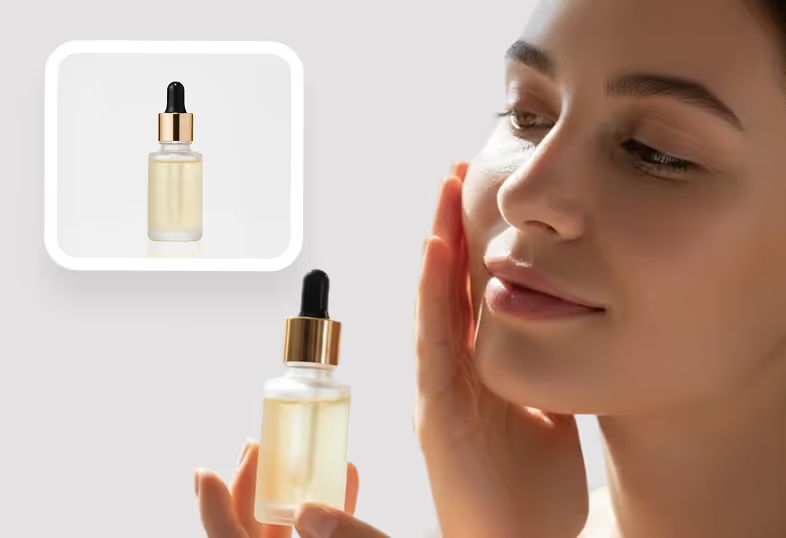
Beauty & Wellness
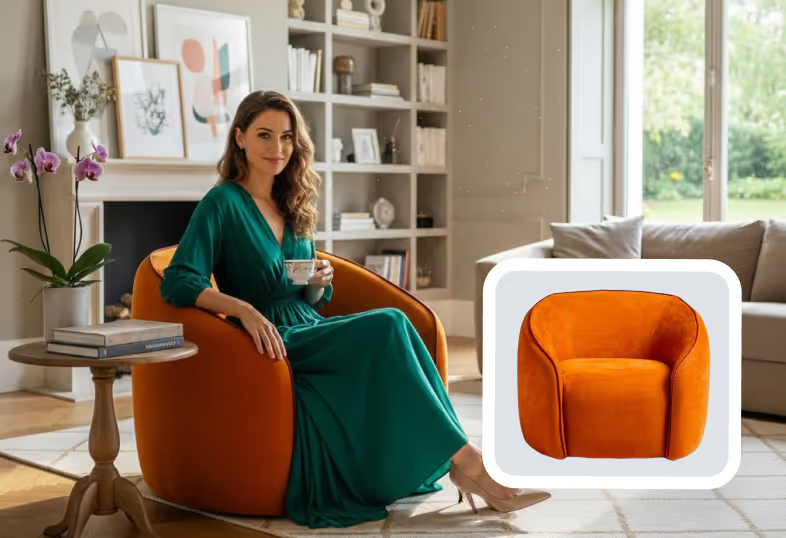
Home & Living
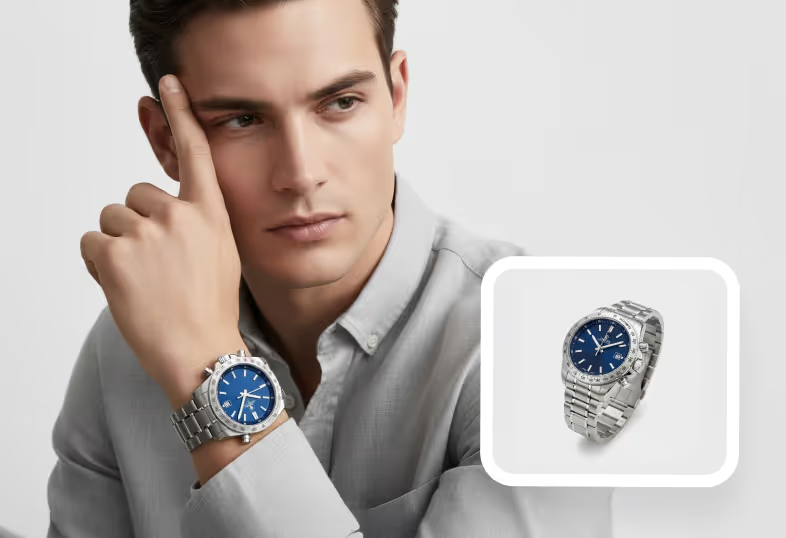
Jewelry & Watches
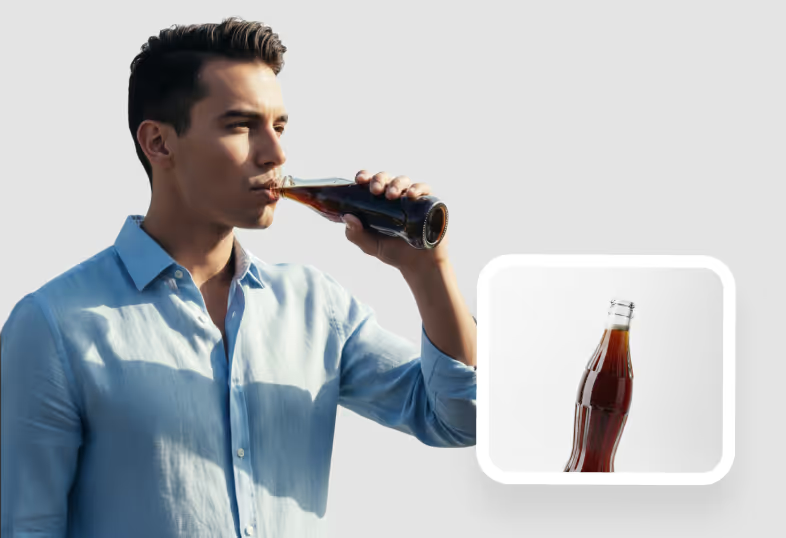
Food & Beverages
Brands Across The Globe ♥️ Us


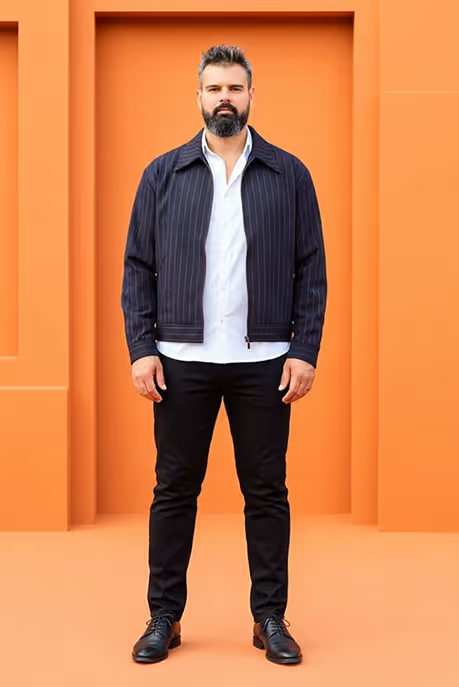

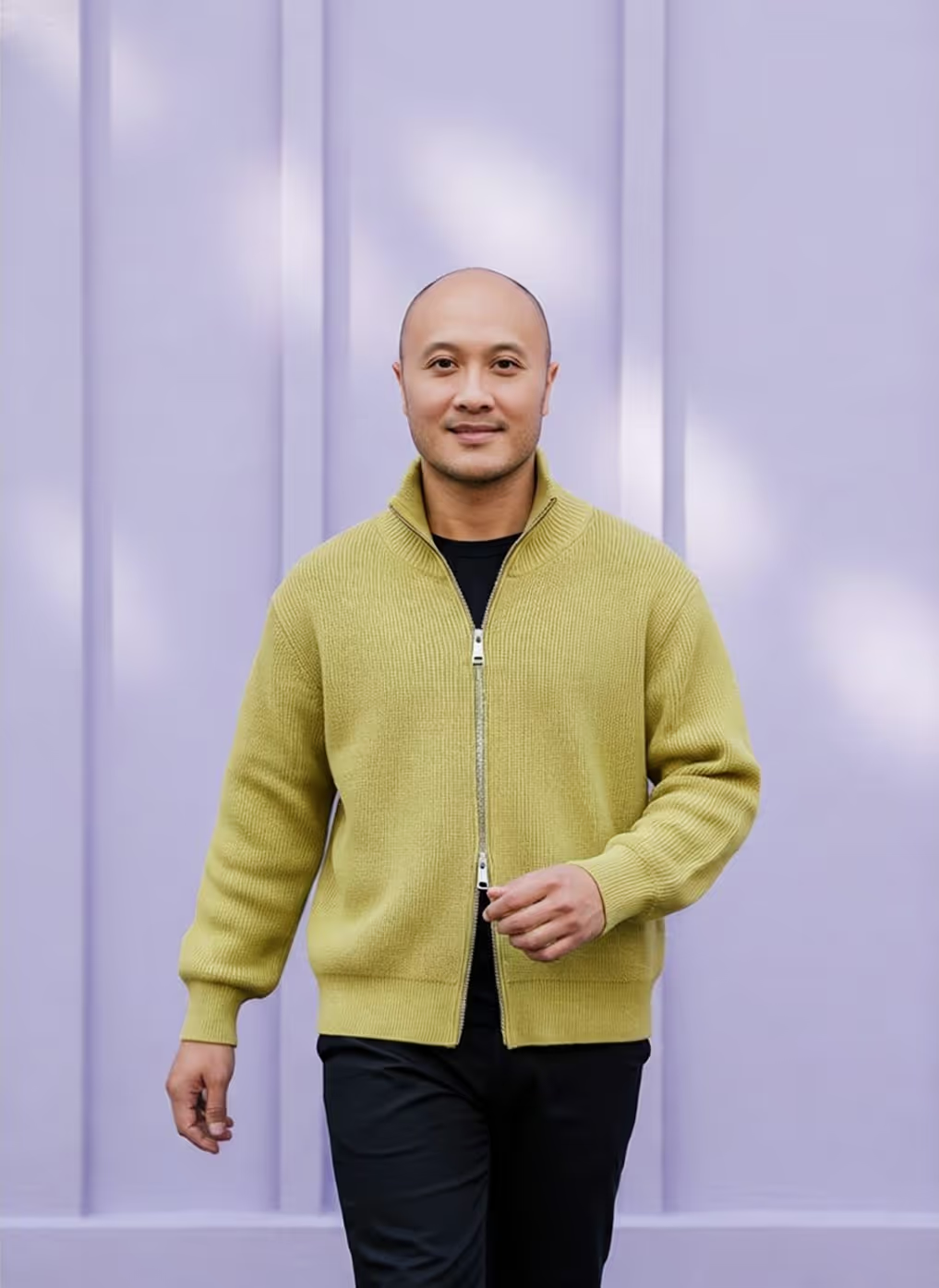

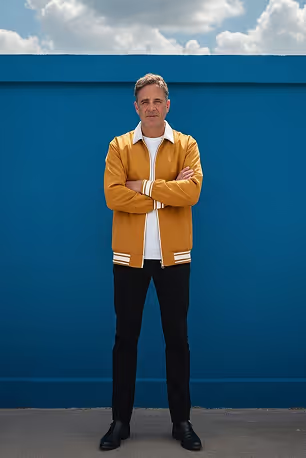

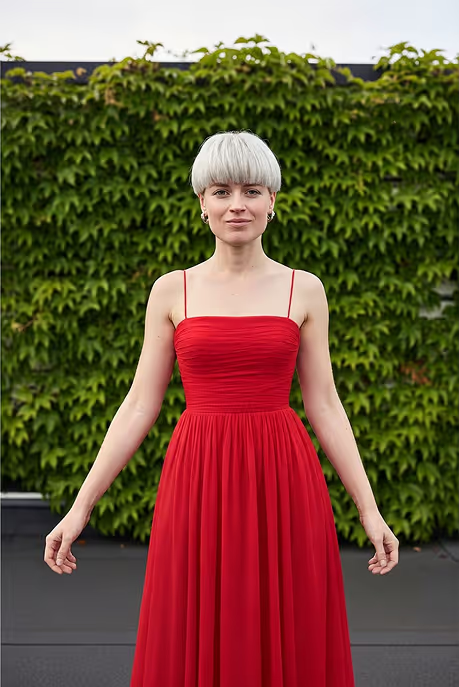

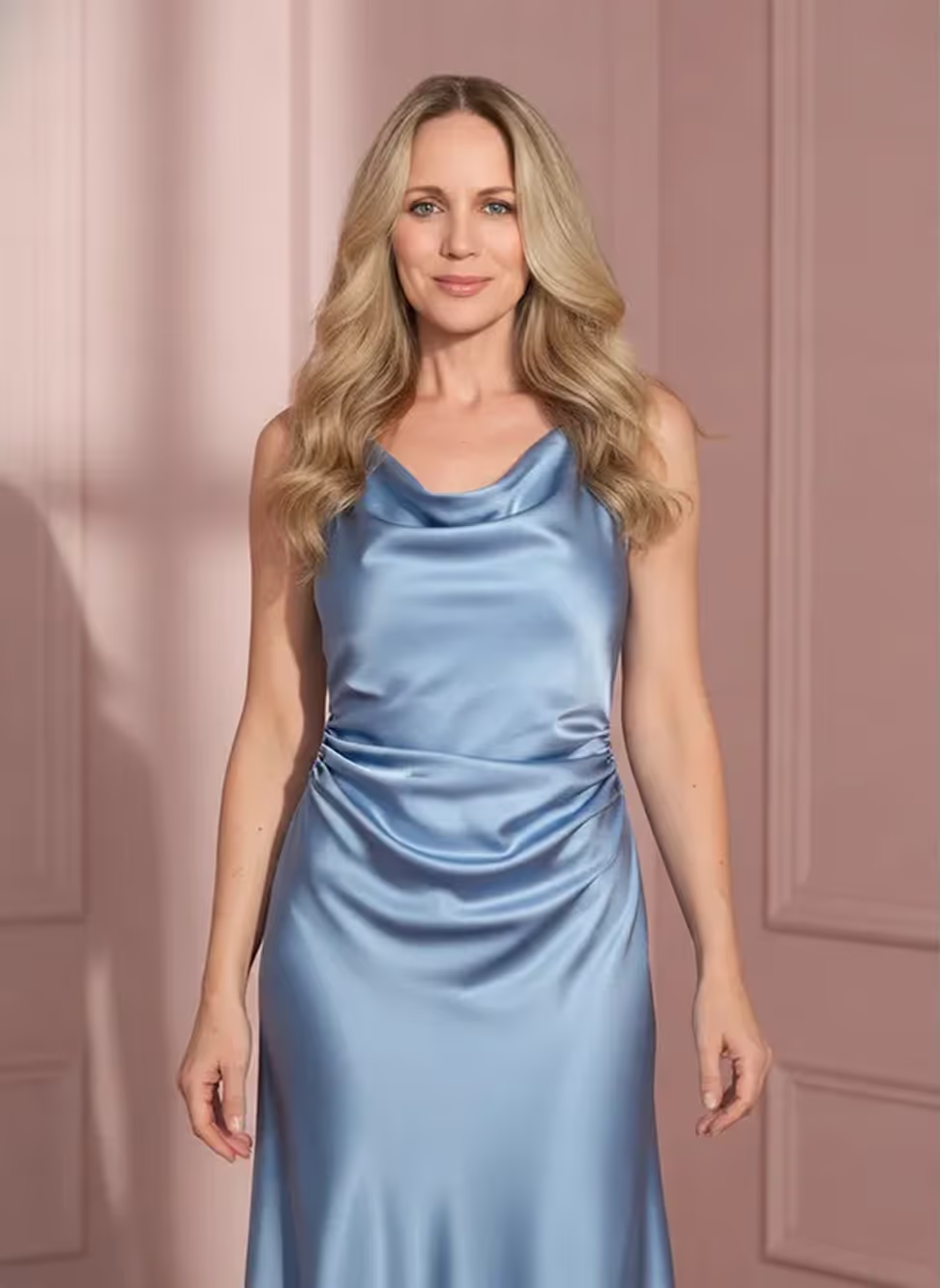

Ready To Turn
Every SKU Into Studio - Perfect Visuals?
Create, edit, and publish on-model product images at scale — no photoshoots, no agencies, no delays.
…and get 25 free credits
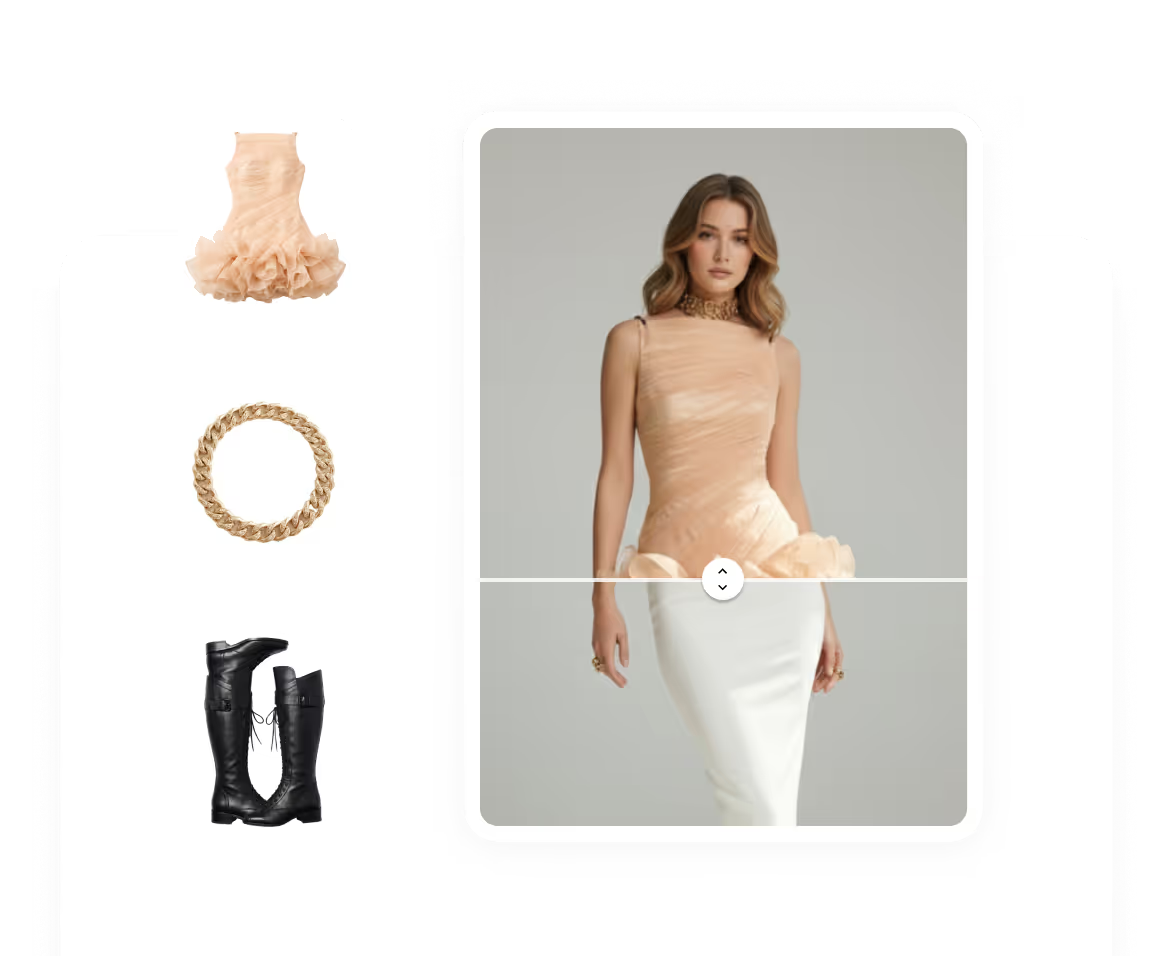
Frequently
Asked Questions
Learn more about our offering and services that can help your business grow exponentially.
What is an AI fashion model generator?
An AI fashion model generator turns flat-lay, hanger, or packshot product photos into on-model images, showing apparel, footwear, or accessories worn by a realistic model. Instead of booking a studio and casting talent, you upload a product image and the AI places it on a model in seconds. Crop.photo produces these on-model shots in bulk and auto-edits them for product detail pages, marketplaces, and ads - no physical photoshoot required.
Can I use my own models instead of AI-generated ones?
Yes. Crop.photo works with both AI-generated models and your own brand models. All you need to do is just upload your model in the AI Fashion Shoot Automation.
Can I generate on-model fashion images in bulk?
Yes. Bulk generation is the core of Crop.photo - upload hundreds of SKUs in a single batch and produce an on-model image for each with uniform styling. It's built for ecommerce teams managing large or fast-changing catalogs, where shooting every product on a live model isn't practical. Each output is automatically cropped, aligned, and resized for product detail pages and marketplaces, so you get a publish-ready set, not raw files.
What product types does it work with?
Crop.photo handles fashion and apparel plus accessories, footwear, jewelry, beauty, home goods, and packaged products. For apparel, it shows how garments fit and drape on different body types; for accessories and jewelry, it places items naturally on hands, wrists, or shoulders to convey scale; for beauty, models hold or apply the product. The AI adapts to each category automatically, so any product that benefits from human or lifestyle context can be generated on-model.
Are the generated images ready for Shopify, Amazon, and marketplaces?
Yes. Every on-model image exports in the sizes each channel requires - Crop.photo automatically generates marketplace-ready PDP images for Amazon, Shopify, Instagram, and more. Because cropping, alignment, and resizing happen during generation, you skip a separate editing pass before publishing. That's the difference between a generic AI model image and a usable one: the output already meets platform specs and can go straight onto your listings without manual reformatting.
How do you create AI fashion models from your product photos?
Upload a product shot - a flat-lay T-shirt, a dress on a hanger, or a pair of shoes - and select the model you want. Crop.photo applies your product to the model automatically, with no prompt writing required. Adjust the model's expression, pose, camera angle, lighting, and background, then generate in seconds. For catalogs, upload hundreds of SKUs at once and get a consistent on-model image for each, in marketplace-ready sizes.
Do I need to write prompts to generate on-model images?
No. Crop.photo is prompt-free by design. Instead of typing detailed prompts, you upload your product image, pick a model, and choose settings like pose, angle, and background from menus. The AI detects the product and applies it to the model automatically. This makes results repeatable across a large catalog - every team member gets consistent output without prompt-engineering skill, and you avoid trial-and-error describing each garment and scene in words.
Will the same model and styling stay consistent across my catalog?
Yes. Once you create an on-model look you like, save it as a reusable recipe - a fixed set of model, pose, lighting, and background choices. Apply that recipe across your entire catalog so every product appears with consistent styling and, if you choose, the same model. This keeps PDPs and category pages visually uniform at scale, which matters for brand perception and for marketplaces like Amazon that reward clean, consistent imagery.
Can I control the pose, camera angle, and background?
Yes. You set the camera angle, lighting, and model pose - standing, seated, walking, or product-holding - plus orientation in front, side, or three-quarter view. For the scene, choose solid colors, your brand palette, or AI-generated context-aware backgrounds that adapt to the product. You can also define the model's expression, from confident to neutral. These controls let you match each shot to its use - a clean PDP background.
Will AI fashion models replace my product photoshoots?
For most catalog and PDP work, yes - AI on-model images replace the cost and turnaround of routine product shoots, especially for high-volume or fast-changing SKUs where booking studios and talent isn't realistic. They're ideal for showing fit, styling, and scale across a large catalog. Many brands keep traditional photography for hero campaigns while using Crop.photo for everyday listings.
If you have more questions about AI Fashion, chat with us now. Get answers from a live agent.


