
AI Product Photography for Ecommerce
Create studio-quality product photos, branded backgrounds, and marketplace-ready images in bulk, without prompts or manual editing.


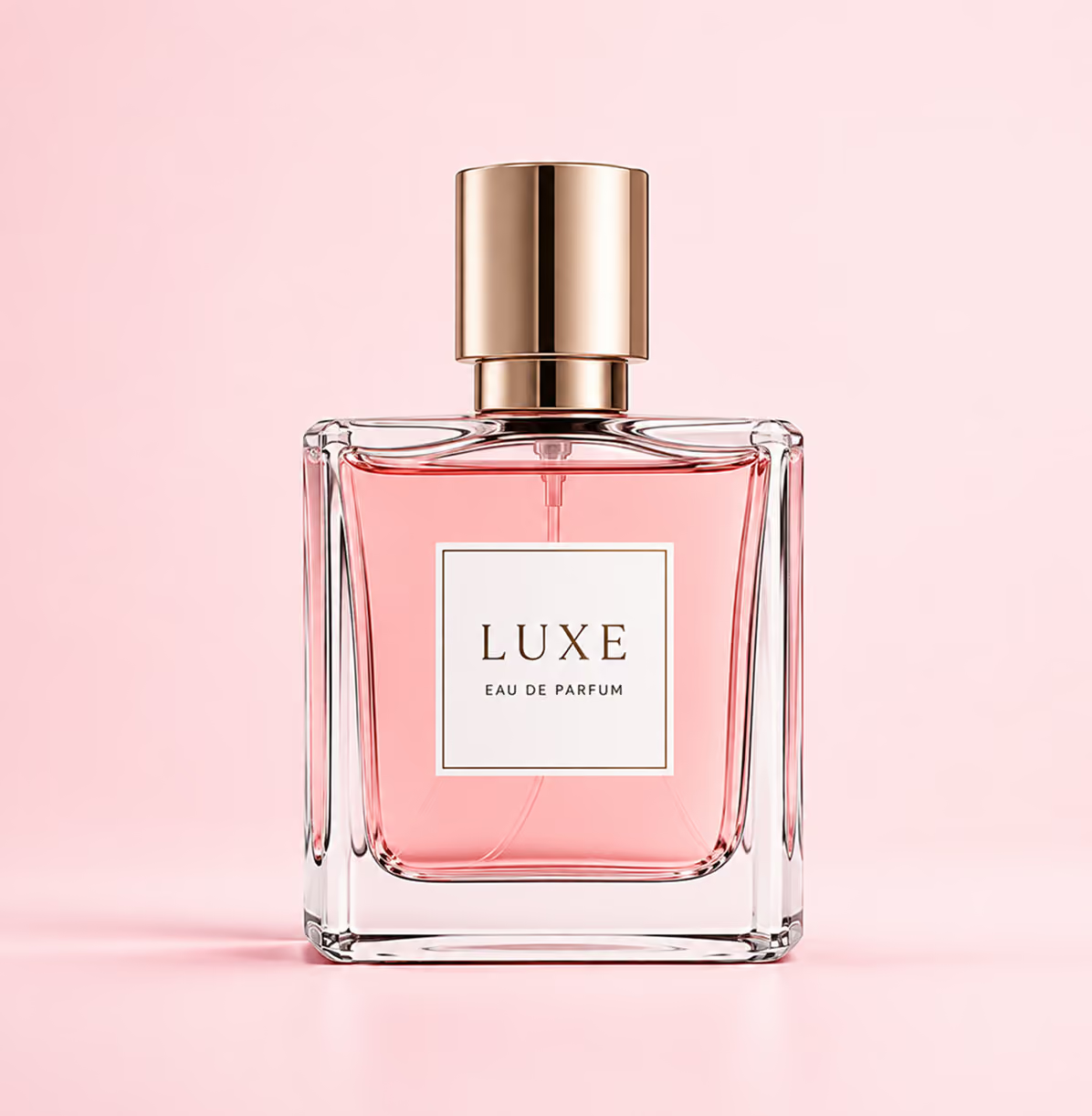
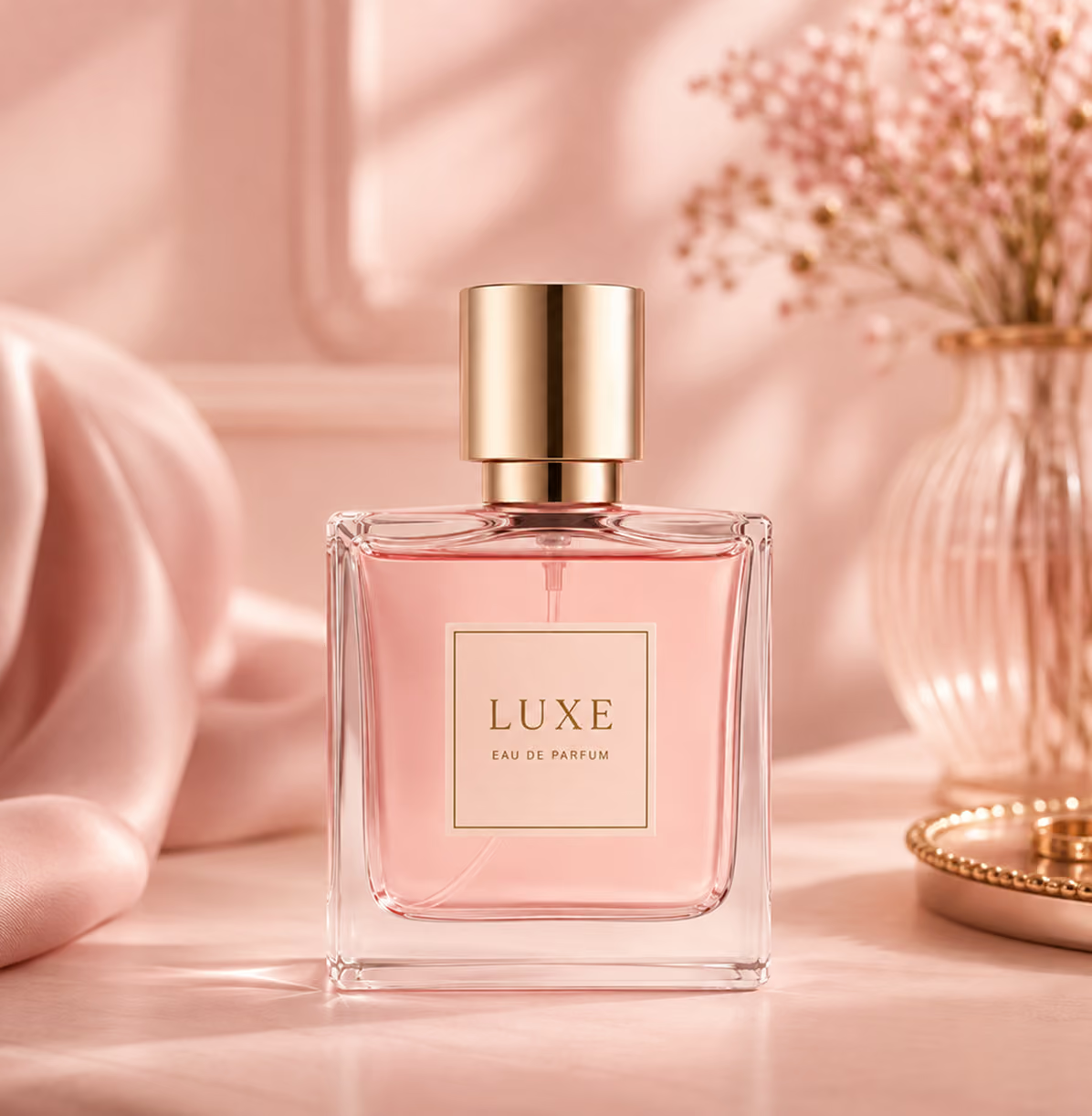
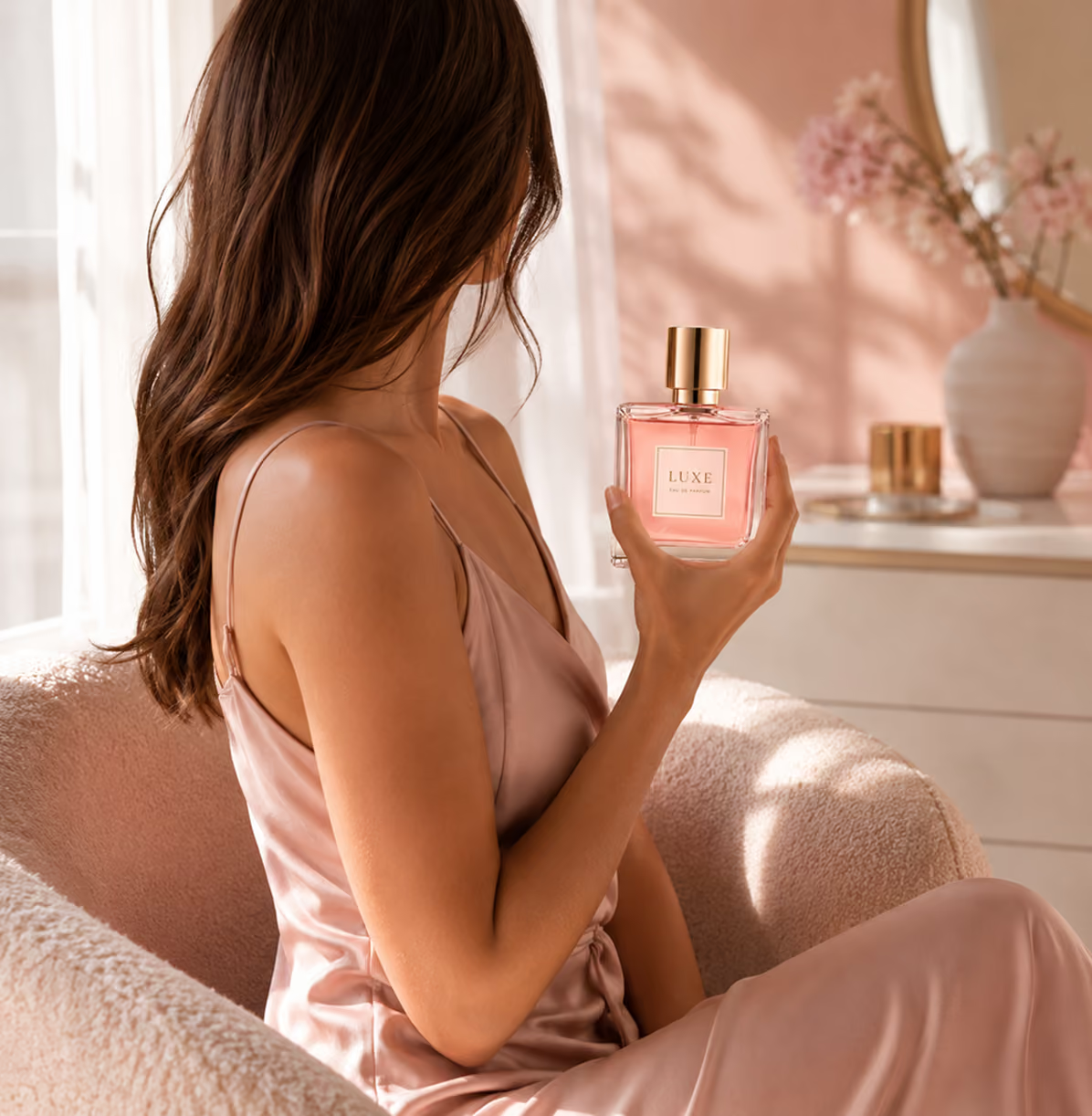

Photography
Photography
Placement
Lifestyle









See How Crop.photo Compares
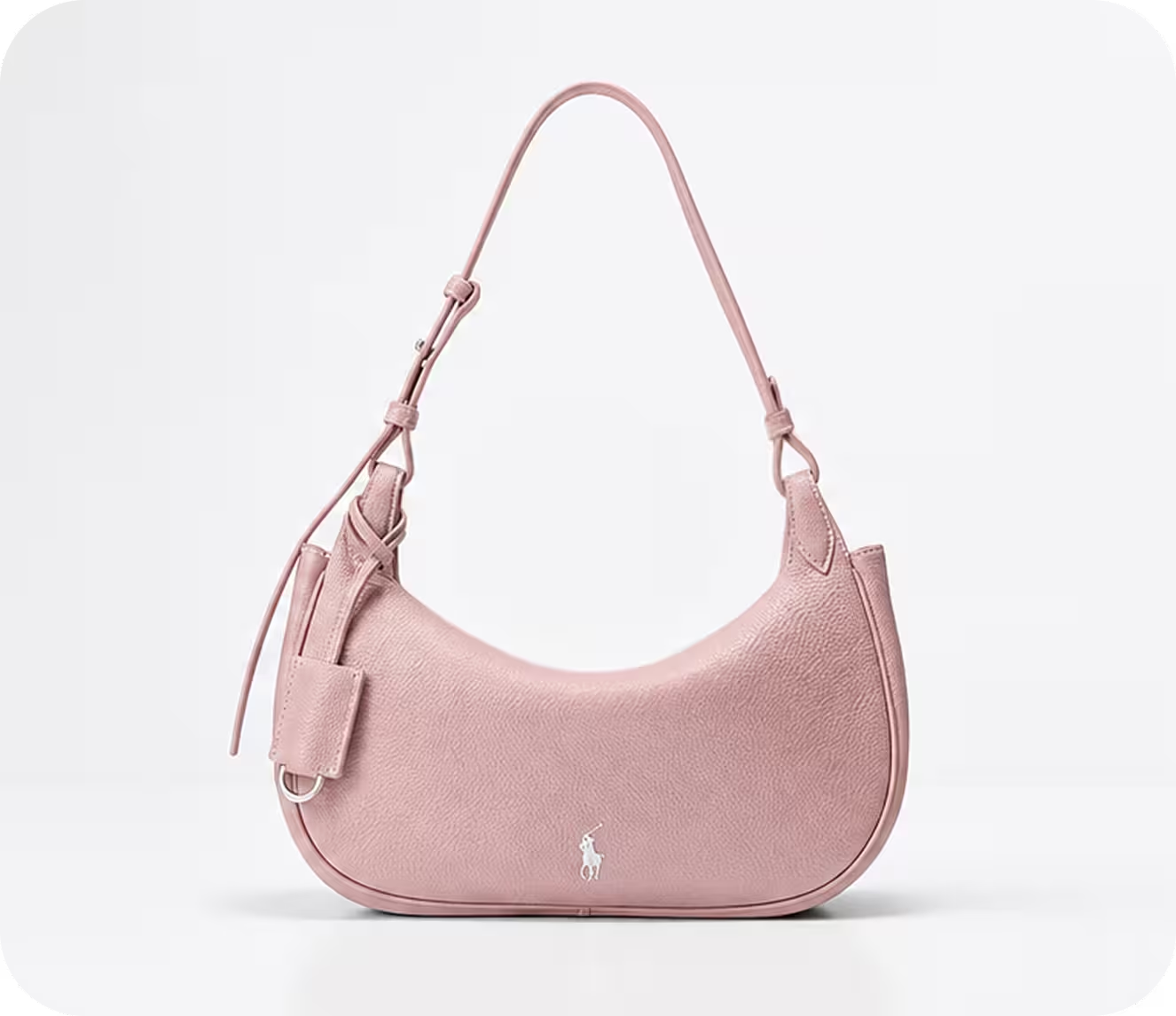
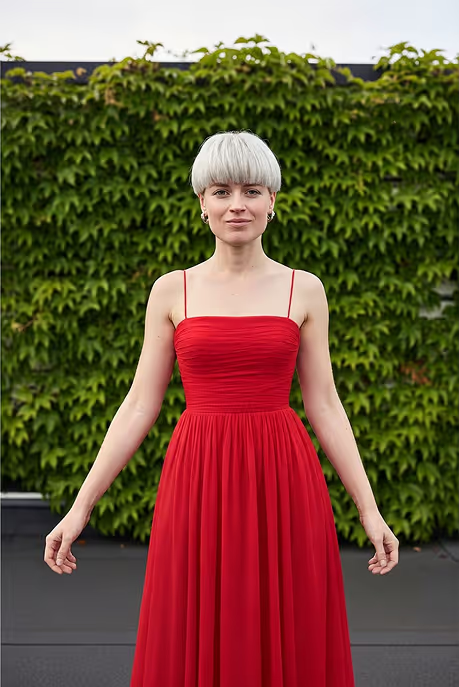
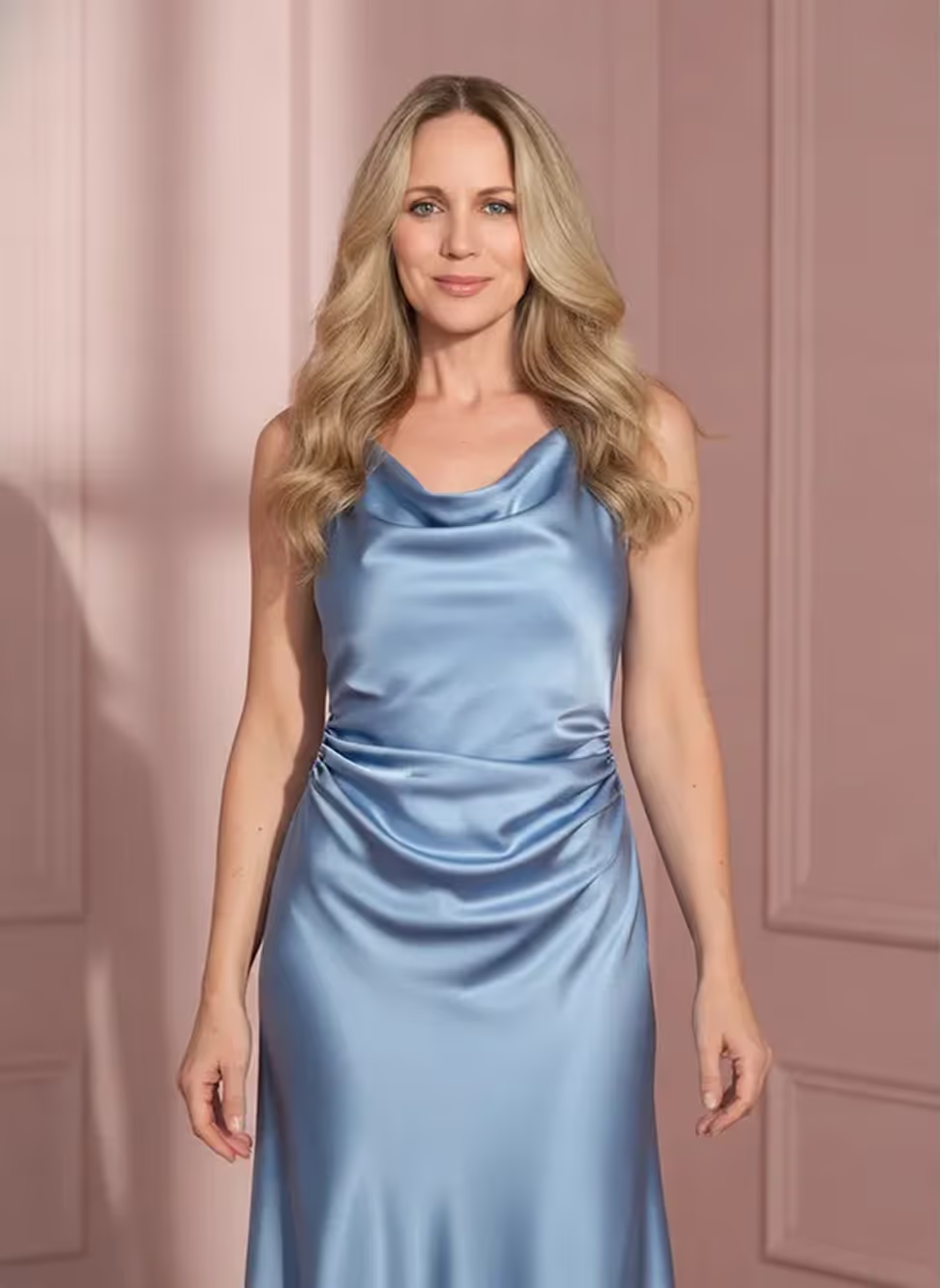
Upload hundreds of products and see them come to life on models - perfectly lit, styled, and ready for your brand’s lookbook or PDP.



Create Every Type of AI Product Photography
From studio shots to lifestyle scenes and more - get professional, on brand images in second, for any channel
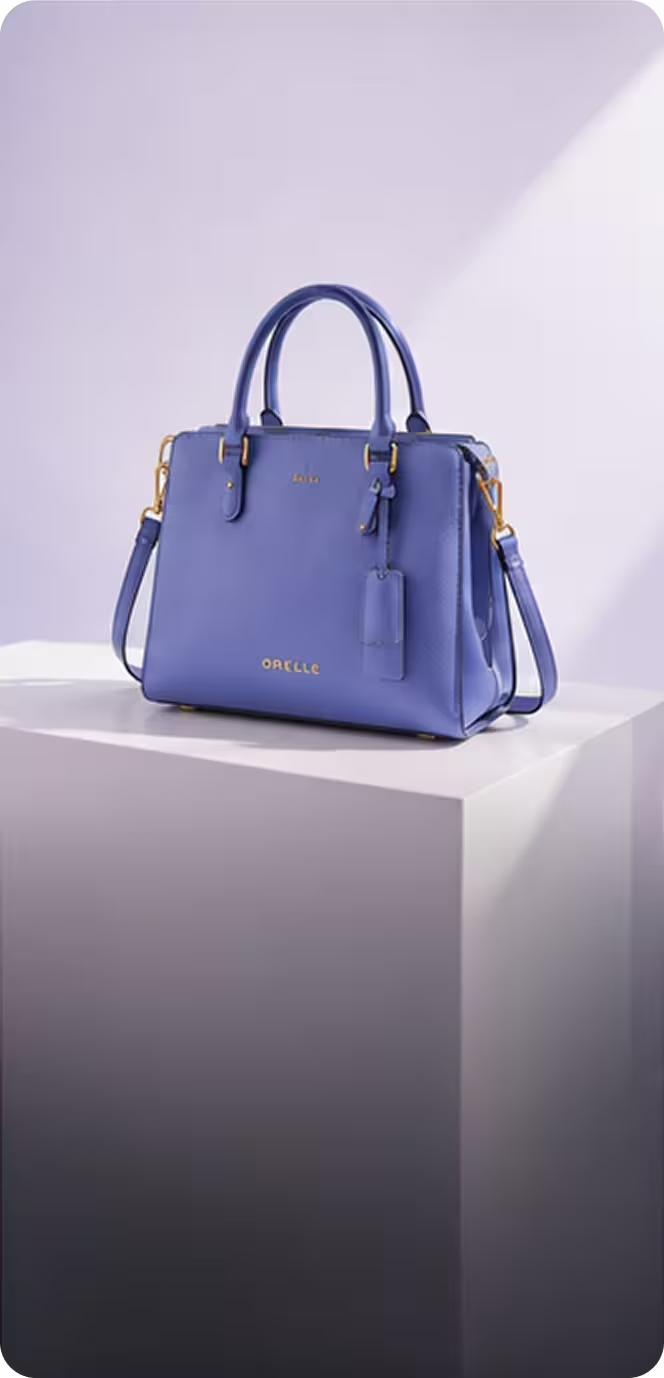
Studio Product Photography

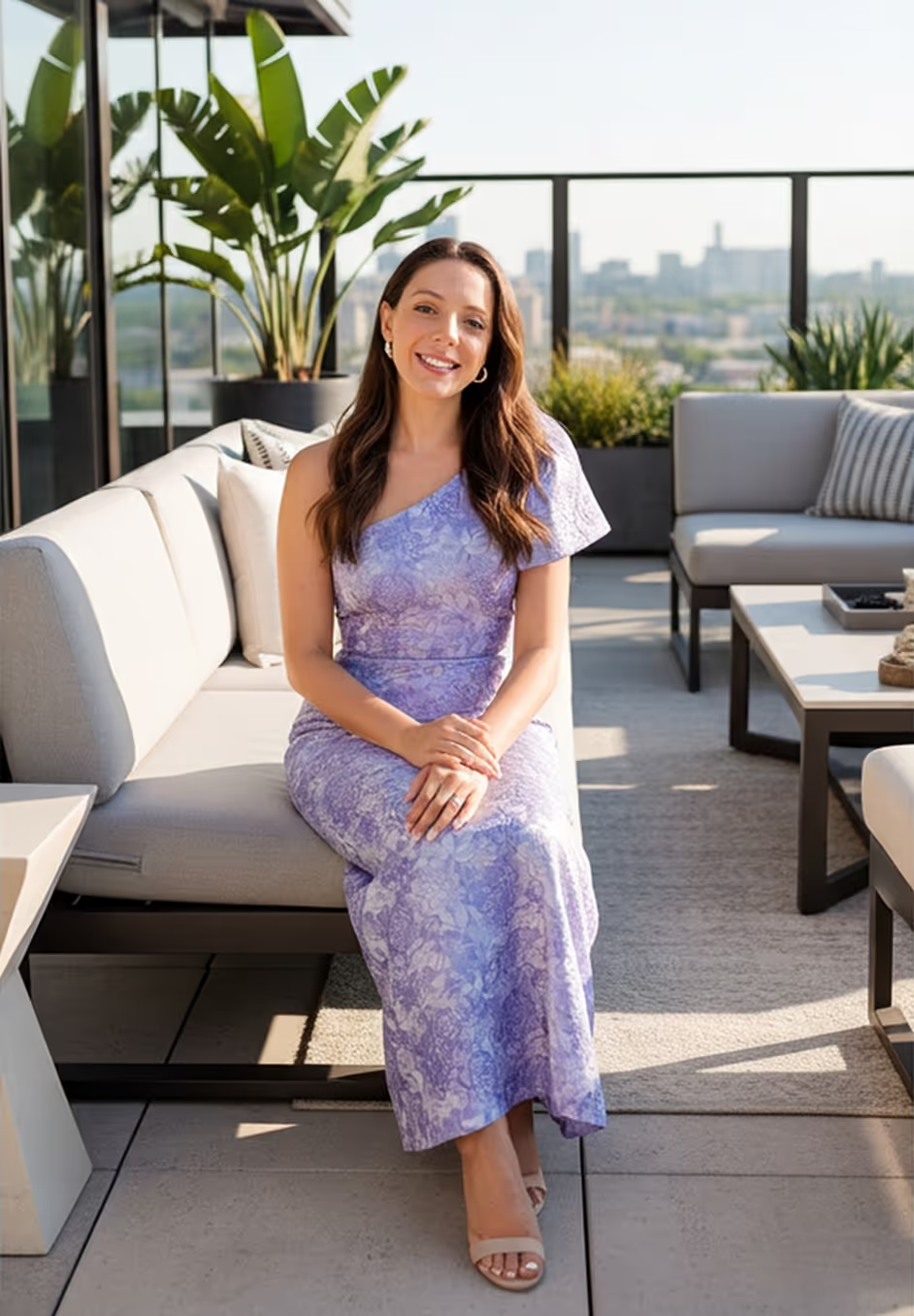
Lifestyle Product Photography
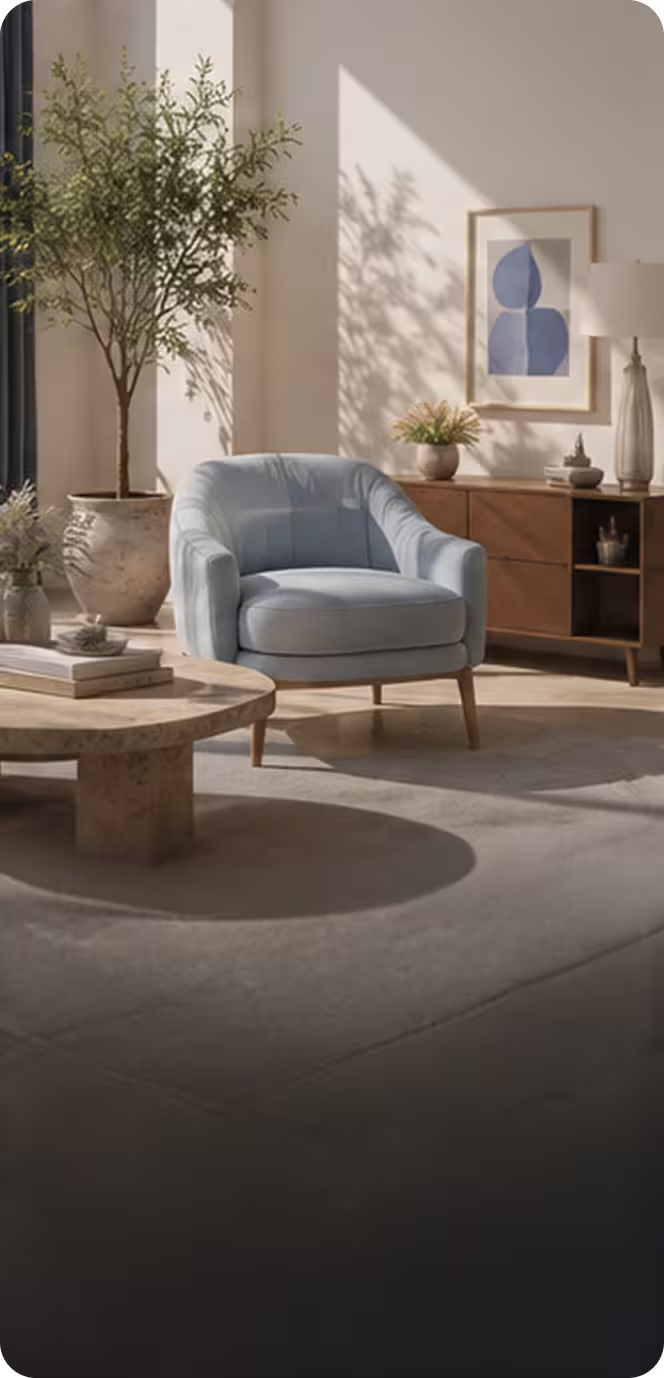
Scene Placement
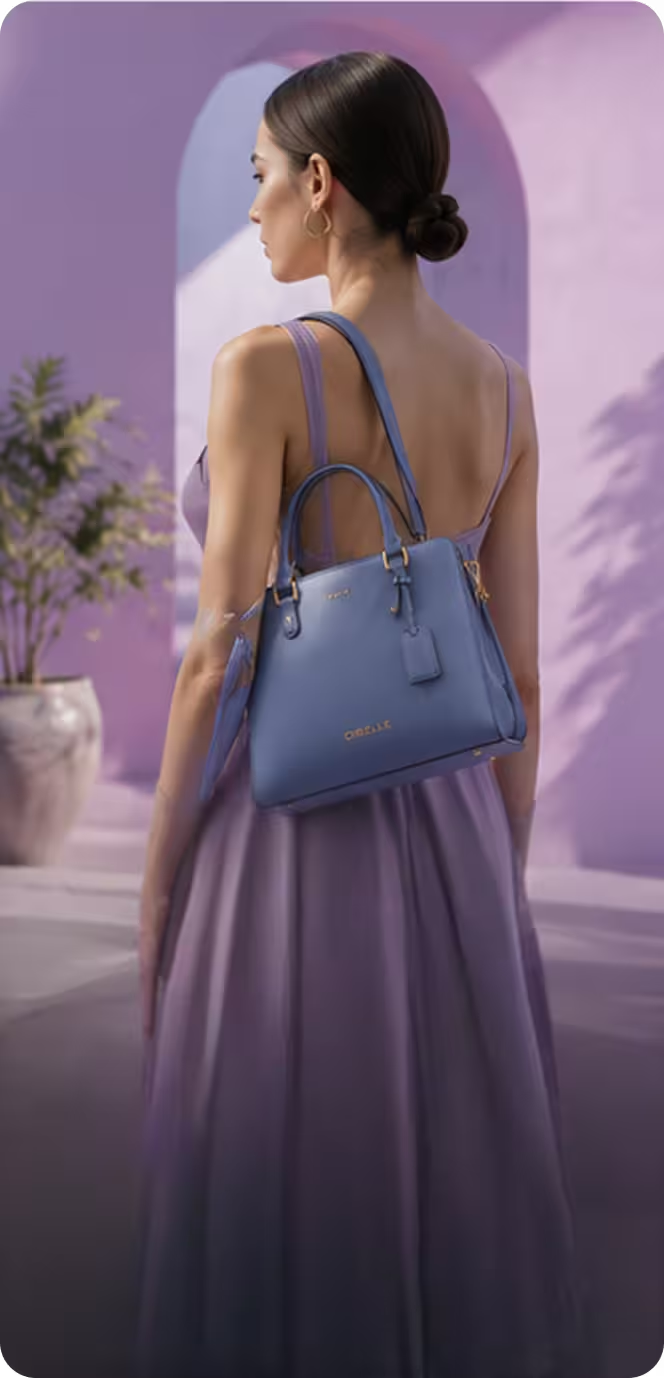
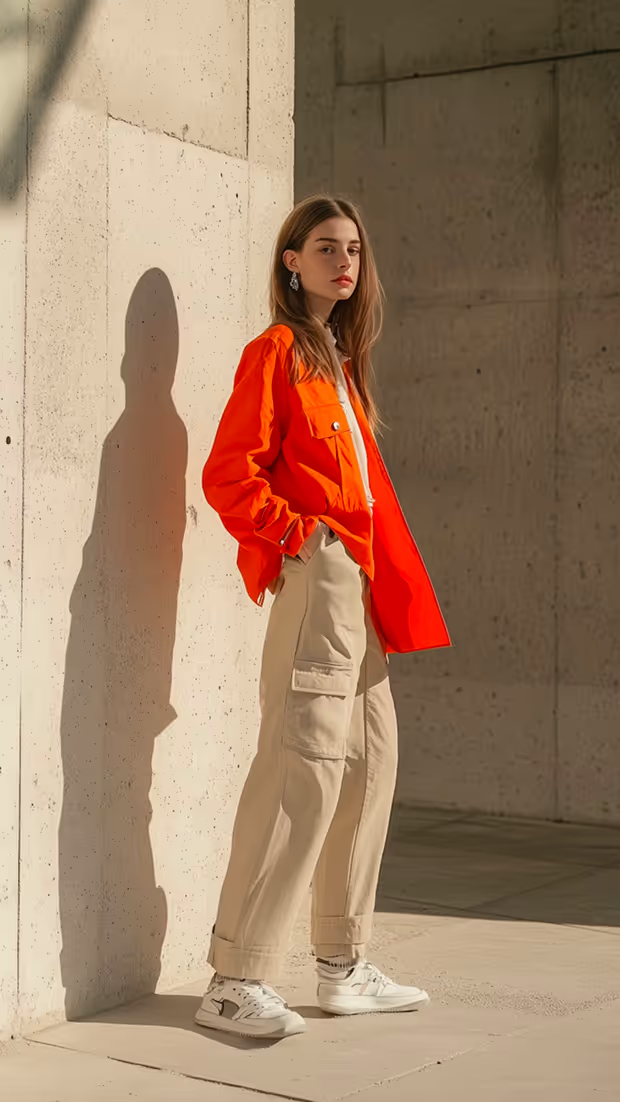
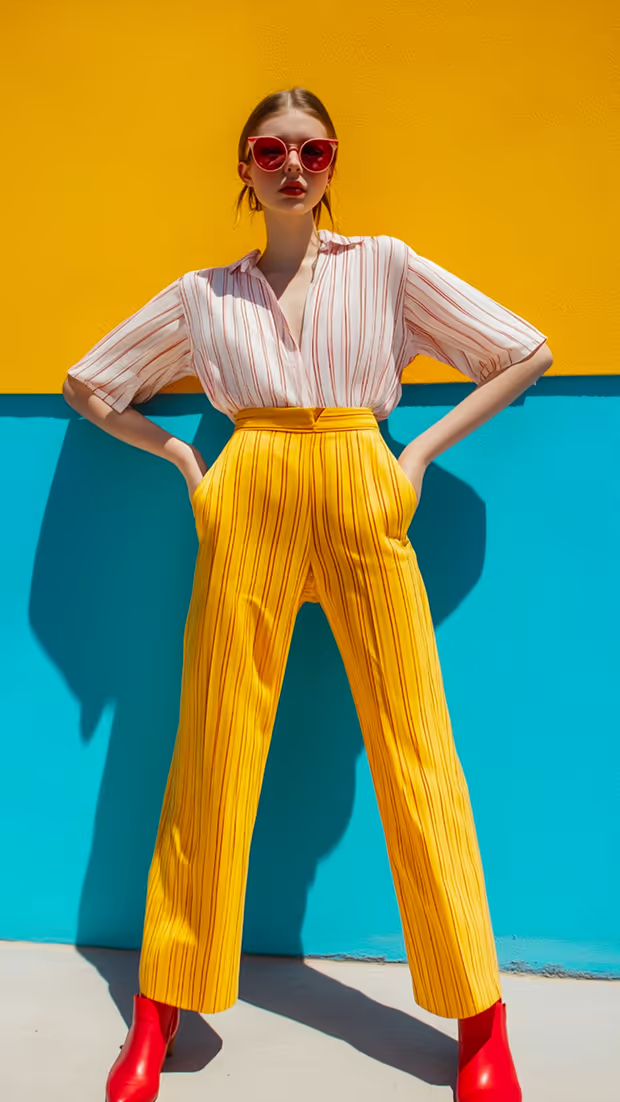
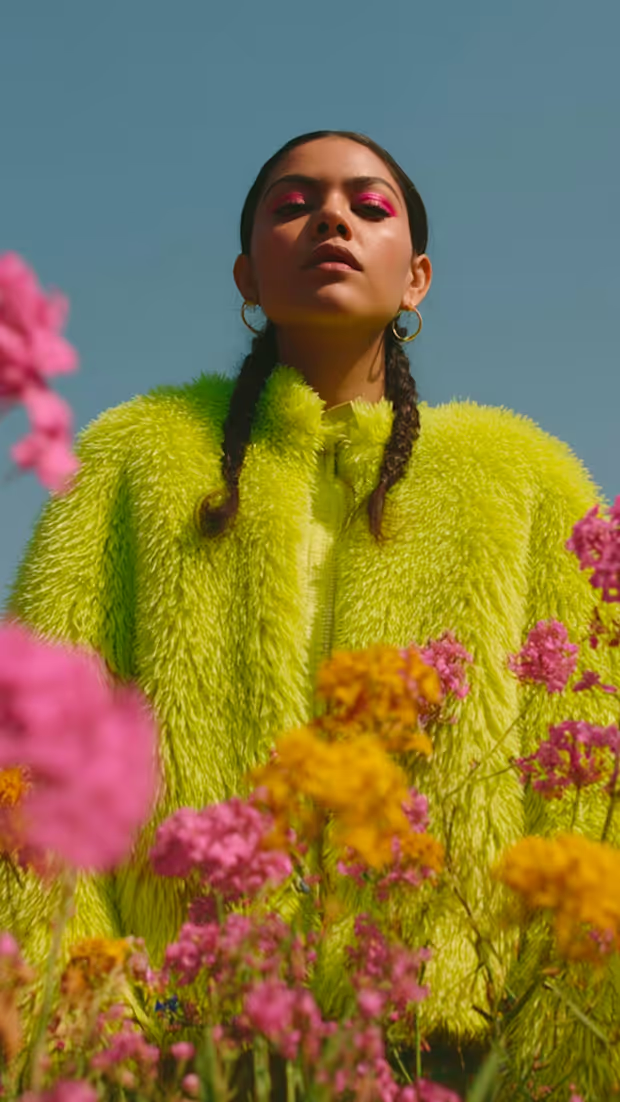
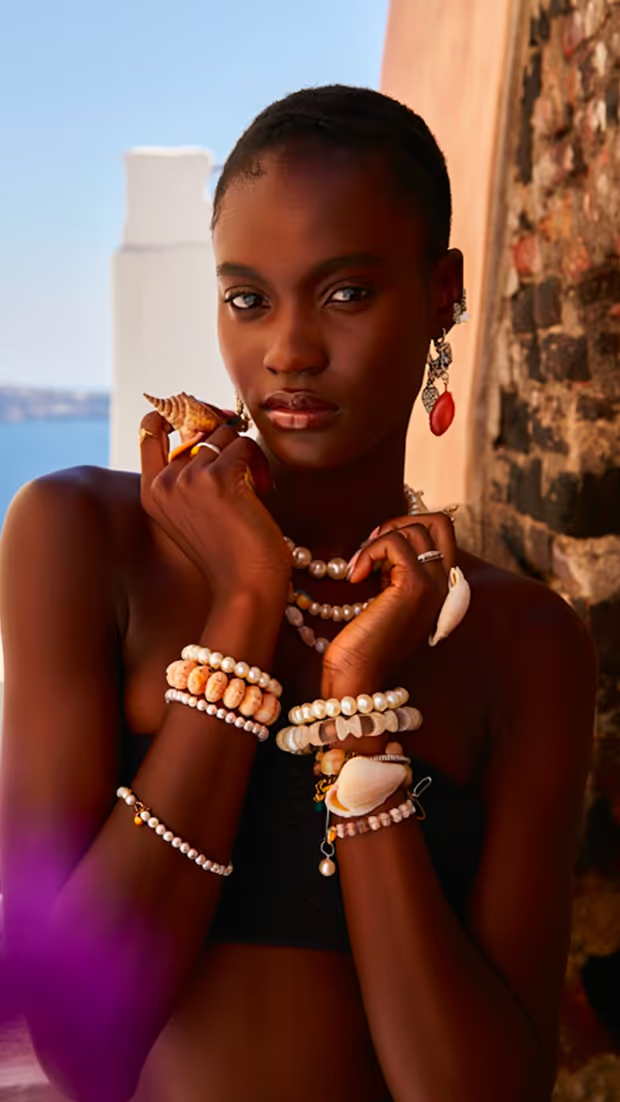
Lifestyle Scenes with Models
Everything You Need for AI Product Photography at Scale
Branded Backgrounds at Scale
Explore AI background recipes →
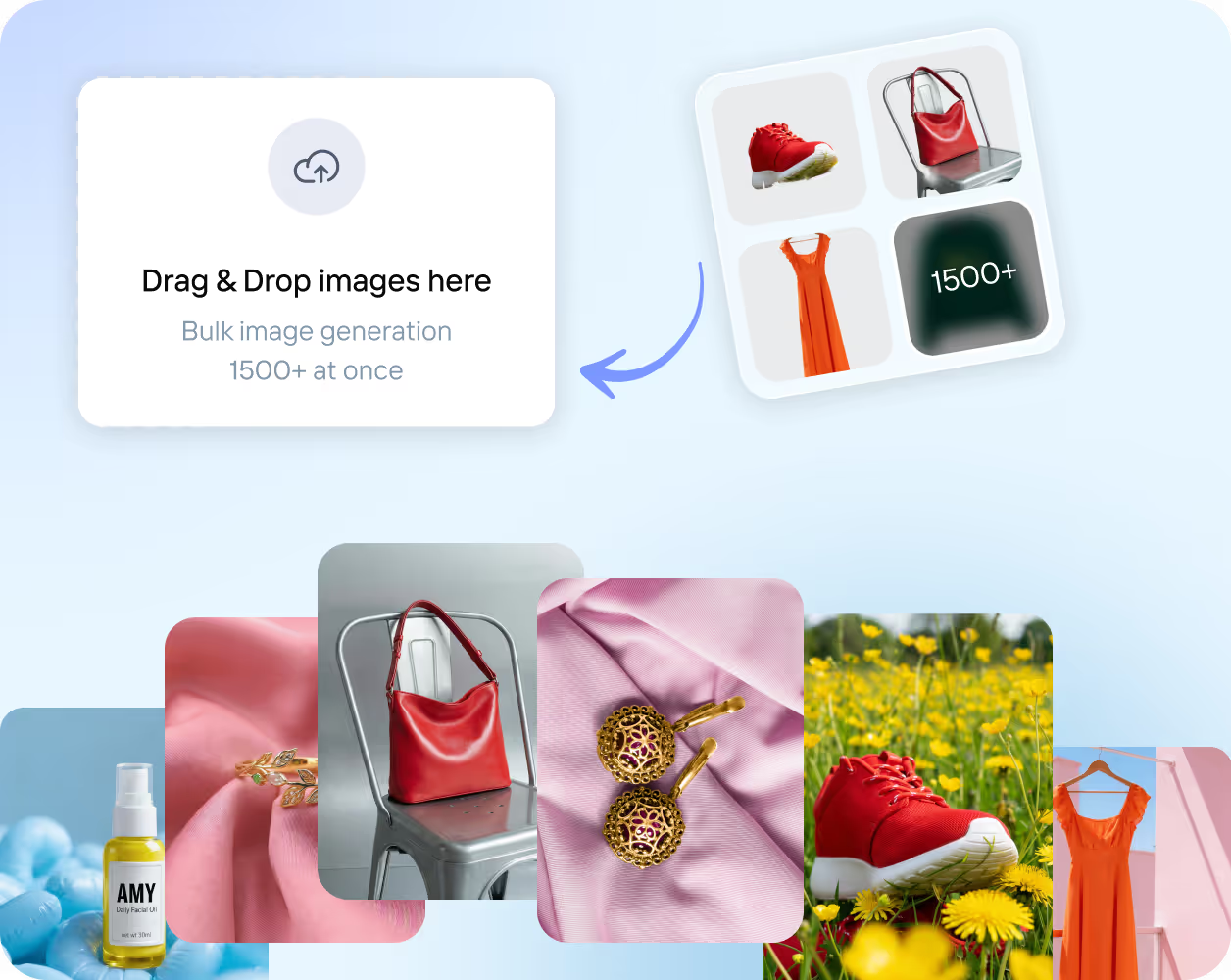
Beautiful Lighting & Shadows
Explore lighting & shadow recipes →
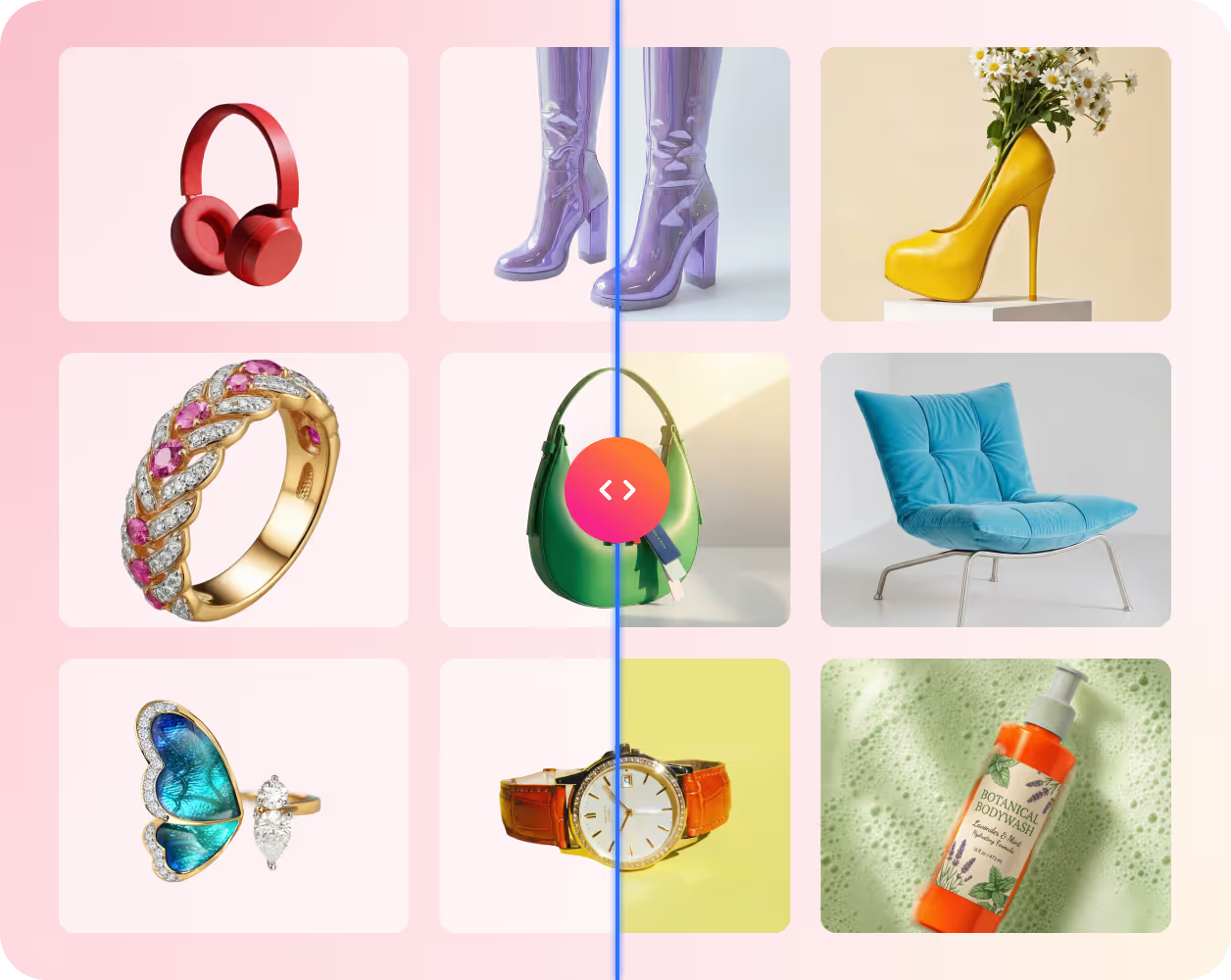
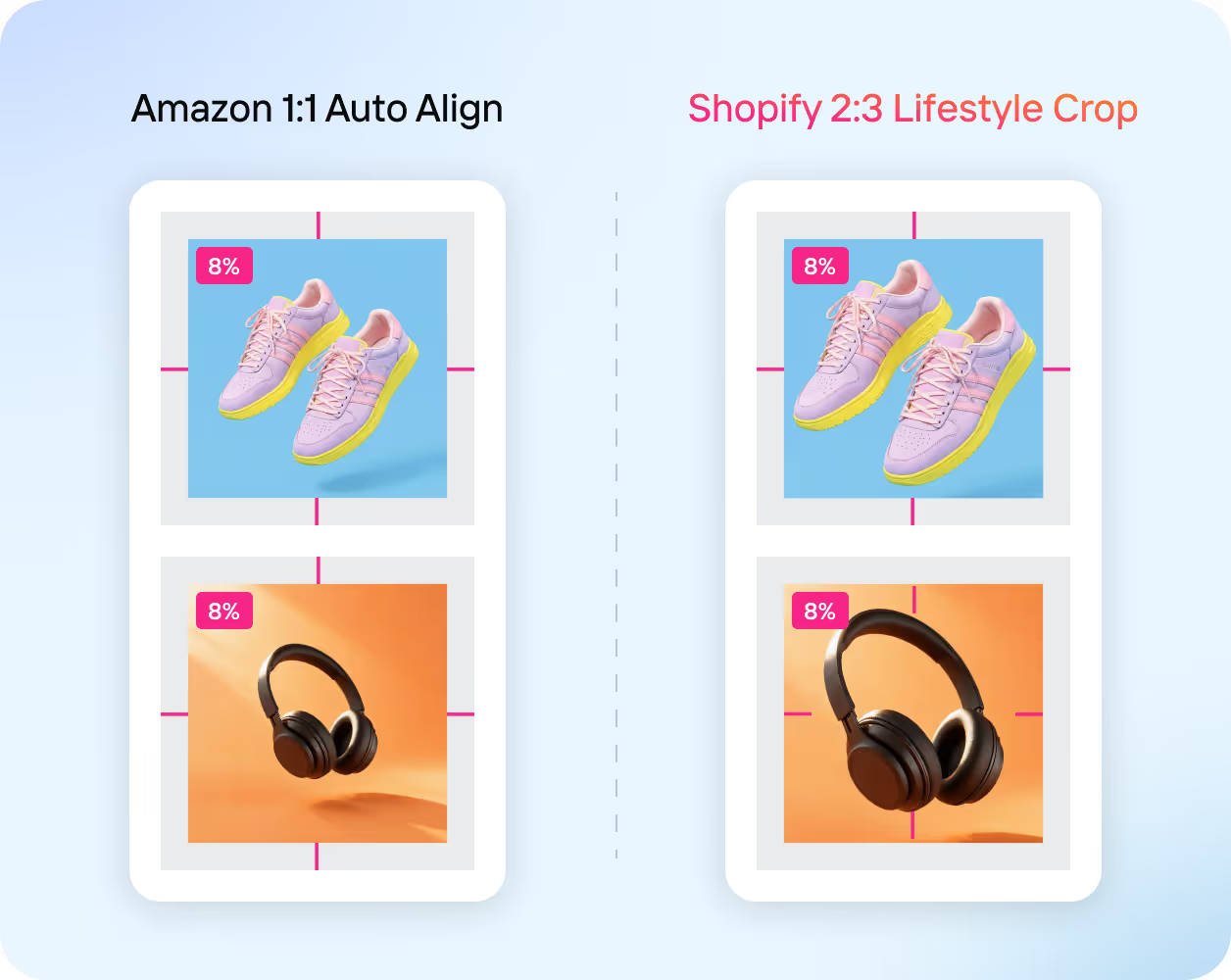
Smart Crop & Prep Formats
View retailer recipes →
Automate at Scale
Explore Recipe APIs →
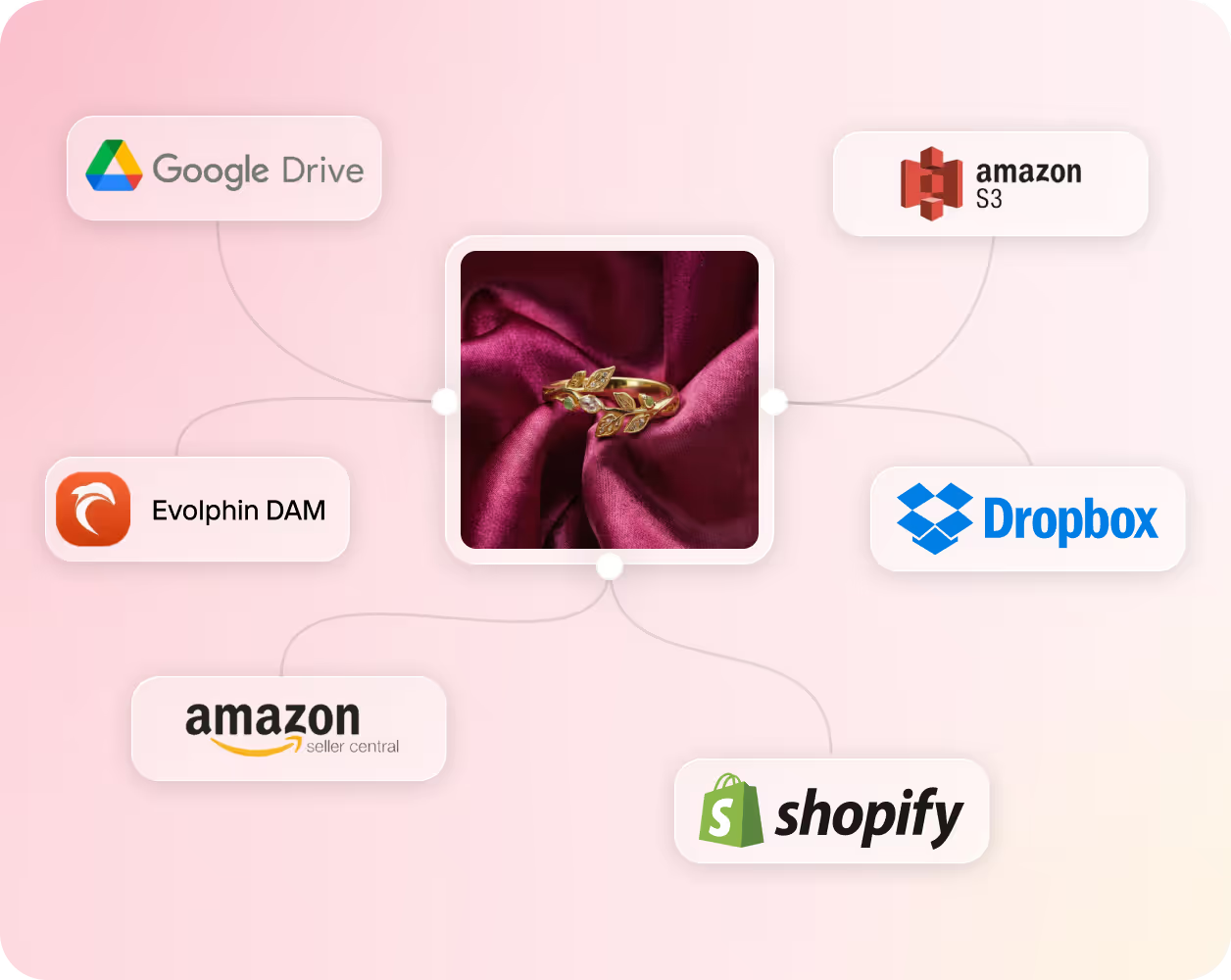
Automate Every Part of Your Product Photo Workflow
Work in Bulk,
Not One-by-One

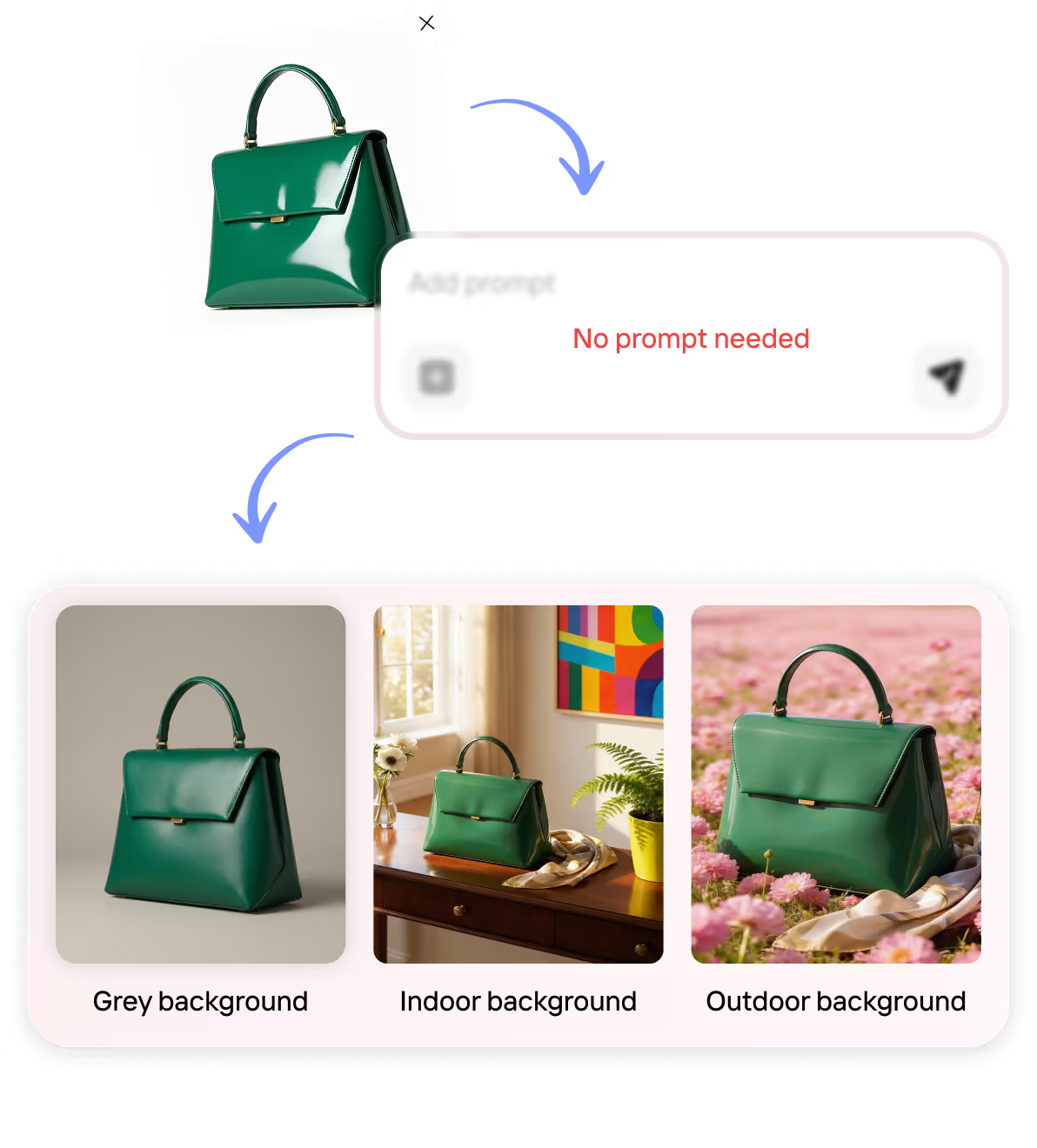
Prompt-Free AI That Gets It Right
Integrated Product Photo Retouching
Export for Every Platform
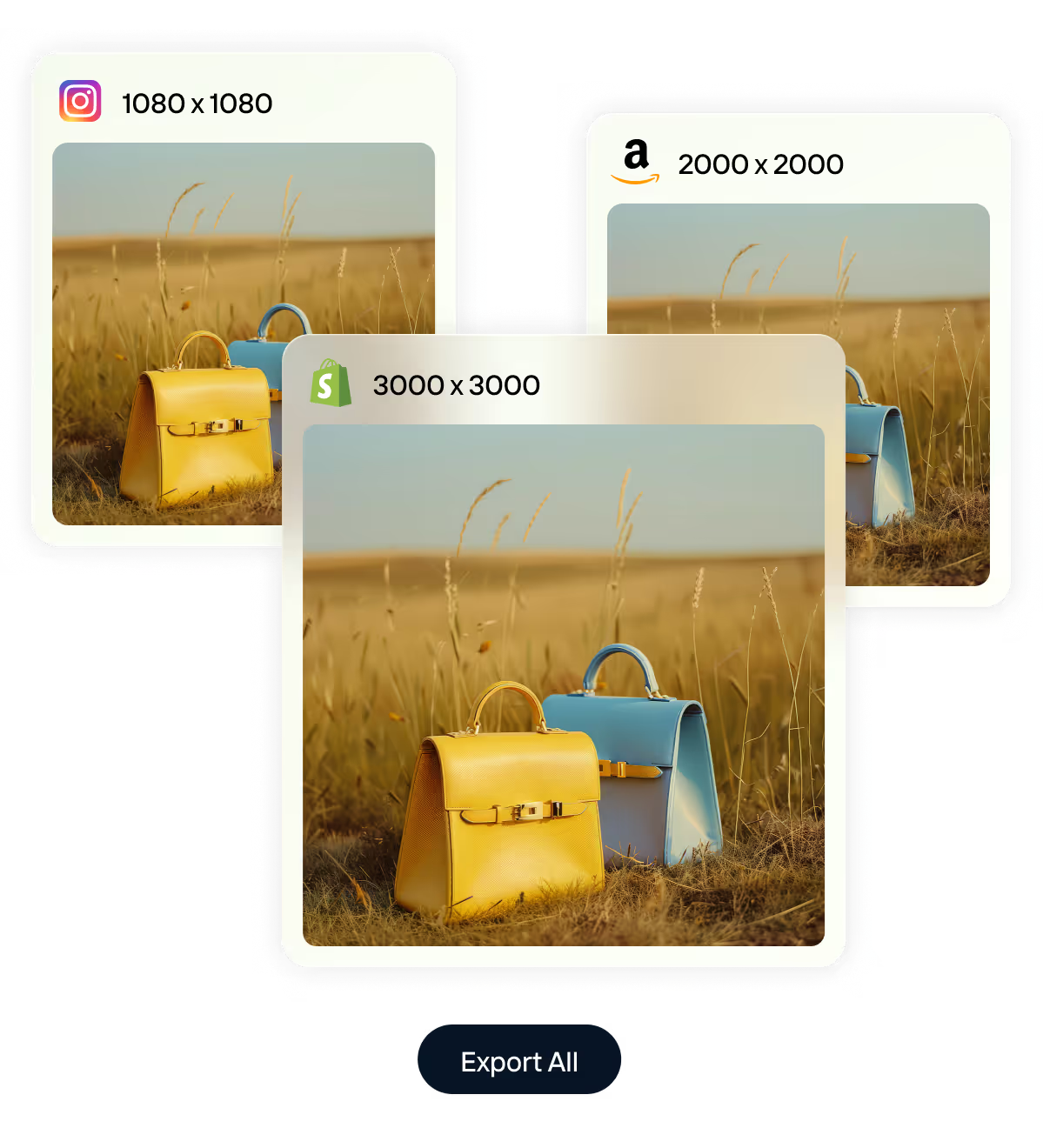
Stay On-Brand with Custom Recipes
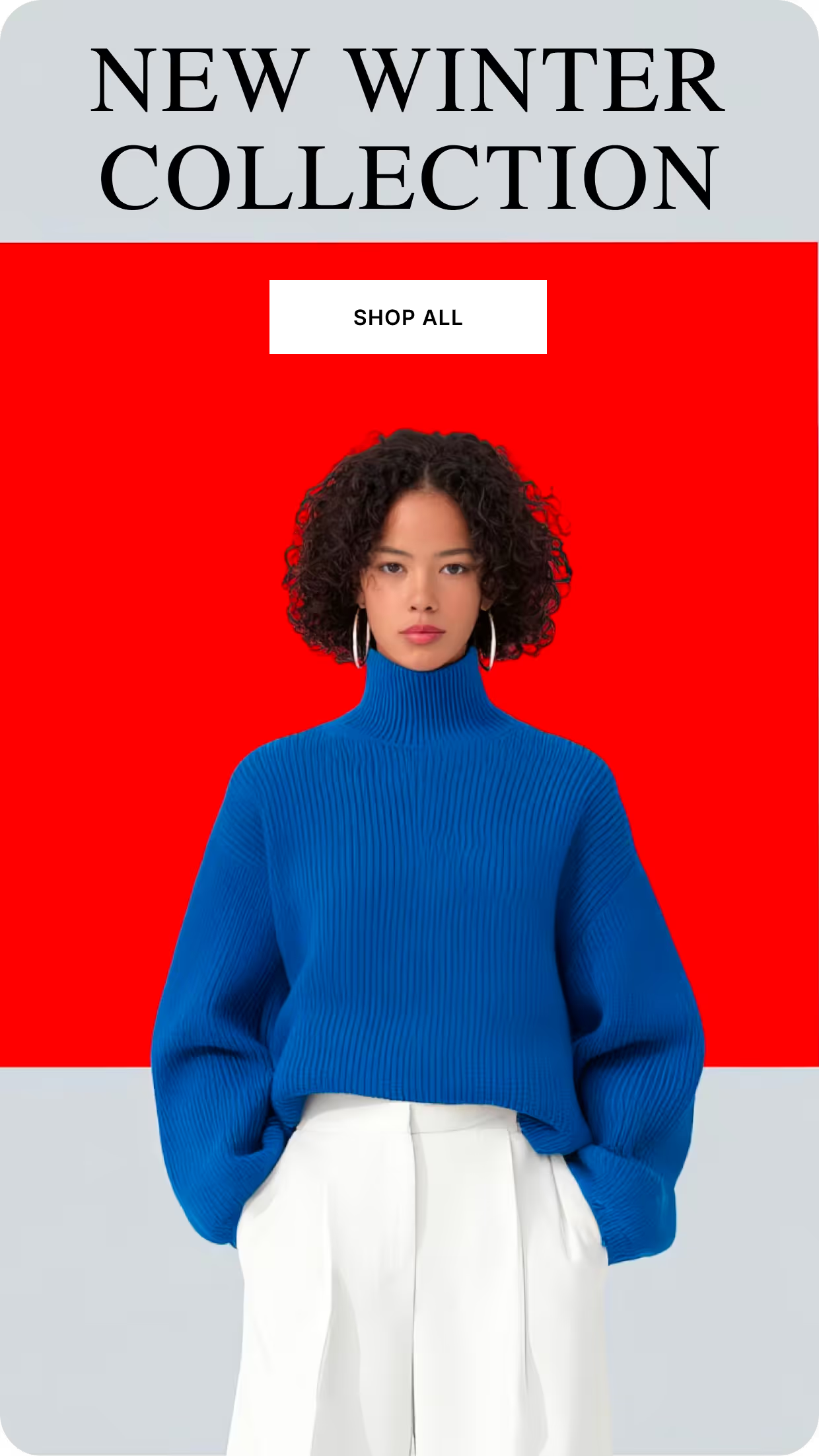
Generate More Than AI Product Photos





Brands Across The Globe ♥️ Us


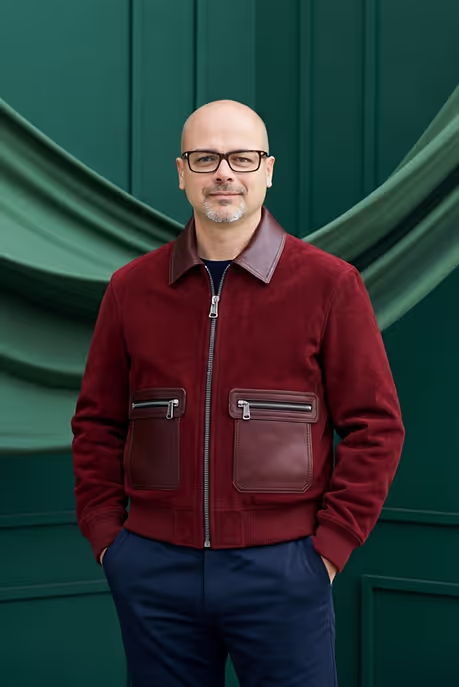

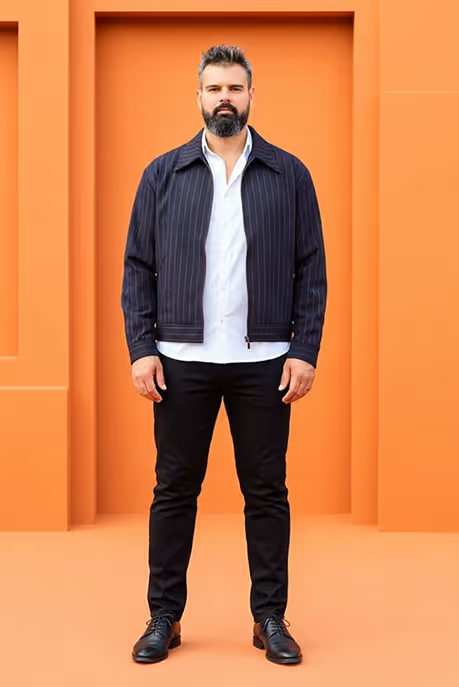

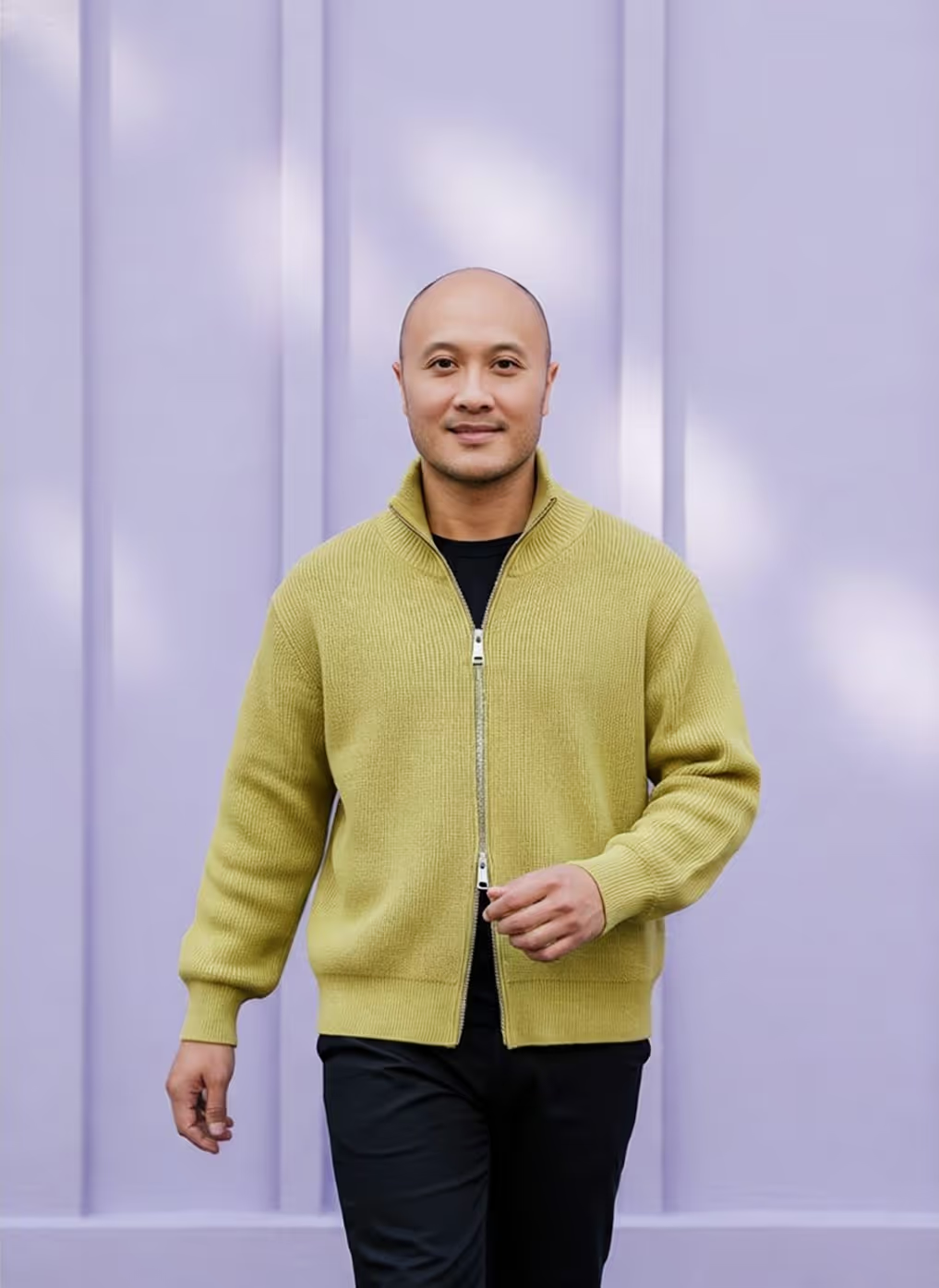

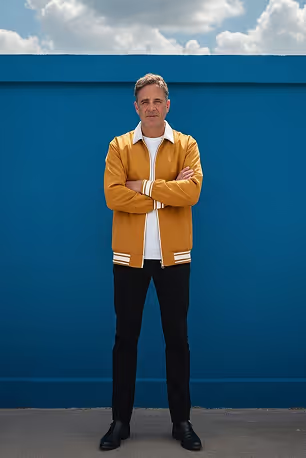



Ready to Create Better Product Photography at Scale?
Create studio-quality AI product photos, product videos, fashion model images, and banners from your existing product images - all in one production workflow.


AI Product Photography FAQs
Everything you need to know about creating AI product photography, bulk image workflows, ecommerce integrations, recipes, and marketplace-ready product images with Crop.photo.
What is AI product photography?
AI product photography uses generative AI to create studio-quality product images without a physical shoot. It either enhances a real product photo or places it into new scenes, turning a plain packshot into PDP-ready visuals with consistent lighting, backgrounds, and composition in seconds.
Does AI product photography look realistic and keep my product accurate?
We preserve your product's true shape, colors, labels and logos while adding realistic lighting and shadows. Crop.photo is built to retain fine detail, so images look shot-in-studio, not synthetic.
Can I generate product photography without writing prompts?
Yes. Crop.photo uses reusable themes with recipes instead of prompt engineering. Once you've configured a recipe, you can apply it to hundreds or thousands of products with consistent results.
Can I create both lifestyle and studio product photos?
Yes. Generate clean studio photography, branded scenes, or lifestyle product images from your existing product photos while maintaining consistent lighting, composition, and brand style.
Can I maintain a consistent brand style across all product photos?
Yes. Save reusable recipes that define your preferred backgrounds, lighting, shadows, crops, exports, and retailer specifications so every product image follows the same visual standards.
What types of products can I create AI product photography for?
Crop.photo supports apparel, footwear, jewelry, cosmetics, furniture, electronics, food, home goods, sporting goods, and many other product categories. Recipes can be customized for different product types and marketplaces.
Can I generate more than product photography?
Yes. In addition to AI product photography, Crop.photo can generate fashion model images, ecommerce banners, product videos, and other marketing assets from your existing product images.
Is Crop.photo built for ecommerce teams?
Yes. Crop.photo is designed for ecommerce brands, retailers, agencies, creative teams, and photo studios that need to create, edit, and publish consistent product photography at catalog scale.
Is AI product photography cheaper than a traditional photoshoot?
Yes. It removes studio, photographer, and post-production costs and can cut production costs by up to ~90%. The bigger win is speed — hundreds of images in the time one shoot takes.
How does AI product photography work?
Upload your existing product images, choose or create a reusable recipe, and Crop.photo automatically generates consistent product photography by controlling backgrounds, lighting, shadows, framing, and styling across your entire catalog.
Can I create AI product photography in bulk?
Yes. Crop.photo is designed for bulk workflows. Upload thousands of product images or connect your Shopify catalog, then apply the same recipe across an entire collection instead of editing products one at a time.
Which ecommerce platforms does Crop.photo support?
Crop.photo works with virtually any ecommerce platform through its web app — simply upload your product images, run your recipes, and export the finished assets. For Shopify, there's a built-in app that connects directly to your catalog. You can also use Crop.photo's APIs to connect workflows with WooCommerce, Magento, BigCommerce, Mirakl, and other platforms.
Can Crop.photo edit product images after they're generated?
Yes. Crop, align, resize, retouch, enhance, upscale, remove backgrounds, and prepare product images for ecommerce — all from the same workflow without switching between multiple editing tools.
Is AI product photography legal?
As of 1st August 2026, some EU countries and the US do require labeling, especially for food, health, and beauty. Crop.photo is equipped to offer the labeling if needed.
Why use Crop.photo instead of a traditional product photoshoot?
Crop.photo reduces the time and cost of creating product photography by reusing your existing product images. Generate new product photos, update seasonal campaigns, and prepare marketplace assets without organizing another photoshoot.
How is Crop.photo different from other AI image generators like ChatGPT, Midjourney, or Flux?
General AI image generators create images from text prompts. Crop.photo is built specifically for ecommerce, using your existing product images to generate consistent product photography, edit images in bulk, and produce marketplace-ready assets with reusable recipes.
Have more questions or doubts for us? Get your questions answered from out team within 14 hours


