AI RECIPE
A recipe is a reusable AI workflow that applies consistent edits to all your images in one go, with no prompts required.

Product Background AI — Lifestyle Resize Crop for Shopify

Resize and adapt product photos of any category into consistent, Shopify-ready images — output as 2048×2048px (Shopify max) or 2000×2000px for marketplaces; 1024×1024px for DTC. Batch-process 1000s of SKUs so every product page stays uniform across your store.

About this recipe

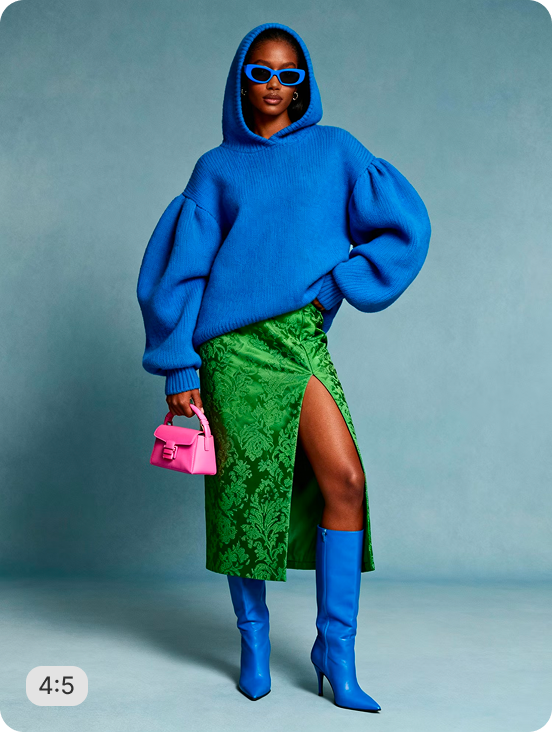
Place your product photos of any category into lifestyle scenes and resize them for Shopify PDPs, ads, and social. This recipe is part of Crop.photo's Shopify image editing tool — bulk resize, crop, and standardize every product image across your store — powered by our AI product photography tool.

Use cases

  • Reformat lifestyle images for mobile PDPs
  • Build vertical imagery for social posts
  • Resize without losing scene context
  • Prep mobile-first storefronts at scale
  • Convert landscape lifestyle to portrait

Tips for best result

  • Works on landscape and square lifestyle shots
  • Product stays centered and proportional
  • Scene context is preserved around the product
  • Use high-resolution originals for cleanest output
  • Batch your full lifestyle shoot in one upload

Try Similar Recipes

Explore other variations for this category
Go to Recipe Gallery

Frequently Asked Questions

How does it preserve scene context?

Instead of a hard crop, the recipe identifies the product, keeps it centered, and trims surrounding scene proportionally — so context stays intact.

Will the product stay sharp at the new dimensions?

Yes. The recipe maintains original product detail. For higher resolution, pair with AI Upscale before resize.

What if the lifestyle scene is wider than 3:4 allows?

Less critical scene area on the sides is trimmed first. The product and the most relevant context remain in frame.

Can it batch process my full lifestyle shoot?

Yes. Upload your entire shoot and the recipe outputs consistent 3:4 vertical crops with scene context preserved on every image.

Have more questions or doubts for us? Get your questions answered from out team within 14 hours