AI RECIPE
A recipe is a reusable AI workflow that applies consistent edits to all your images in one go, with no prompts required.

Flat Lay Clothing Crop - Bloomingdale's

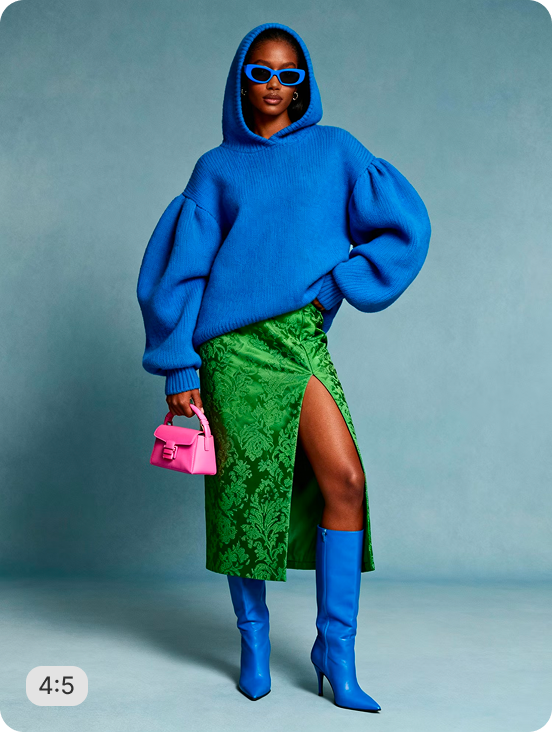
Bulk crop apparel flatlay photos to a clean 4:5 ratio on a pure white background - output at 1500×1875px, 300 DPI for print-ready vendor submissions. Batch-process your full SKU range so every flatlay stays consistent, no manual retouching required.

About this recipe

This recipe is part of Crop.photo's Fashion & Apparel recipes - bulk crop, align, and standardize apparel photography across your catalog - powered by our AI Image Resizer.

Use cases

  • Standardize flatlay imagery across full SKU ranges
  • Get print-ready photos for Bloomingdale's requirement
  • No manual edits or upscaling required

Tips for best result

  • Use high quality source images
  • Process a small batch first
  • Transform low-res images into high-res images in one go

Try Similar Recipes

Explore other variations for this category
Go to Recipe Gallery

Frequently Asked Questions

What resolution does this flatlay crop output?

Images are delivered at 1500×1875px, 300 DPI - true print resolution for large-format vendor photo submissions.

Can I batch process my entire apparel range at once?

Yes, We recommend starting with a small batch of 5 to ensure the images match your requirements. Once satisfied, you can run 1000s of images in one go.

Will low-resolution source photos still work?

Yes, In case of low resolution images, the AI is fine tuned to apply AI Upscale enhancement to make the final output sharp.

How is this different from the other 4:5 flatlay crop recipe?

This recipe is configured for 300 DPI print resolution with a tight 3% margin. The 3:5 recipe ouputs standard 72 DPI web resolution with an 8% margin.

Have more questions or doubts for us? Get your questions answered from out team within 14 hours