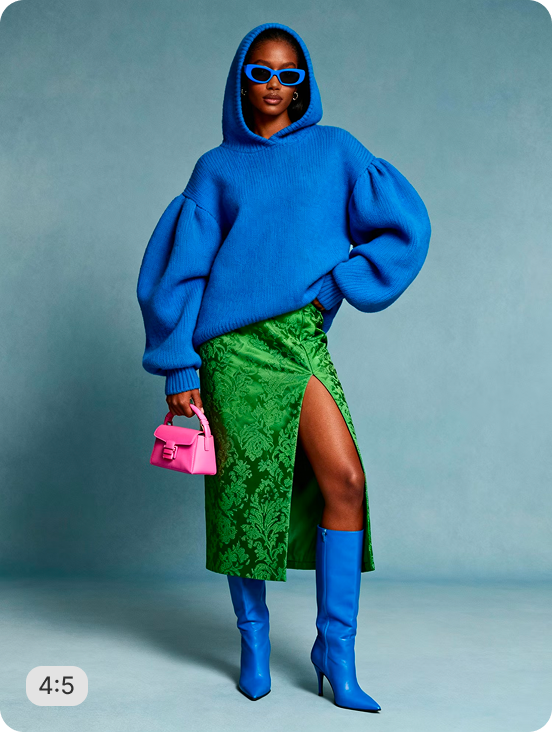
AI RECIPE
A recipe is a reusable AI workflow that applies consistent edits to all your images in one go, with no prompts required.

Ecommerce Photo Editing — Product Drop Shadow for Shopify

Bulk resize and crop product photos of any category into consistent, Shopify-ready images — output as 2048×2048px (Shopify max) or 2000×2000px for marketplaces; 1024×1024px for DTC. Batch-process 1000s of SKUs so every product page stays uniform across your store.

About this recipe

Bulk resize and crop your product photos of any category into consistent, grid-ready images so every product sits the same way across your Shopify store. This recipe is part of Crop.photo's bulk resize Shopify product images — bulk resize, crop, and standardize every product image across your store — powered by our auto image resizing engine.

Use cases

  • Add drop shadows to products at scale
  • Polish catalog imagery for retail standards
  • Skip manual shadow work in design tools
  • Standardize shadow treatment across SKUs
  • Refresh legacy product shots with depth

Tips for best result

  • Works on most product categories
  • Use clean inputs for sharpest shadow output
  • Shadow intensity is configurable in settings
  • Batch your full catalog in one upload
  • Pair with Square Catalog Crop for full polish

Try Similar Recipes

Explore other variations for this category
Go to Recipe Gallery

Frequently Asked Questions

How is this different from Studio Shadow recipes?

Product Drop Shadow is a general-purpose recipe across categories. Studio Shadow recipes (Furniture, Bags, Decor) are tuned with category-specific defaults.

Can it batch process my full catalog?

Yes. Upload your entire range and the recipe applies consistent drop shadow treatment to every product in one pass — no per-image setup.

Will it work on products with reflective or transparent surfaces?

Yes — the recipe handles glass, plastic, metal, and translucent surfaces, generating shadows that match the actual product shape.

Can I control shadow softness?

Yes. Shadow intensity, angle, and softness are configurable in settings — so you can match brand imagery or set a consistent style across SKUs.

Have more questions or doubts for us? Get your questions answered from out team within 14 hours