AI RECIPE
A recipe is a reusable AI workflow that applies consistent edits to all your images in one go, with no prompts required.

Ecommerce Photo Editing — Portrait Catalog Crop for Shopify

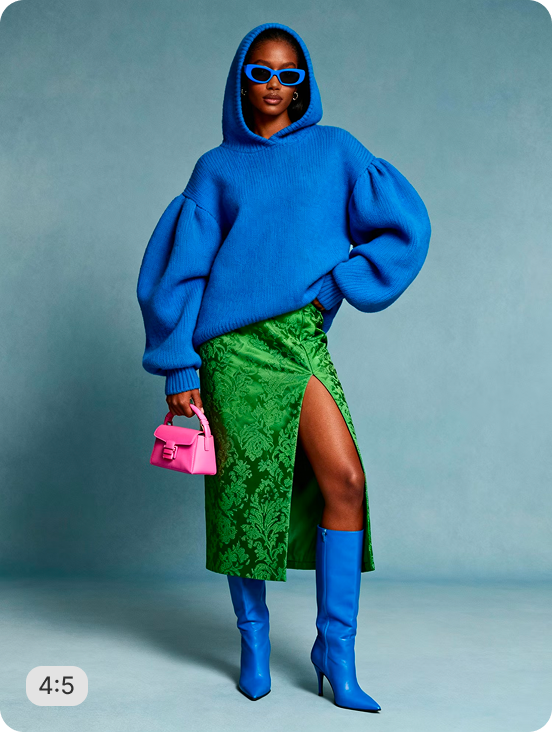
Bulk resize and crop product photos of any category into consistent, Shopify-ready images — output as 1280×1600px (4:5 portrait) for Shopify PDPs; scalable to 2048px on the long edge. Batch-process 1000s of SKUs so every product page stays uniform across your store.

About this recipe

Bulk resize and crop your product photos of any category into consistent, grid-ready images so every product sits the same way across your Shopify store. This recipe is part of Crop.photo's resize Shopify product photos — bulk resize, crop, and standardize every product image across your store — powered by our smart image resize tool.

Use cases

  • Build fashion and apparel PDPs in 3:4
  • Meet portrait requirements on Amazon and ASOS
  • Produce vertical catalogs at full-range scale
  • Reformat one product set for many marketplaces
  • Launch new product lines with portrait imagery

Tips for best result

  • Vertical inputs work best — full-length shots
  • Square inputs get top-and-bottom padding
  • Use 1500px+ originals for cleanest 3:4 edges
  • Pair with AI Upscale for sharper mobile PDPs
  • Batch your full collection in one upload

Try Similar Recipes

Explore other variations for this category
Go to Recipe Gallery

Frequently Asked Questions

What's the difference between square and portrait catalog crop?

Portrait Catalog Crop outputs a vertical 3:4 image — the standard for fashion, apparel, and most modern PDPs. Square Catalog Crop outputs 1:1, which suits Amazon and grouped product grids.

What marketplaces use portrait format as their standard?

Amazon, ASOS, Zalando, Shopify, and most fashion and apparel platforms default to or recommend portrait 3:4 format for product imagery.

Can I batch process an entire catalog in portrait format?

Yes — upload your full range and the recipe delivers consistent 3:4 white-background images for every SKU in one pass, with no per-image setup.

What if my product doesn't fill the portrait frame?

Padding is added proportionally above and below so the product stays centered and at the right scale — never stretched, never distorted.

Have more questions or doubts for us? Get your questions answered from out team within 14 hours