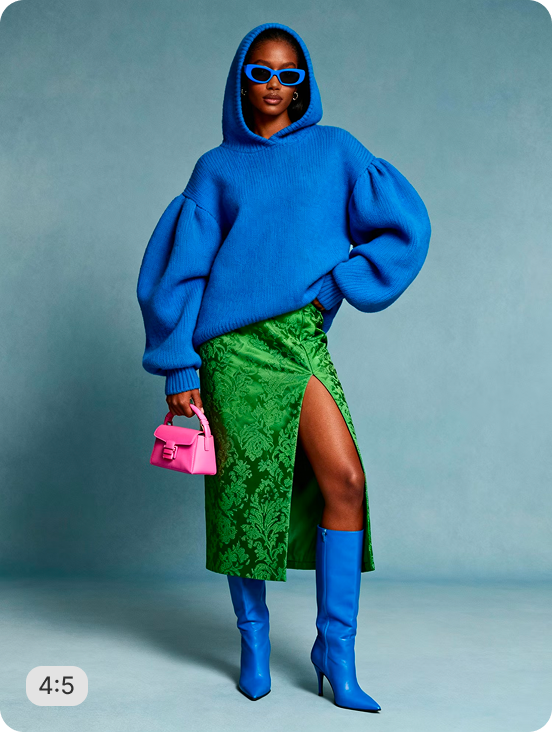
AI RECIPE
A recipe is a reusable AI workflow that applies consistent edits to all your images in one go, with no prompts required.

Bulk Image Crop — Bundle Product Layout for Shopify

Bulk resize and crop product photos of any category into consistent, Shopify-ready images — output as 2048×2048px (Shopify max) or 2000×2000px for marketplaces; 1024×1024px for DTC. Batch-process 1000s of SKUs so every product page stays uniform across your store.

About this recipe

Bulk resize and crop your product photos of any category into consistent, grid-ready images so every product sits the same way across your Shopify store. This recipe is part of Crop.photo's Shopify bulk image resizer — bulk resize, crop, and standardize every product image across your store — powered by our AI image resizer.

Use cases

  • Build gift bundle PDPs at scale
  • Standardize multi-product crops across SKUs
  • Format bundle imagery for marketplaces
  • Build wholesale bundle catalogs
  • Launch bundle imagery without re-editing

Tips for best result

  • Works on grouped product shots
  • All products stay visible in the crop
  • Batch your full bundle range in one upload
  • Use clean inputs for sharpest output
  • Pair with Bundle Showcase for editorial variants

Try Similar Recipes

Explore other variations for this category
Go to Recipe Gallery

Frequently Asked Questions

Can it batch process bundles of varying sizes?

Yes. Upload bundles with 2, 5, or 10+ items and the recipe outputs consistent square framing for every bundle in one pass.

Will all bundle items stay in frame?

Yes — the recipe detects the full bundle bounding box and frames it so every item is visible, with proportional padding around the group.

What output sizes work for bundle imagery?

Output dimensions are configurable — 2000×2000px for Amazon and major marketplaces, 1024×1024px for Shopify and DTC stores.

How is this different from Square Catalog Crop?

Square Catalog Crop removes the background and replaces it with white. Product Align keeps the original background intact — useful when the scene context adds value to the shot.

Have more questions or doubts for us? Get your questions answered from out team within 14 hours