Our Top Picks
The new collection is shot, but the images still need a lot of work before they can go live. Some came from your studio and others from suppliers, so the shoes sit at different heights in the frame, the dresses all need consistent crops, marketing is asking for lifestyle images, and your wholesale partner has sent over another set of image requirements.
If you're looking for a Photoroom alternative, there's a good chance this is the pile you're trying to get through.
There are several options, and each one handles a different part of the job. Canva can help you turn a product image into an ad, remove.bg handles background removal, Pixelcut combines product editing with AI image tools, and Claid and Crop.photo both cover image production across larger catalogs.
Photoroom already offers batch editing and an API, so the useful question to ask of any alternative is a specific one: what work would your team still have to do after the images come out?
A quick note before we go further: we make Crop.photo, so we have an obvious interest in how this comparison turns out. We've tried to describe each tool fairly, said where the others are the better choice, and included the tests you can run yourself at the end, so you can check what we say against your own images.
Where Photoroom Fits
Photoroom has grown well beyond background removal. It offers batch editing, API positioning controls, and a Shopify app that imports products and sends edited images back to the store.
For teams supplying wholesale partners and marketplaces, the comparison comes down to a few specific questions:
- Can the crop follow a retailer's specific rule, such as a headless crop anchored at the nose bridge with a fixed margin below the feet, and hold it across different poses and models?
- Can one source image produce a separate version for each retailer's dimensions, margins and file requirements?
- Do the exports meet the resolution and DPI each retailer checks at ingest?
- Can you save those settings and run them again on the next drop without rebuilding them?
Crop.photo lets teams save approved retailer requirements as recipes and reuse them on the next collection. That is the workflow to compare against Photoroom’s tools.
Check the plan and output limits, too. Photoroom’s app exports and API usage have different allowances, and images can be reduced when added to Batch or Product Catalog. Confirm the exported dimensions against your retailer’s brief.
What Do You Need the Alternative to Fix?
Look at the images your team keeps sending back for another round of edits, and start with the tool built for that work. Most of these tools overlap, so the final column is there to show where else each job can go.
What you need done
Start with
Also evaluate
What you need done
Retailer-specific on-model crops and reusable output recipes
Also evaluate
Test other tools against your retailer’s crop and export requirements
What you need done
Product-only sizing, margins and background standardization
Also evaluate
Claid, Pixelcut
What you need done
Product cleanup and additional AI visuals
Also evaluate
Crop.photo, Claid, Photoroom
What you need done
Prices, headlines and layouts for promotions
Start with
Canva or Adobe ExpressAlso evaluate
Compare templates, brand controls and export options
What you need done
Background removal before the next editing step
Also evaluate
Most tools on this list
What you need done
Image generation and enhancement through an API
Also evaluate
Crop.photo, Photoroom
Six Photoroom Alternatives Worth Considering
For apparel and catalog teams supplying retailers and marketplaces, Crop.photo is the one we'd test first, so it leads the list. If your work is mostly campaign graphics or occasional edits, one of the tools further down is likely to suit you better.
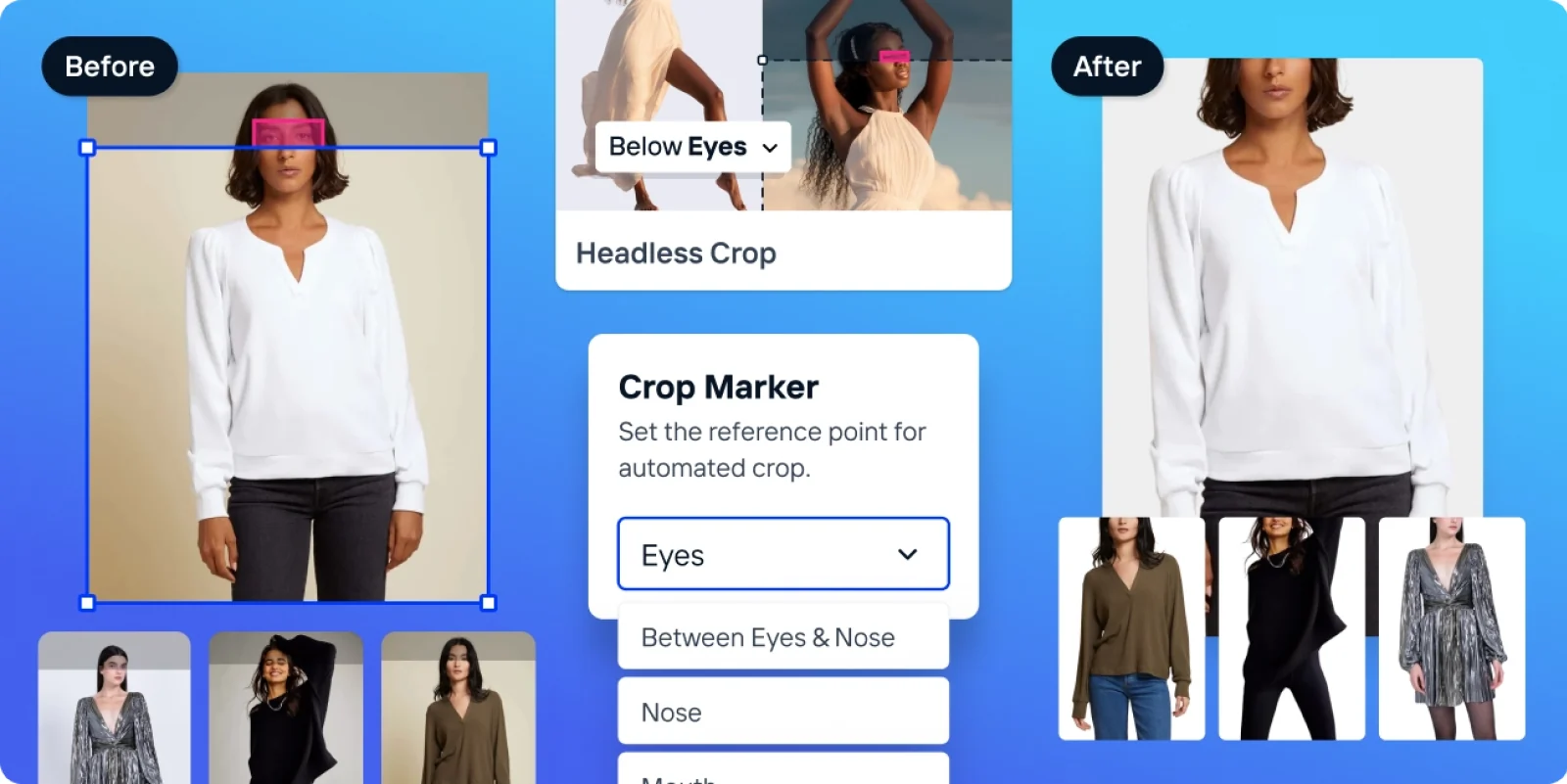
Crop.photo is built for teams that see the same image requirements come back with every collection: shoes that need aligning, model shots that need consistent crops, and the right margins, backgrounds and dimensions for each retailer and marketplace the images go to.
Its bulk image editing uses facial and body landmarks to position crops on existing model photography. Your team sets the required framing and margins, then checks the results across the poses in the collection. Product-only shots have their own alignment, sizing and margin settings.
Those settings are saved as recipes. A brand can keep a recipe for each retailer’s approved dimensions, crop lines, margins, DPI and format, then apply it to the next drop. When a source image is too small, AI upscaling can increase its output resolution; the result still needs checking against the original product, especially around fabric, logos and fine detail.
Mavi is a good example of this in practice. Its case study describes drops of 2,000 to 3,000 images prepared for Bloomingdale’s, Macy’s and other retailers, each with its own requirements. With retailer-specific recipes running inside Shopify, Crop.photo reports that Mavi reduced per-drop turnaround from more than 30 days to two hours. The Mavi case study covers the setup in more detail.
Crop.photo also offers AI product photography, including studio backgrounds, lifestyle scenes and placement into settings you supply, which covers a different part of the workload by creating additional imagery from the product photos you already have.
For Shopify stores, the image automation workflow uses image and product information to pick the right recipe, and you can review the generated images before adding them to a listing or replacing the existing ones.
Teams working through a DAM, PIM or another production system can also invoke recipes through Crop.photo’s APIs. That gives the comparison with Claid and Photoroom another concrete question: can the integration run the approved sequence of edits and deliver the files your team needs?
Best for
- ✓Apparel and footwear brands supplying department stores or marketplaces with their own image specs
- ✓Catalog teams preparing hundreds or thousands of product-only and on-model images per drop
- ✓Shopify stores that want images prepared and reviewed inside the store
Set up a recipe for one of your retailers and run it on images from your current drop.
Set Up Workflow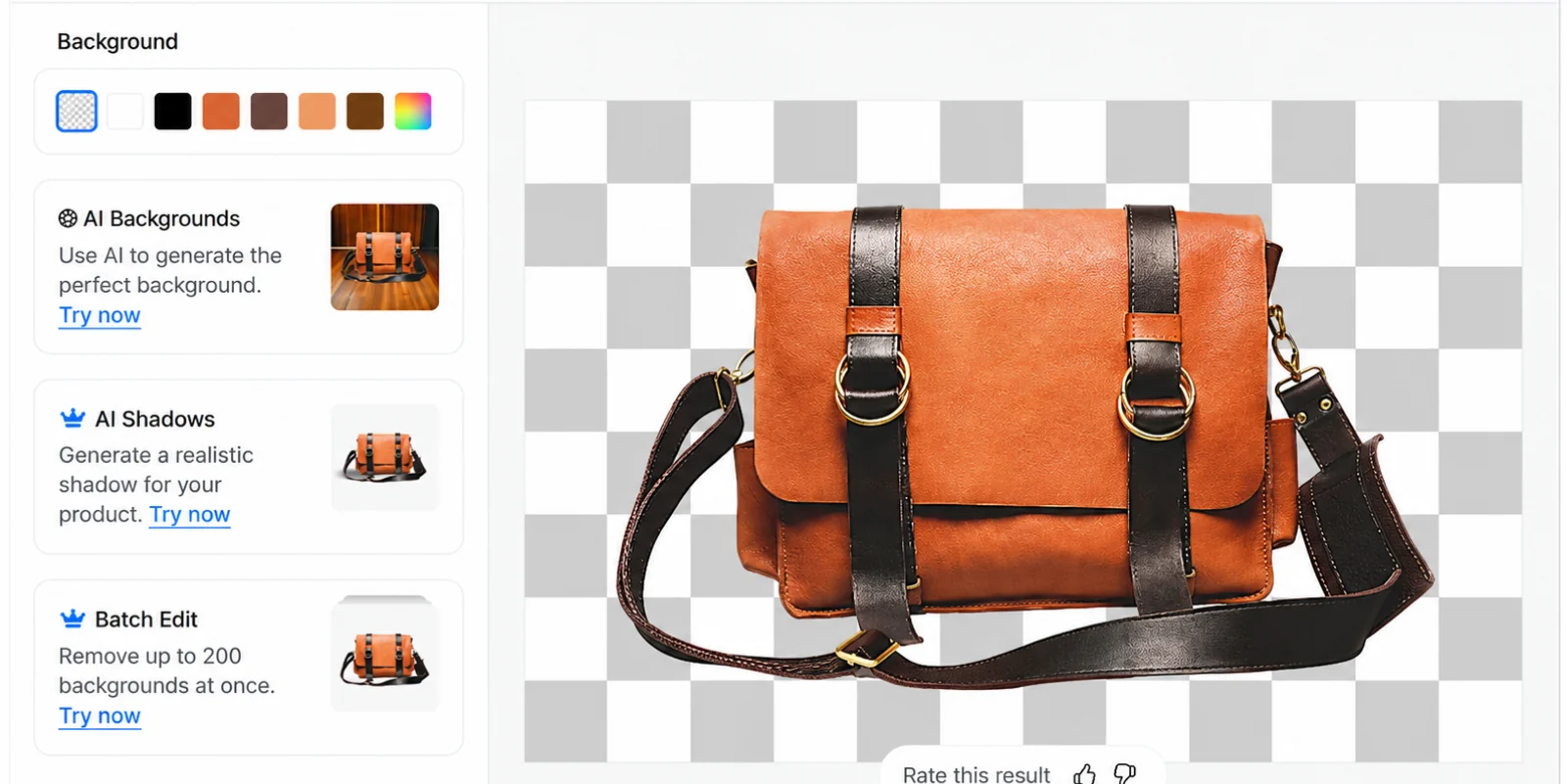
Pixelcut covers background removal, upscaling, retouching, shadows and AI product images in one app. Its bulk editor handles background removal and swaps, resizing, cropping to square, canvas expansion, upscaling, shadows and watermarks, on up to 10,000 photos at once according to its product page. The bulk page does not establish whether every retouching or generation feature is available in the same workflow. Check the specific operation you need before planning a batch around it.
Pixelcut’s bulk page lists cropping, sizing, padding and background tools. It does not document facial-landmark or body-aware crop controls on that page. If you need a specific headless crop, check that requirement during your evaluation. AI generation and batch exports draw on separate allowances, so read the current plan allowances against the volume you expect.
Best for
- ✓Sellers who want product cleanup and AI visuals in one app
- ✓Product-only catalogs where batch background, resize and upscale cover most of the work

Sometimes the product photo is already finished and what's left is adding the offer, price, headline and logo, which is where Canva comes in.
Its image tools include background removal (with a bulk background remover as well as single-image removal), generated backgrounds and resizing, and access to several of these depends on your plan. Where it helps most is the next step, placing that image into an email graphic, sale announcement or social post, with a marketing team working on the image and the layout in the same place.
Canva's tools are organized around designs, so for catalog images the thing to look at is how product position and margins carry across a whole set of different products.
Best for
- ✓Promotional graphics with prices, headlines and logos
- ✓Marketing teams producing branded promotional layouts
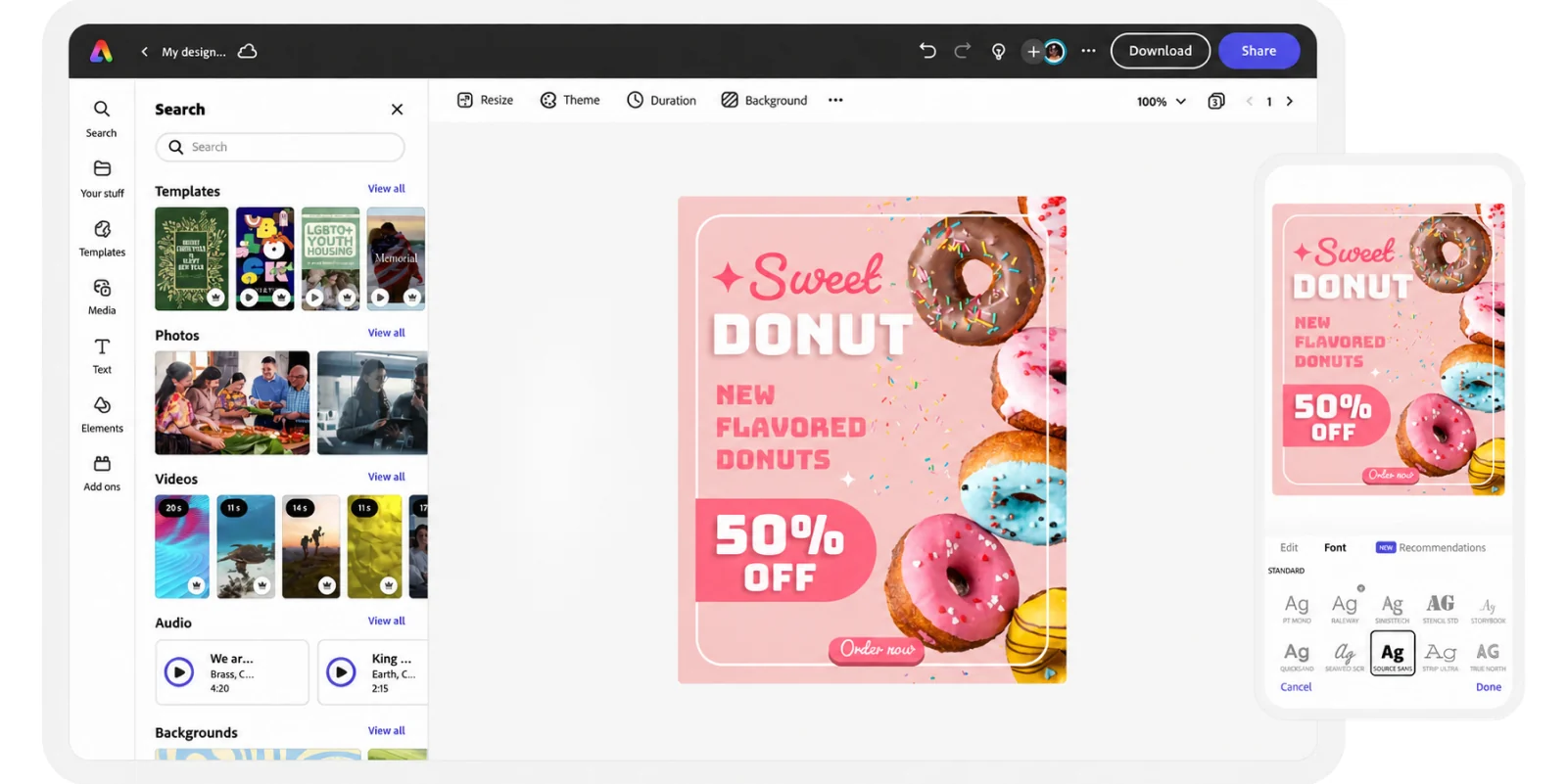
Adobe Express is another option when product images need to become promotional material. It combines photo editing with templates, design assets and content creation tools, and there's a free plan for basic work, with more features and higher allowances on paid plans.
It suits teams that already use Adobe and prepare images for launches, email campaigns or social posts. An existing Adobe subscription doesn't automatically include every Express feature, and generative features draw on Adobe's generative credits, which vary by plan, so map out which edits happen in Express and which need Firefly or another Adobe application before you commit.
Best for
- ✓Teams already working in Adobe
- ✓Product photos placed into branded campaign layouts
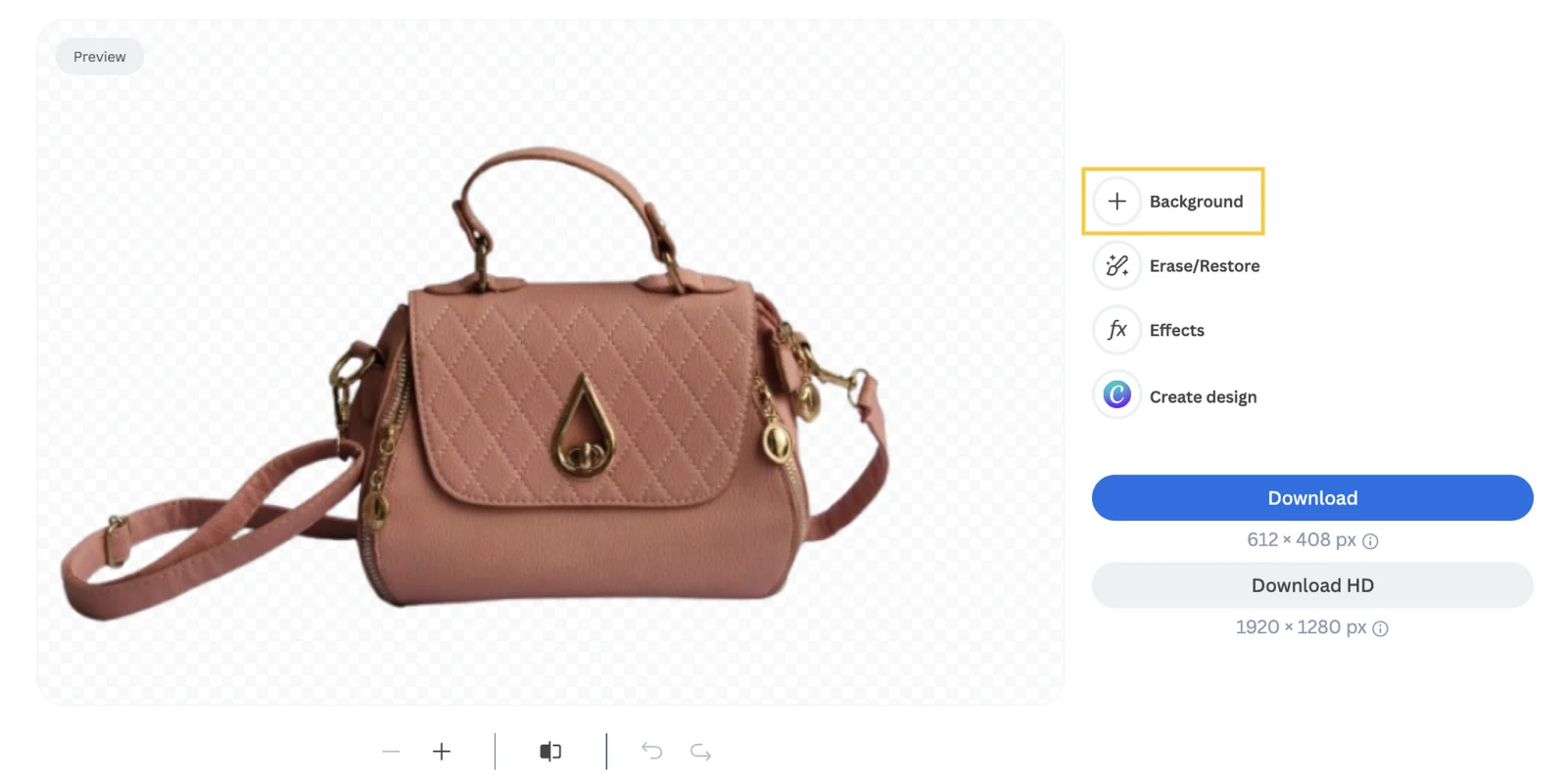
You may already have a reliable process for resizing, reviewing and publishing images, with the one bottleneck being cutting products out of their backgrounds. If so, remove.bg is the place to start.
Its API accepts uploaded images or image URLs and returns several output formats, which lets a development team add background removal to an existing image process. The edges that cause trouble in most catalogs (fine straps, hair around clothing, reflective packaging, gaps between parts of a product) are the ones to look at closely.
If you're planning an integration, note that the remove.bg API is moving to Leonardo.Ai, with remove.bg's API documentation giving 1 December 2026 as the start date. Leonardo.Ai has said that existing remove.bg credentials don't carry over, so new development should start from the Leonardo.Ai migration details.
Best for
- ✓Development teams adding background removal to an existing pipeline
- ✓Processes where cutouts are the only missing step
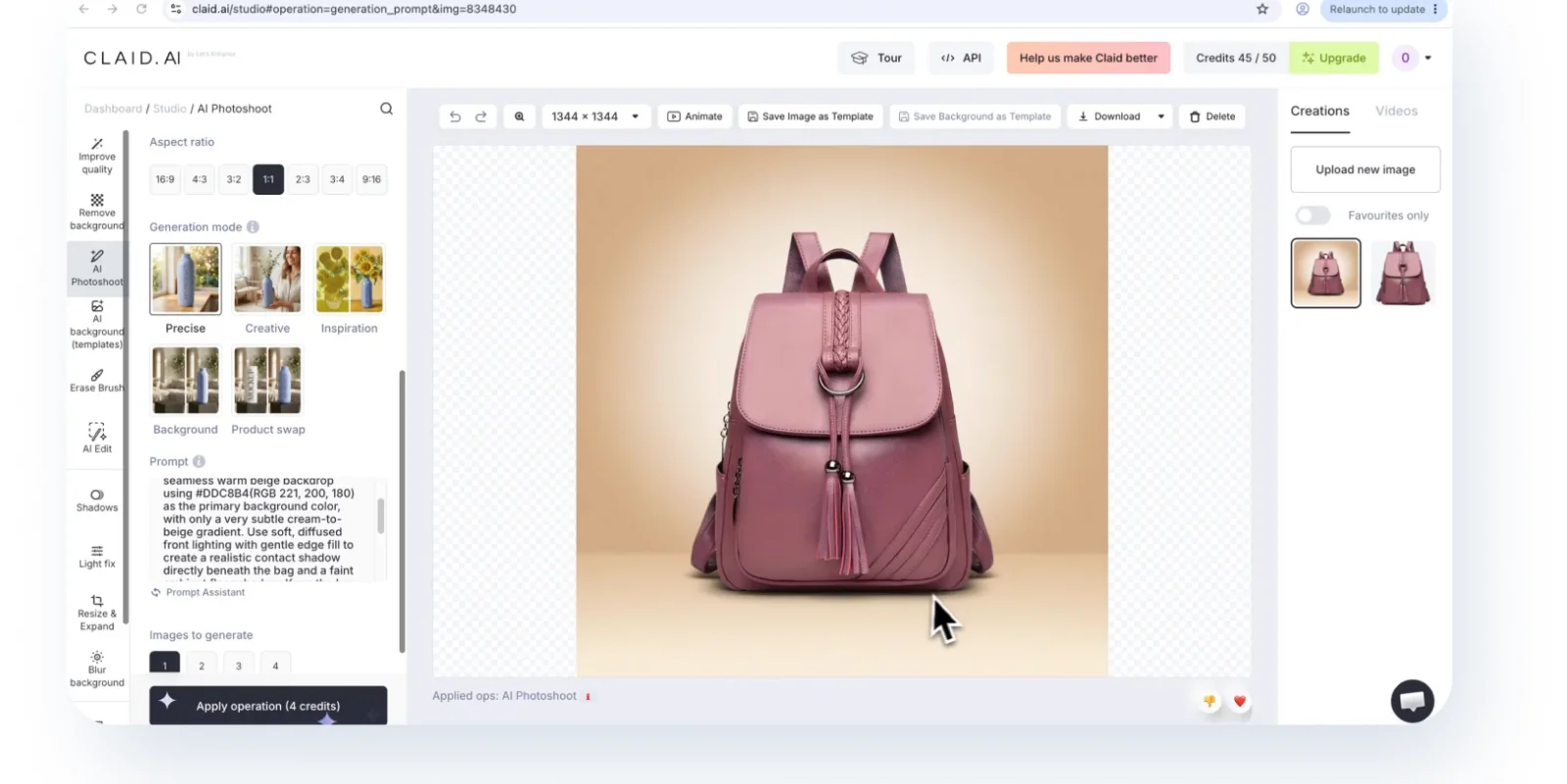
Claid offers AI product scenes, fashion imagery, background removal and image enhancement, through a web platform as well as APIs for several of these operations. Teams can work in the web app for one-off jobs, and the API becomes useful when images arrive through a system and need processing without someone uploading each job by hand, for example a retailer receiving supplier images or an agency handling recurring work for several clients.
For generated scenes, inspect the product as closely as the background, because a bag can look convincing while its clasp, stitching or proportions have changed.
Best for
- ✓Retailers or agencies processing images through their own systems
- ✓Teams that want AI scenes and enhancement in a web app with an API alongside it
How to Compare Photoroom and Crop.photo on Your Images
Both offer product-image tools and automation, so batch editing on its own won't separate them. A fairer test is to take a job your team finished recently and run the same source images and instructions through both, checking each of these:
Requirement
What to inspect
Requirement
Product-only imagesWhat to inspect
Product height, alignment and margins across the set
Requirement
Existing on-model imagesWhat to inspect
Crop position and garment visibility across poses
Requirement
Retailer specsWhat to inspect
Headless crop placement, margin below the feet, minimum pixel size and DPI
Requirement
AI product photographyWhat to inspect
Labels, colors, shape, texture and proportions
Requirement
Different sales channelsWhat to inspect
Required dimensions, backgrounds and file formats
What to inspect
How much setup is needed for the next collection
Requirement
Shopify publishingWhat to inspect
Review steps and placement on the correct product listings
Then count the images that still need editing. If a batch finishes quickly but your team spends the afternoon correcting crops, that time belongs in the comparison, and so do generated images that took several attempts before the product looked right.
For more detail on resizing, see our bulk image resizer comparison, and for apparel and wholesale requirements, start with the retailer photography specifications guide.
Choose Based on the Next Collection
If your next drop is going to bring the same crop corrections and retailer reformatting as the last one, run it through Crop.photo with both product-only and on-model images, apply the settings your retailers need and review the results side by side.