
Shopify Image Resizer & Product Image Automation


Try a Shopify Recipe in Seconds
50+ Shopify recipes for PDPs, crops, banners, lifestyle, ads, and more









What Shopify Brands Are Struggling With Right Now
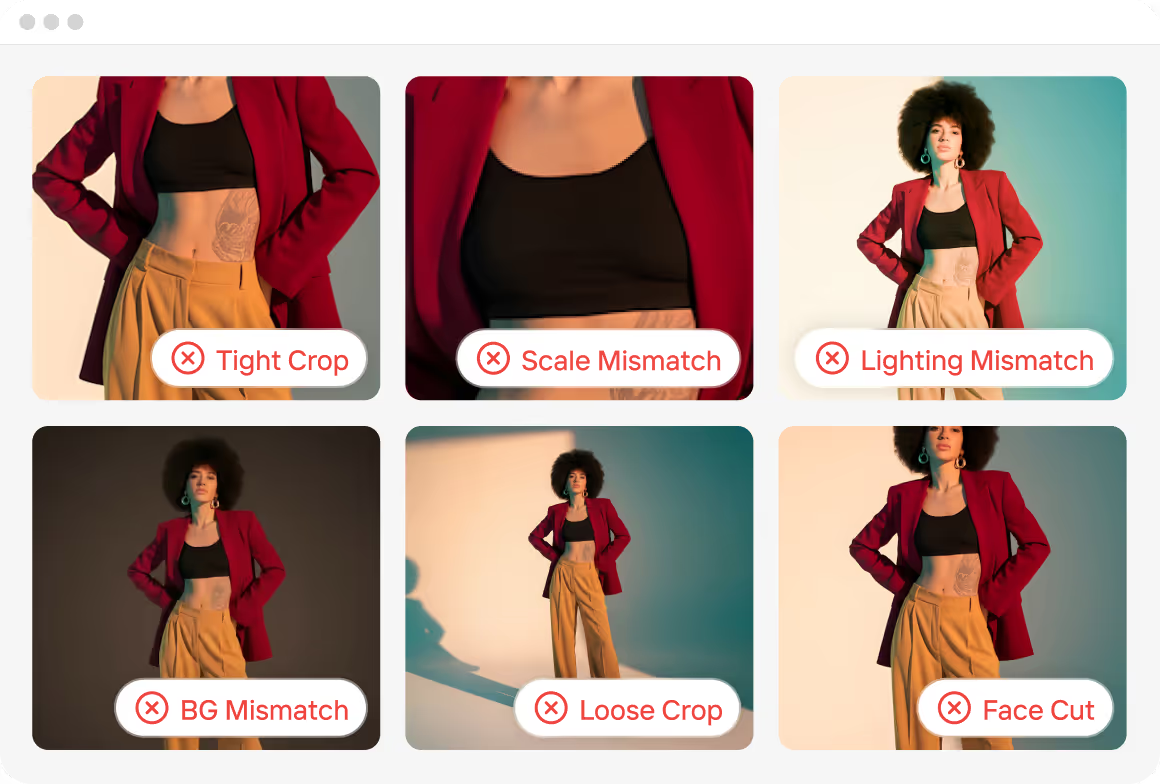
Inconsistent Product Photos
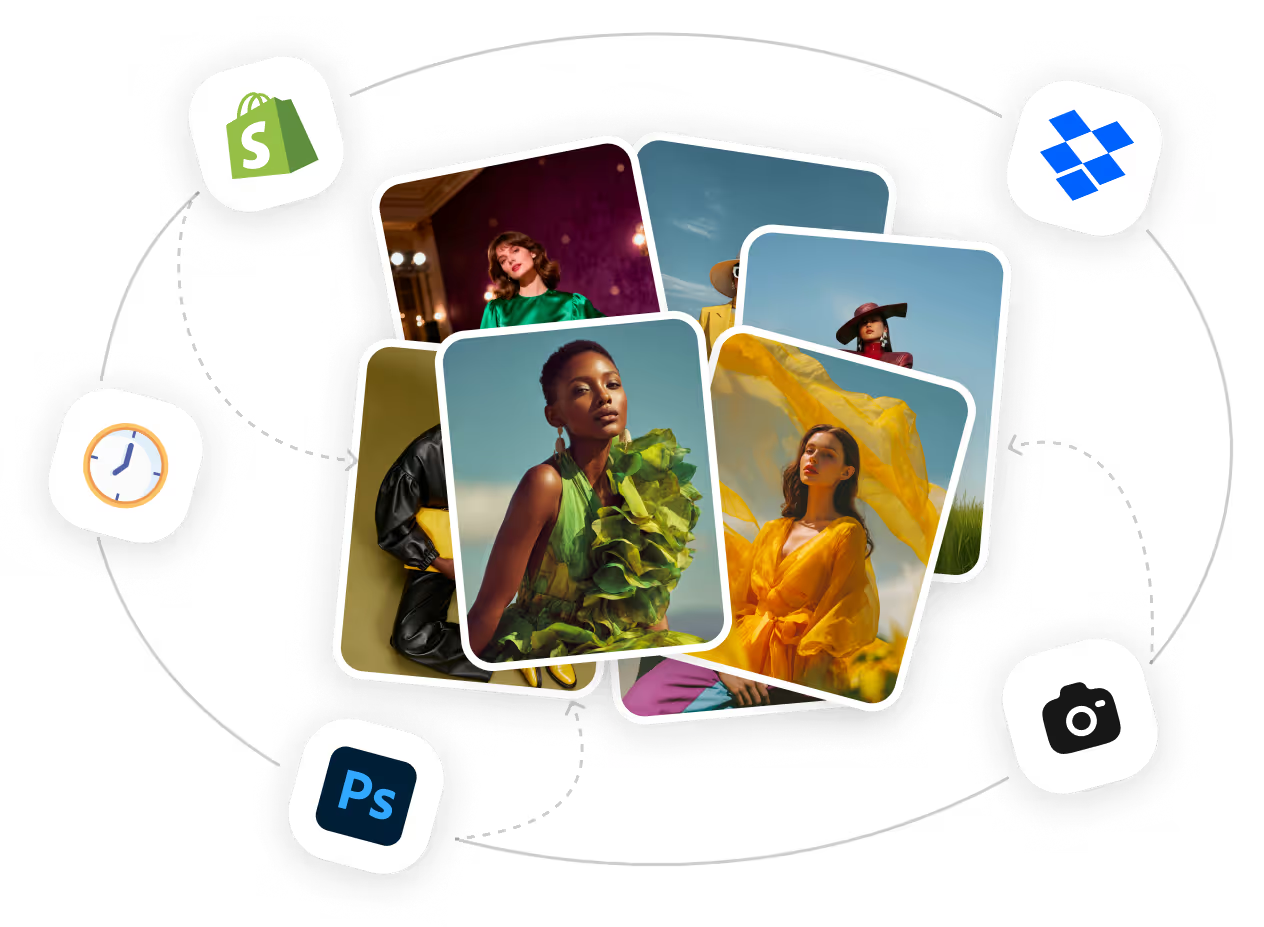
Slow, Costly Content Production
Endless Format Requirements
What Shopify Brands Can Do With Crop.photo
Fix Product Images in Bulk


Generate Complete PDP Sets

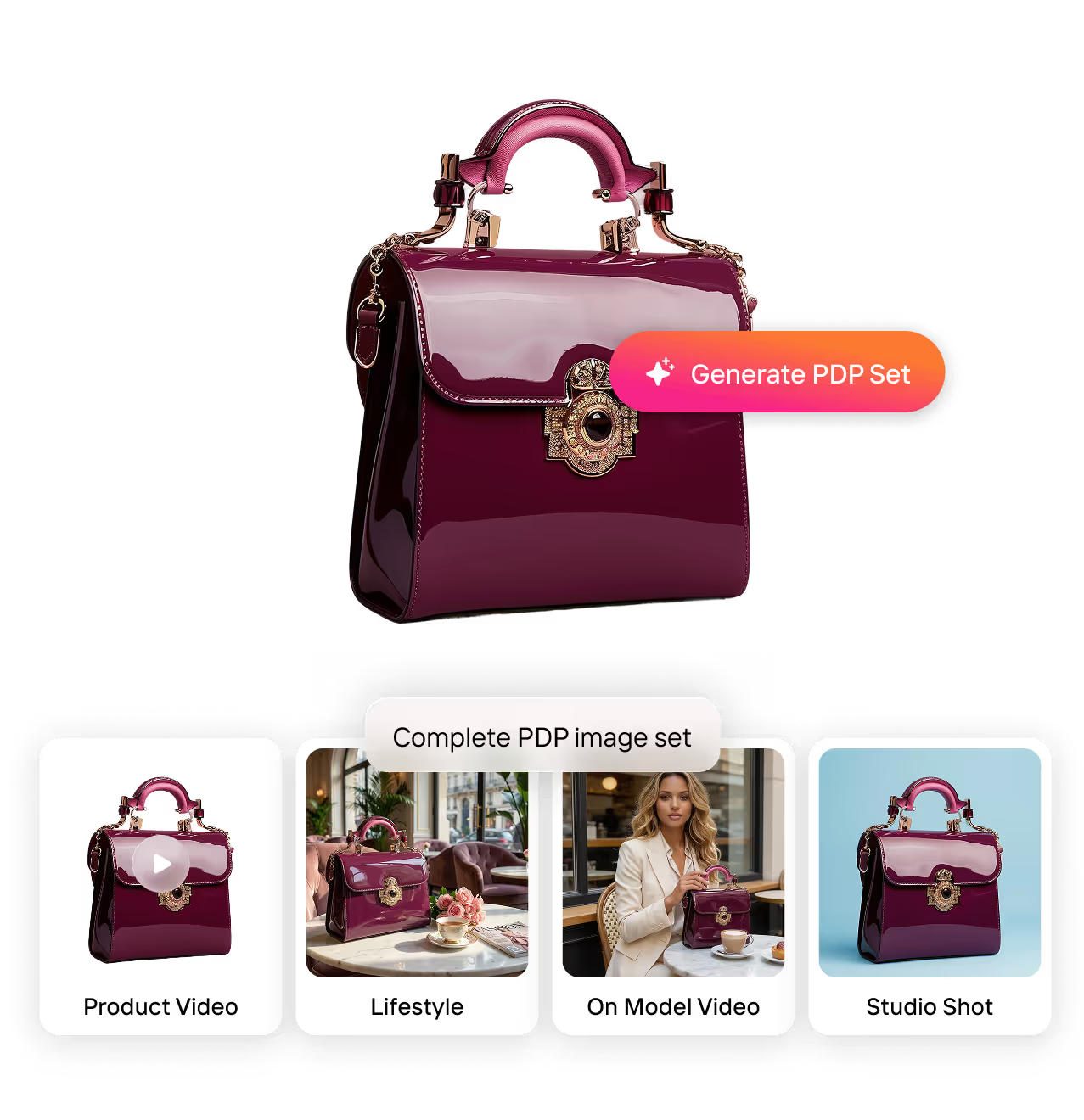
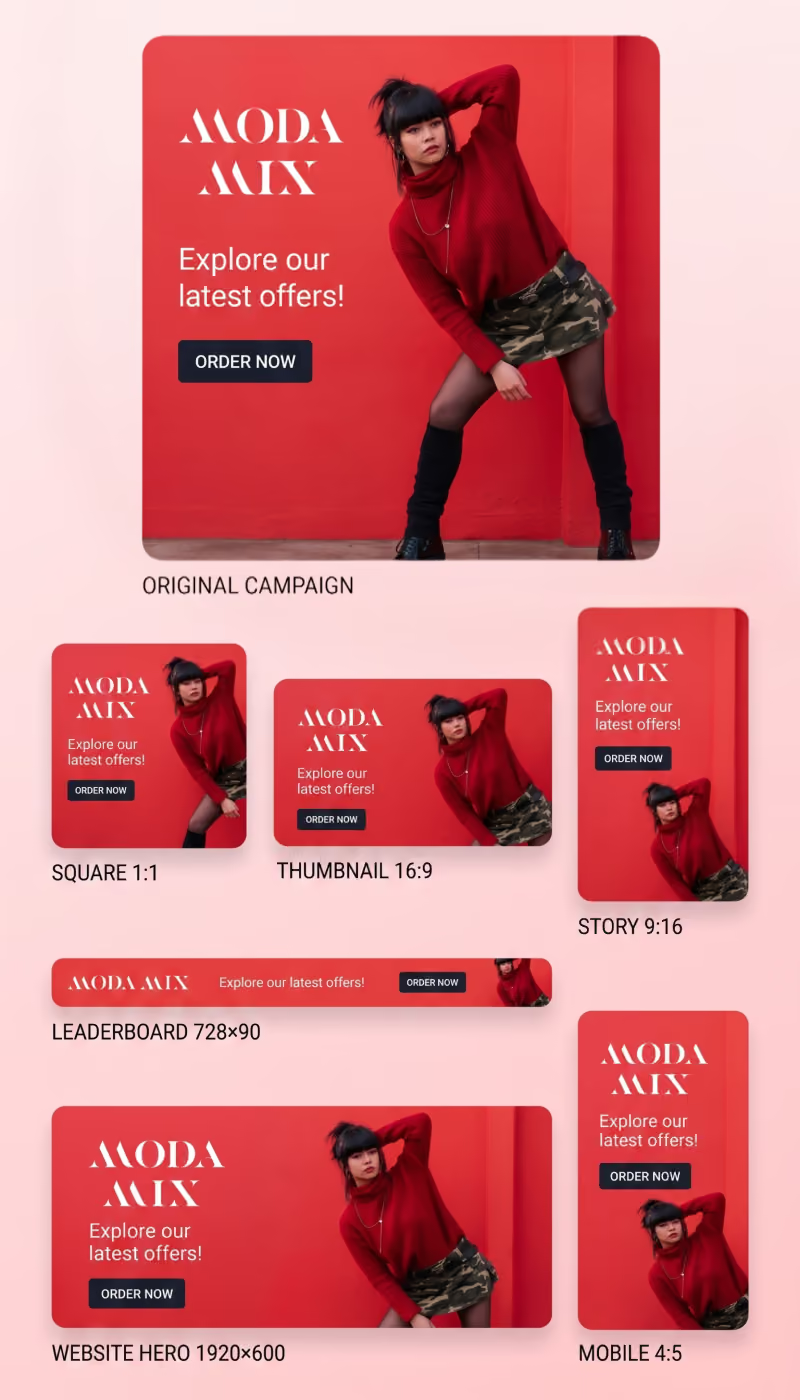
Create Campaign Banners Instantly

API Access
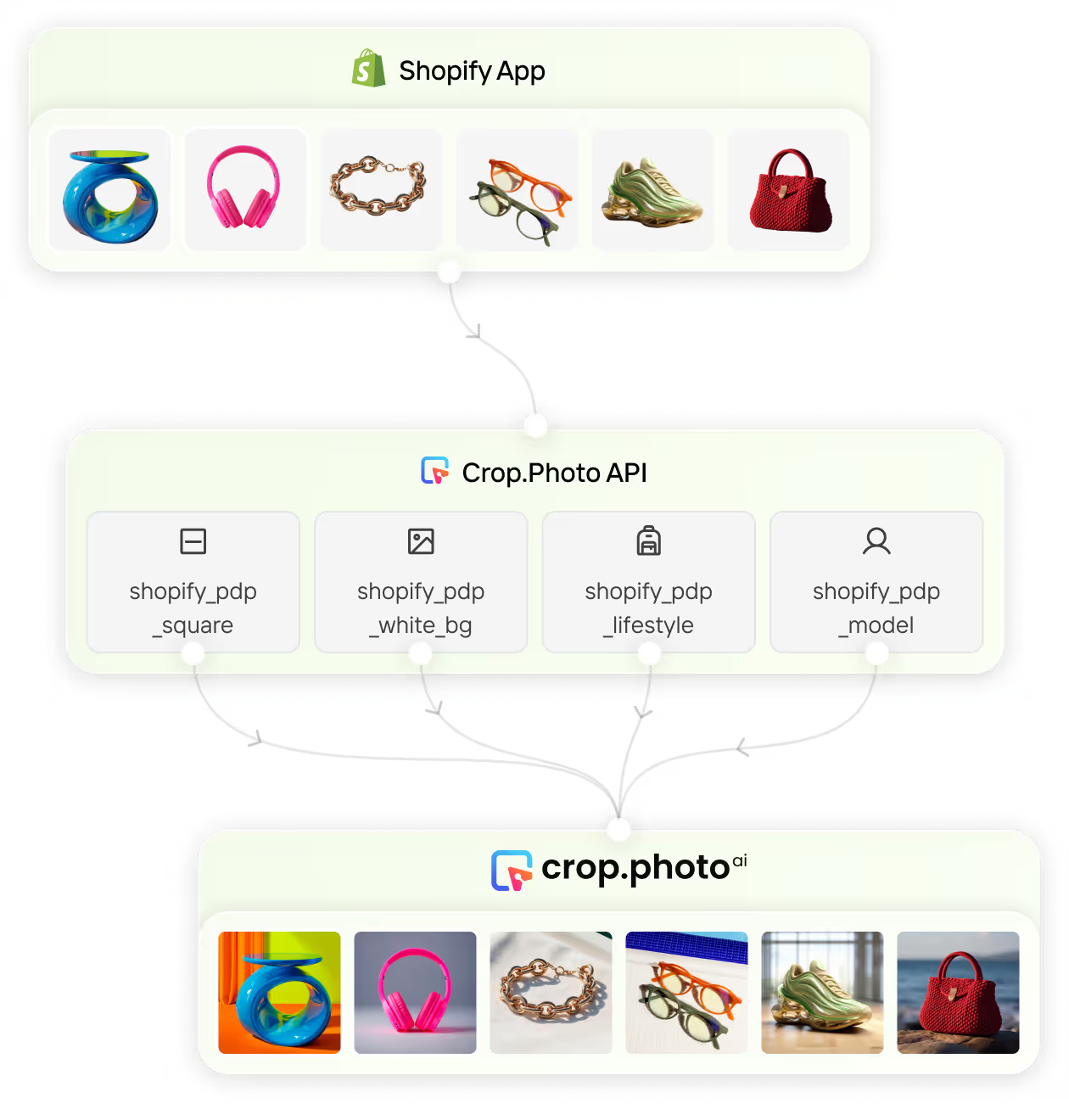
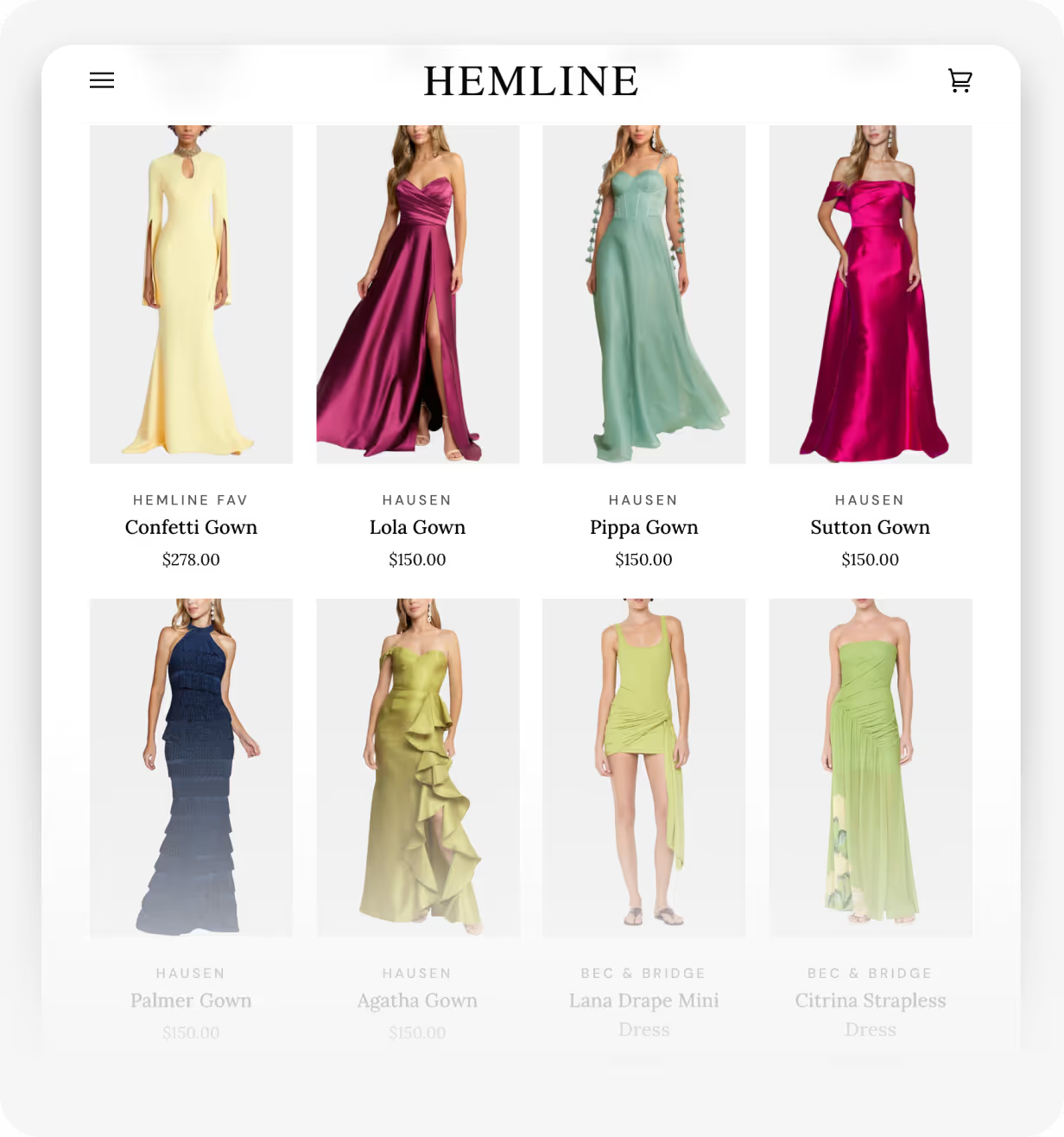
What Leading Shopify Brands Achieve With Crop.photo
We will never give up this tool.

Built for Shopify Plus, Multi-Store, & Multi-Brand Scale
Running multiple brands or dozens of Shopify stores?
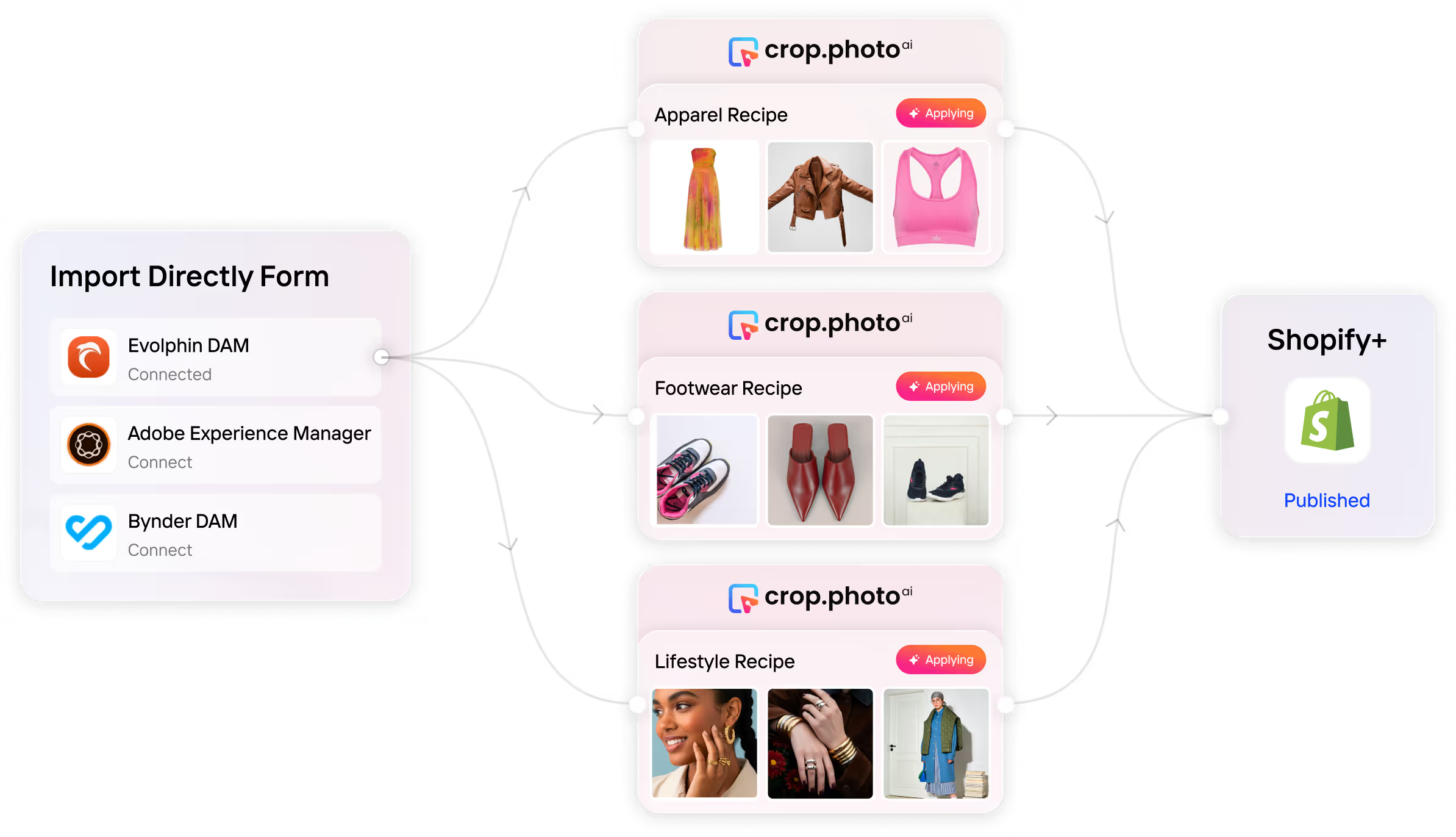
Try Shopify Recipes Today!
Brands Across The Globe ♥️ Us
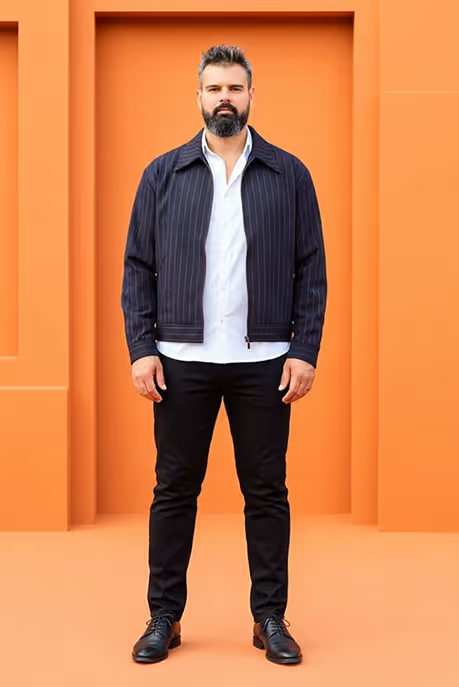

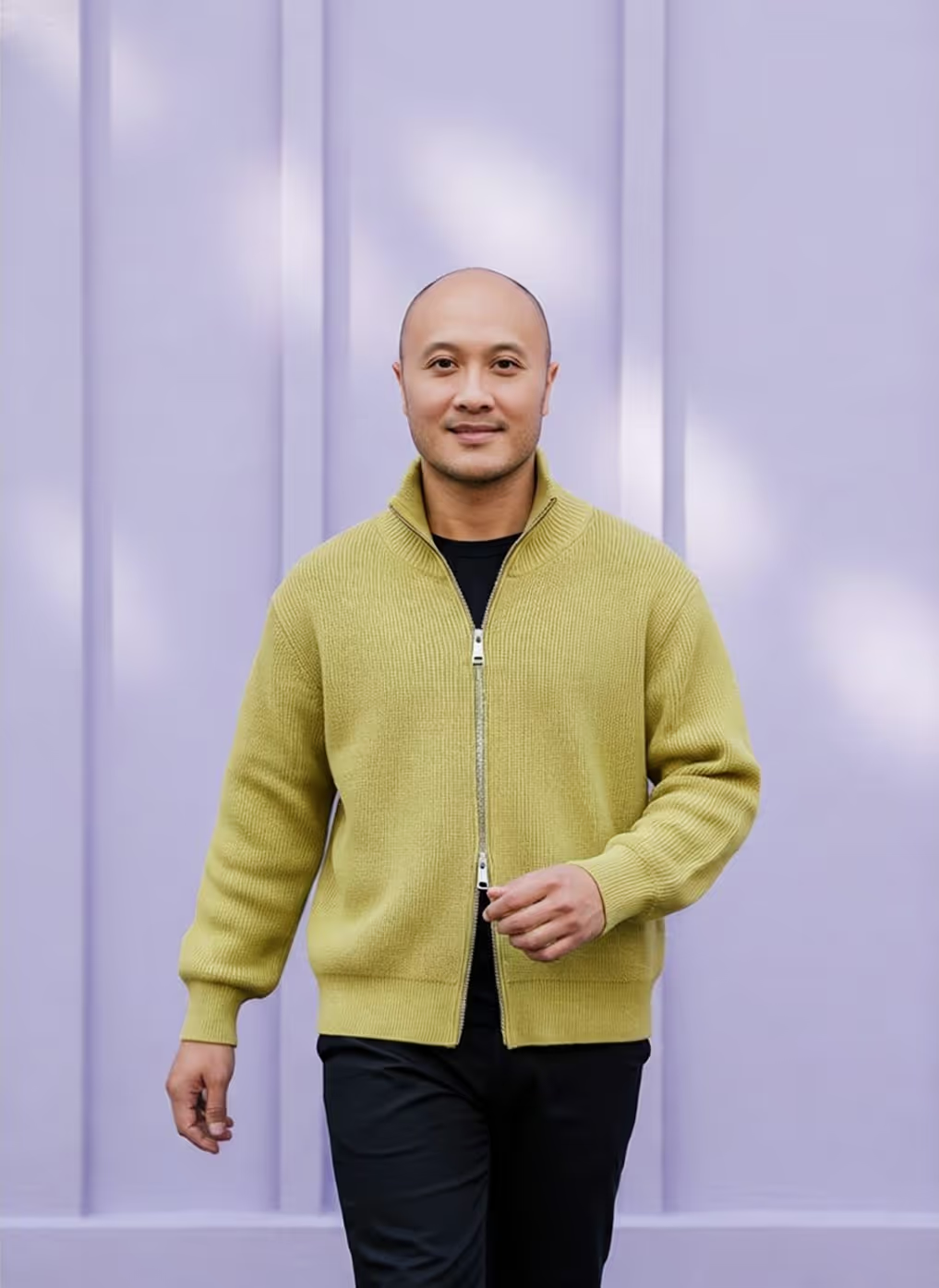










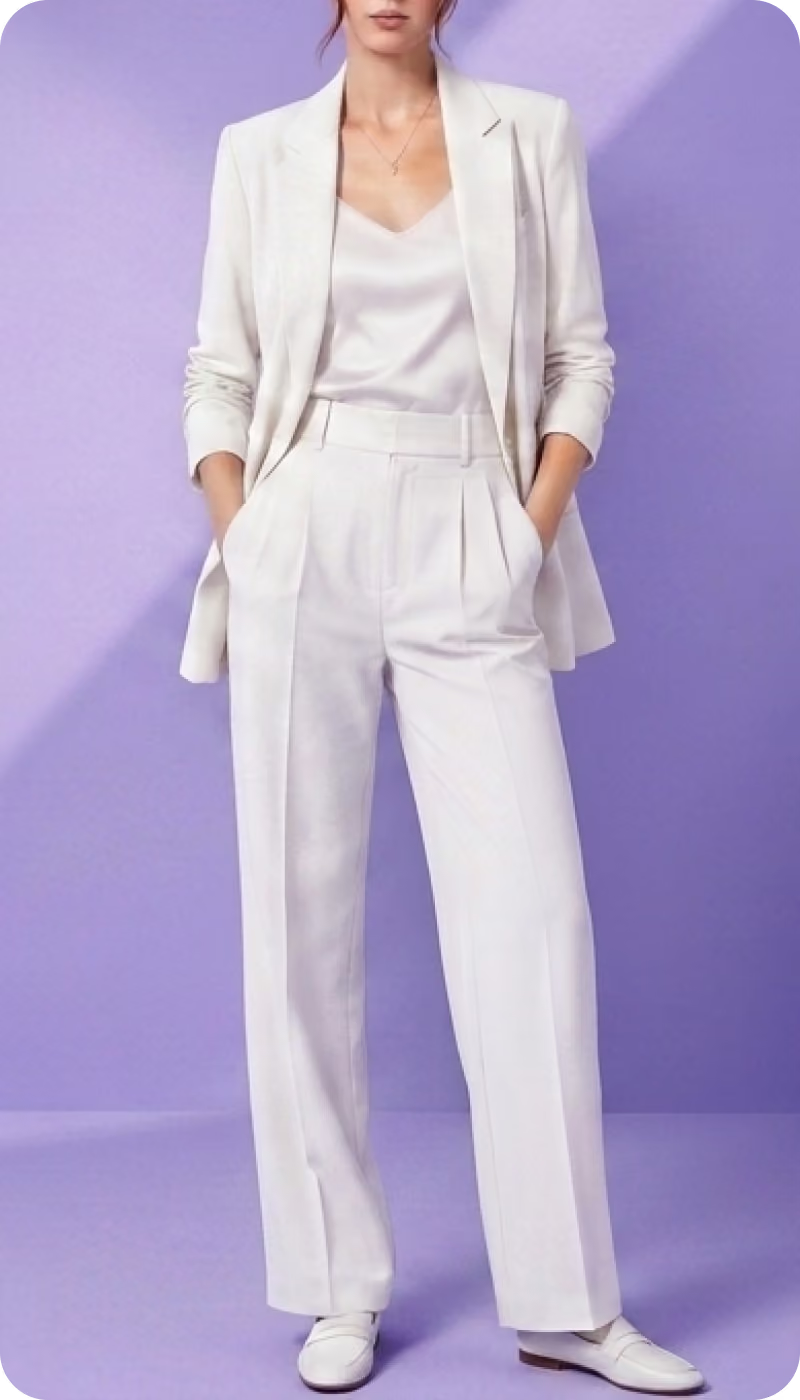
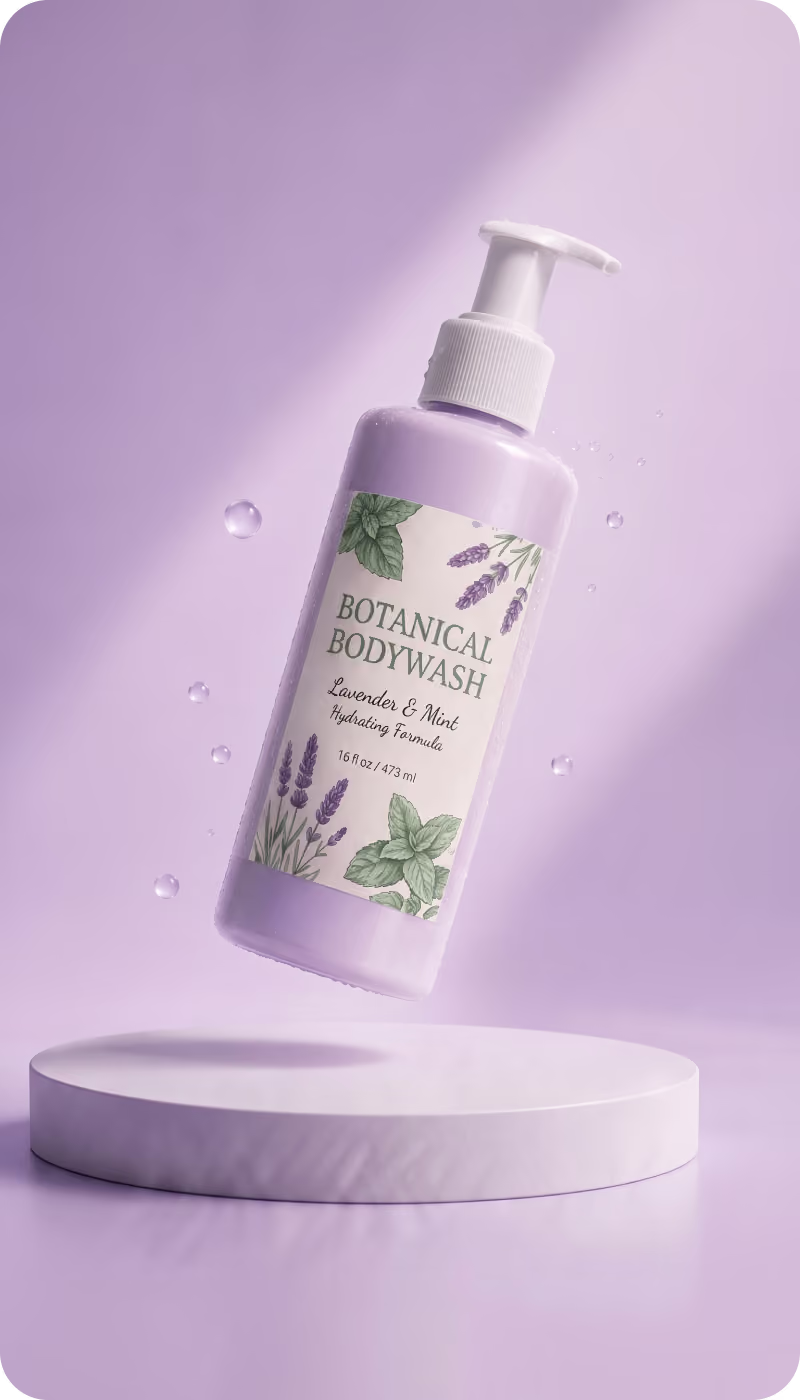
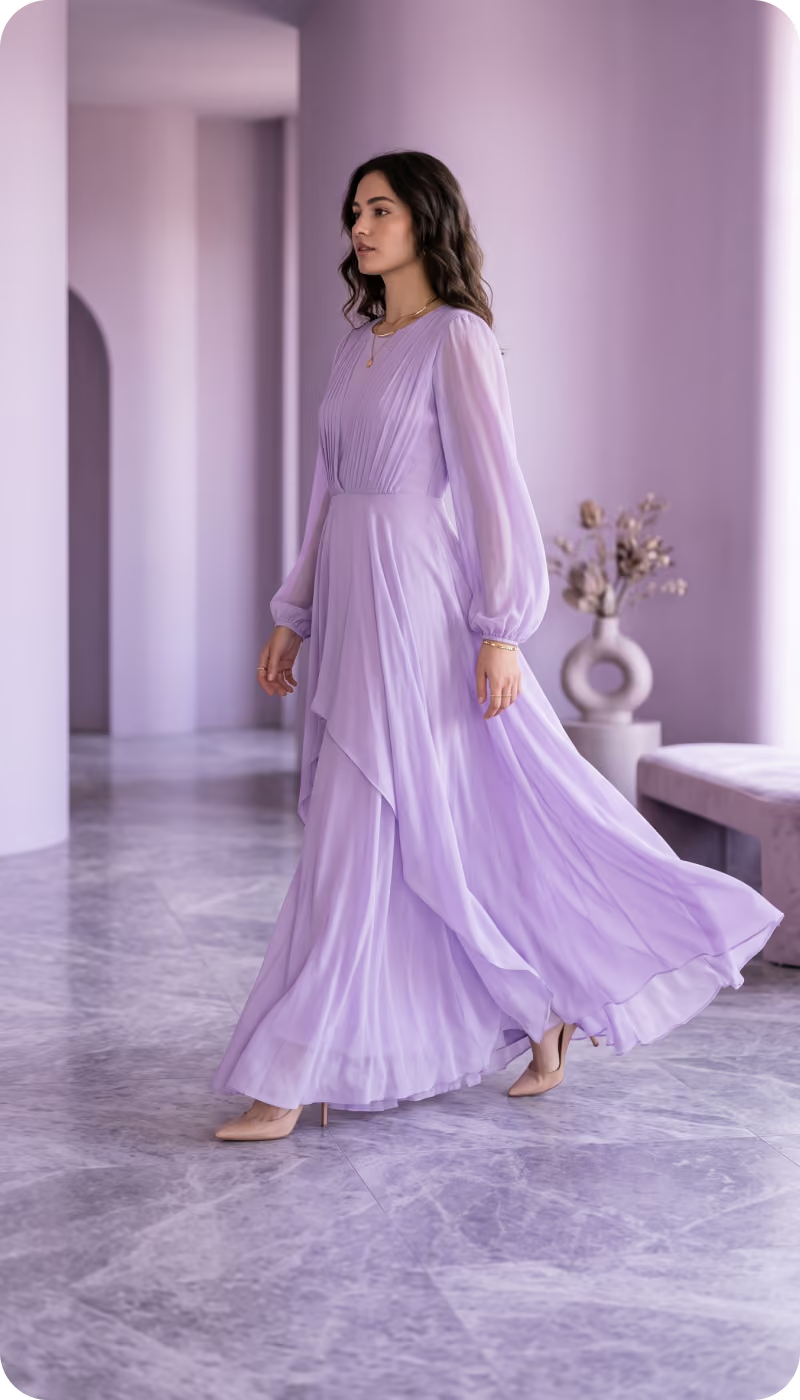
One workflow. Three jobs.












Frequently
Asked Questions
Learn more about our offering and services that can help your business grow exponentially.
Will Crop.photo work with any product type I sell on Shopify?

Yes - it supports apparel, accessories, footwear, beauty, home goods, and more. The system automatically applies the right crop logic and framing for each category.
What types of images can Crop.photo edit for Shopify?
Crop.photo works with on-model images, flat lays, product-only shots, accessories, footwear, home goods, and beauty products. The system applies the correct crop logic based on the content.
How many images can I process at once?
You can process up to 2,000 images per batch, and you can run multiple batches. Ideal for seasonal drops, replenishments, and large Shopify catalogs.
Is my imagery secure? How does Crop.photo handle privacy?
All images are processed through secure SOC-2 compliant infrastructure with no external sharing. You retain full ownership of your images and all generative outputs.
Is Crop.photo available as a Shopify App?
Yes. Crop.photo can be installed directly from the Shopify App Store. You can also use the Crop.photo web app if you prefer to manage images outside Shopify or across multiple channels.
How reliable is the AI? Will it crop my products correctly?
Crop.photo detects models, products, posture, and key markers like shoulders, eyes, and product center. This ensures consistent, repeatable crops across your entire PDP catalog.
What are Shopify-ready Recipes?
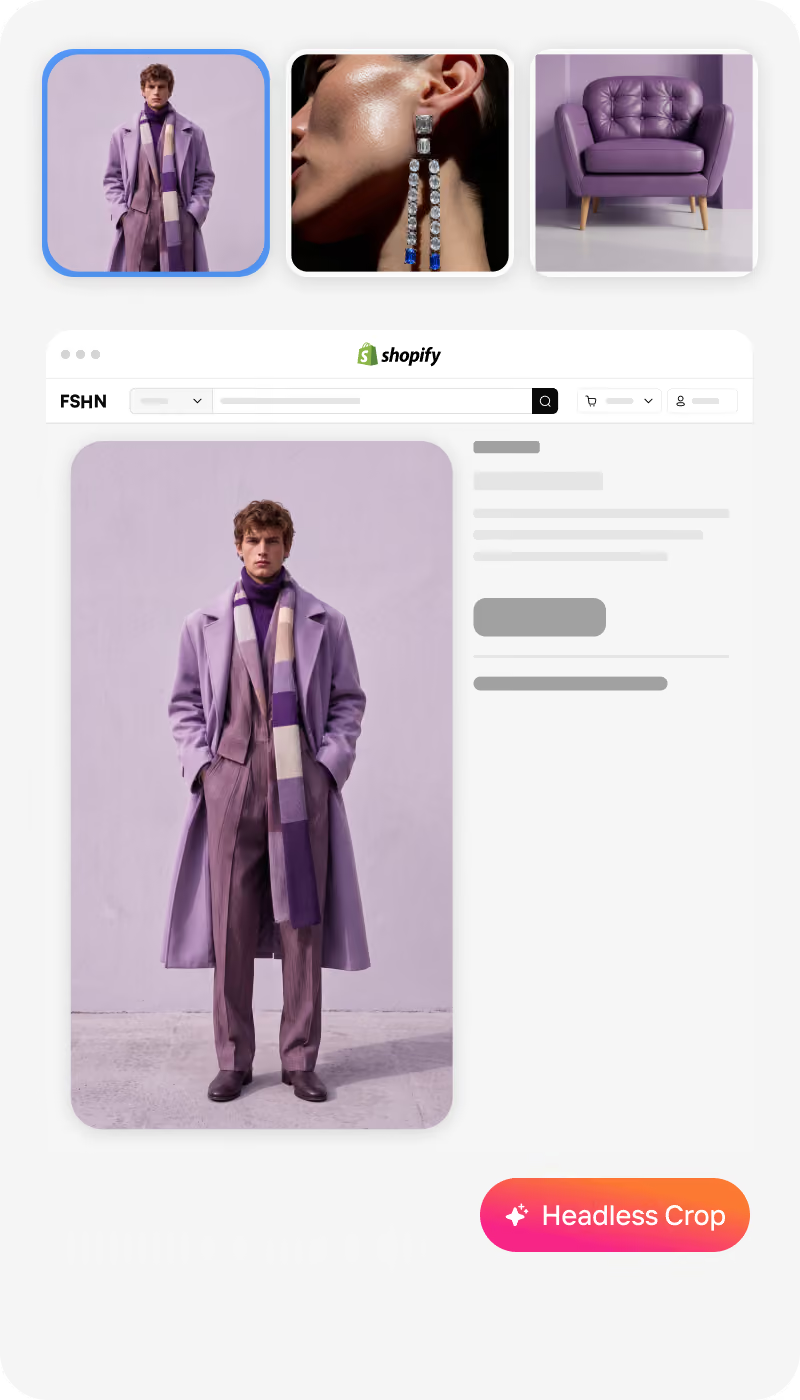
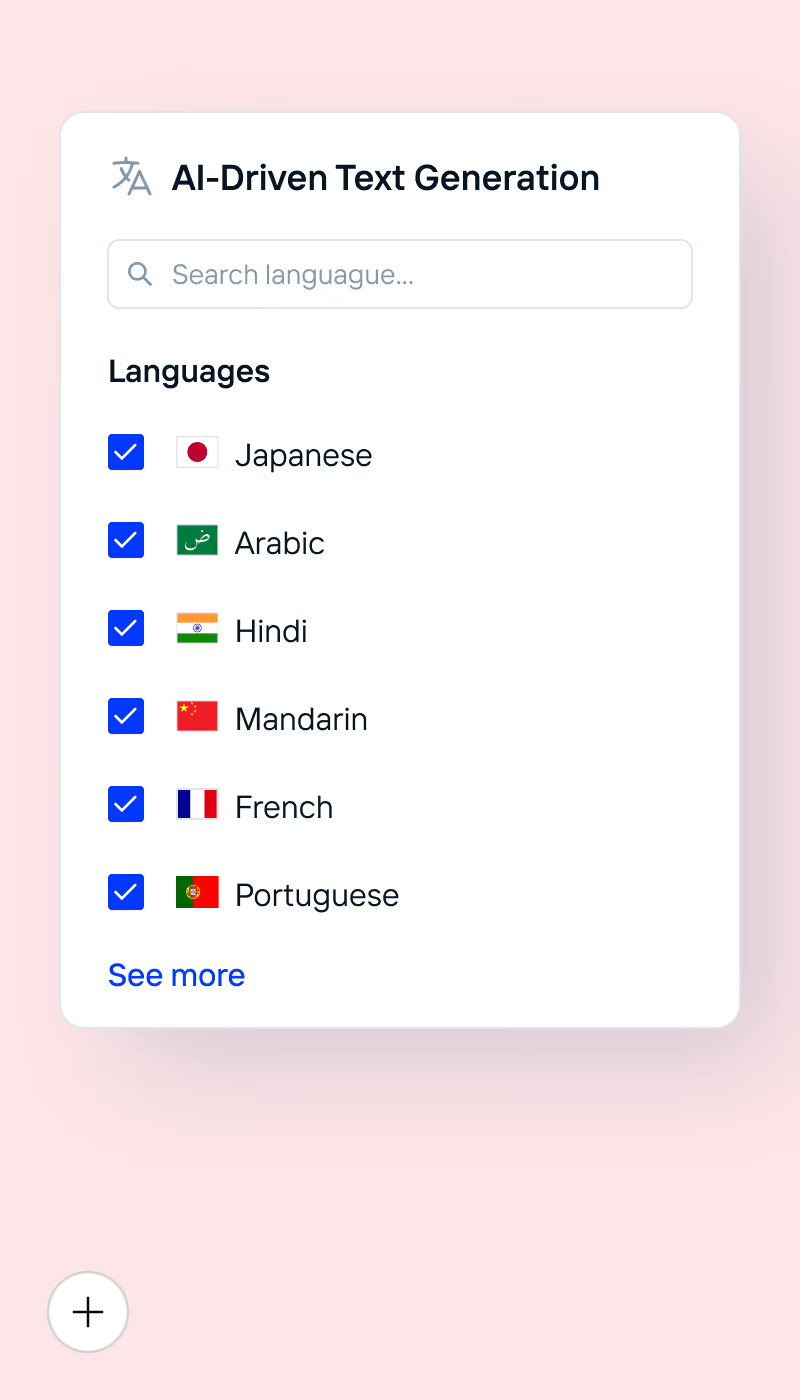
Recipes are pre-built PDP workflows made for Shopify images. They handle PDP crops, background cleanup, margins, centering, face/headless crops, resizing, and even generative outputs like on-model, lifestyle variations, or PDP videos — all in one click.
Can Crop.photo generate new visuals like on-model shots and lifestyle images?
Yes - Crop.photo includes generative AI tools that produce on-model looks, lifestyle scenes, and PDP videos from your existing product images.
Will Crop.photo overwrite my existing Shopify media or variant images?
No. You decide whether to overwrite, replace, or add new media. Crop.photo never changes existing Shopify assets without your approval.
Is Crop.photo's Shopify app fully compliant with Shopify product image requirements?
Yes, Crop.photo's Shopify app generates high-quality, compliant Shopify product images that meet all Shopify product image requirements, including optimal dimensions, formats (like JPG or WebP), aspect ratios, file sizes, and background standards for professional storefronts.
Have more questions or doubts for us? Get your questions answered from out team within 14 hours


