
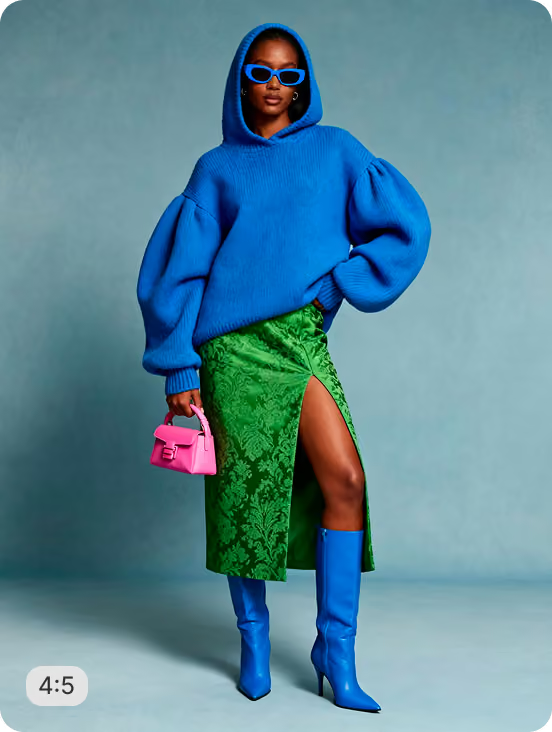

Shopify Product Image Recipes - Resize, Crop & Edit with AI
Explore AI workflows for every Shopify product image need - generate lifestyle scenes, add shadows, resize and crop, remove backgrounds, create on-model visuals, and produce PDP videos. Try any recipe below to run these workflows instantly on your products.











Discover by
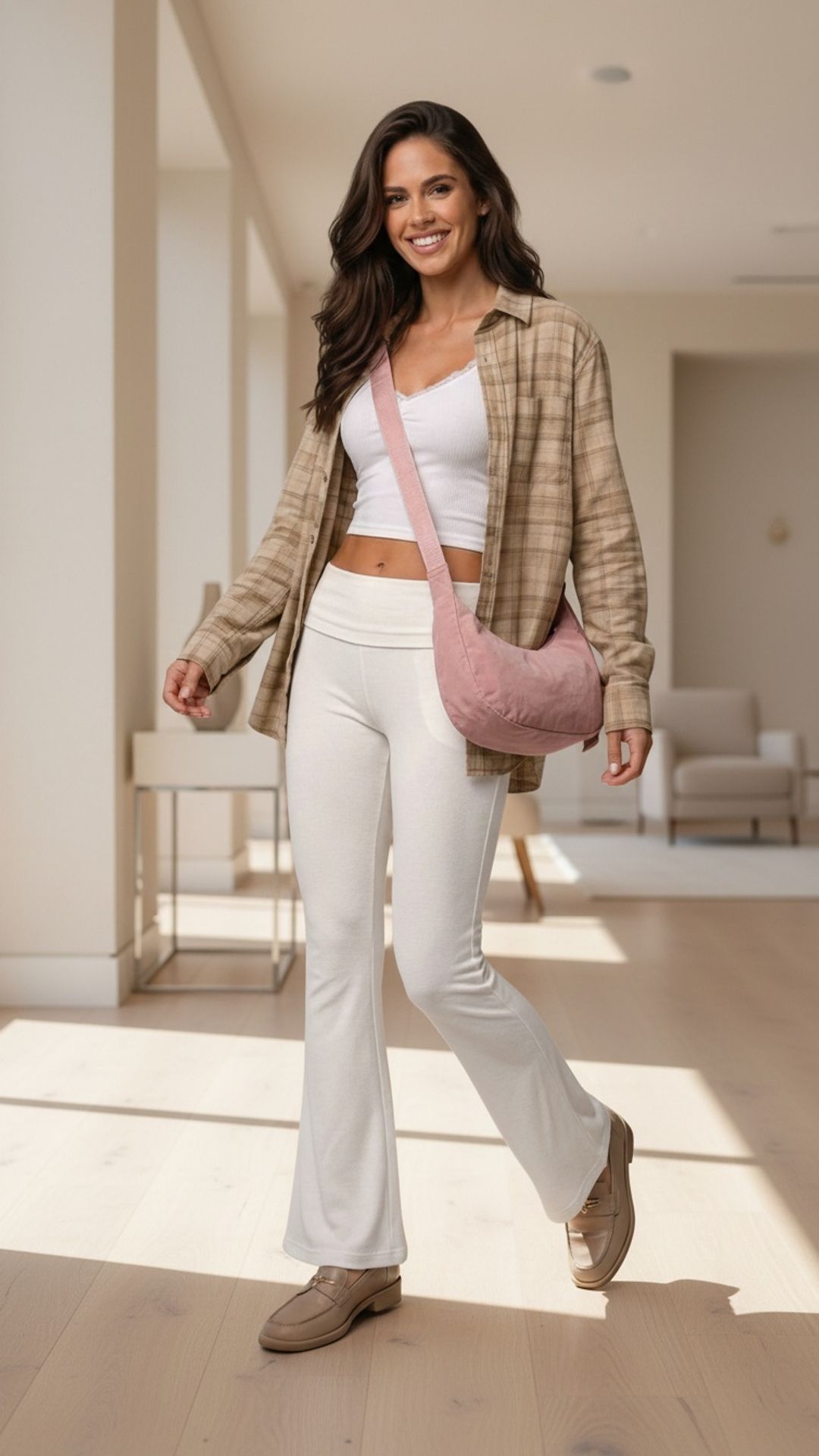
 Walk Video – Bags
 Bundle Product Crop - Baby
Frequently
Asked Questions
How do I use these recipes?
Click any recipe below, upload your images or use samples, and try it instantly. When ready, upgrade to run these workflows at scale in your Shopify store or web app.
Do I need to write prompts to generate images or videos?
No. Recipes handle everything for you. No prompts, no repeated steps -just consistent outputs across all your products.
Can I run these recipes directly in my Shopify store?
Yes. Install the Crop.photo Shopify app, link your account, and run these recipes directly on your Shopify products.
Can I create my own recipes?
Yes. You can create custom recipes based on your needs and reuse them across both the web app and Shopify app. Follow the tutorial video to get started.
Can I run the same recipe across multiple Shopify products?
Yes. You can run recipes across thousands of Shopify products. With AI Match, your images are classified automatically and the right recipes are applied at scale.
Have more questions or doubts for us? Get your questions answered from out team within 14 hours


