
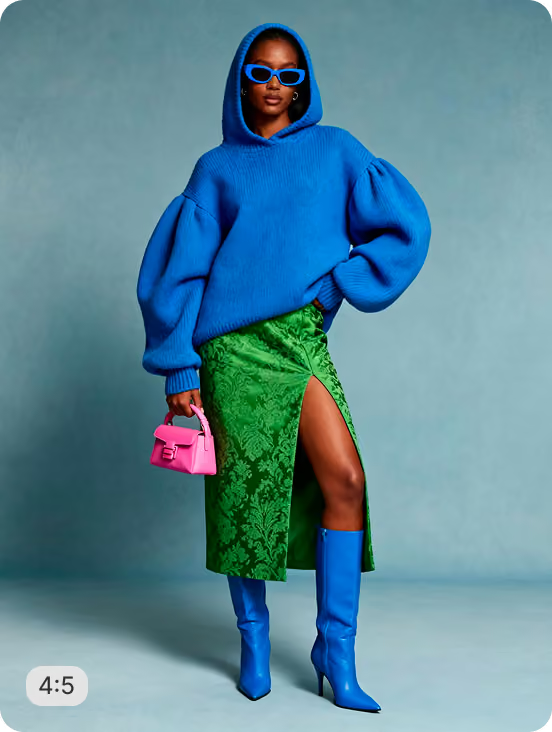

Explore AI recipes built for fashion, apparel, and accessories. Generate on-model visuals, produce flat lays, swap backgrounds, retouch fabric and skin, add natural shadows, and run pose-aware crops like headless and body-aware. Try any recipe instantly.










Discover by
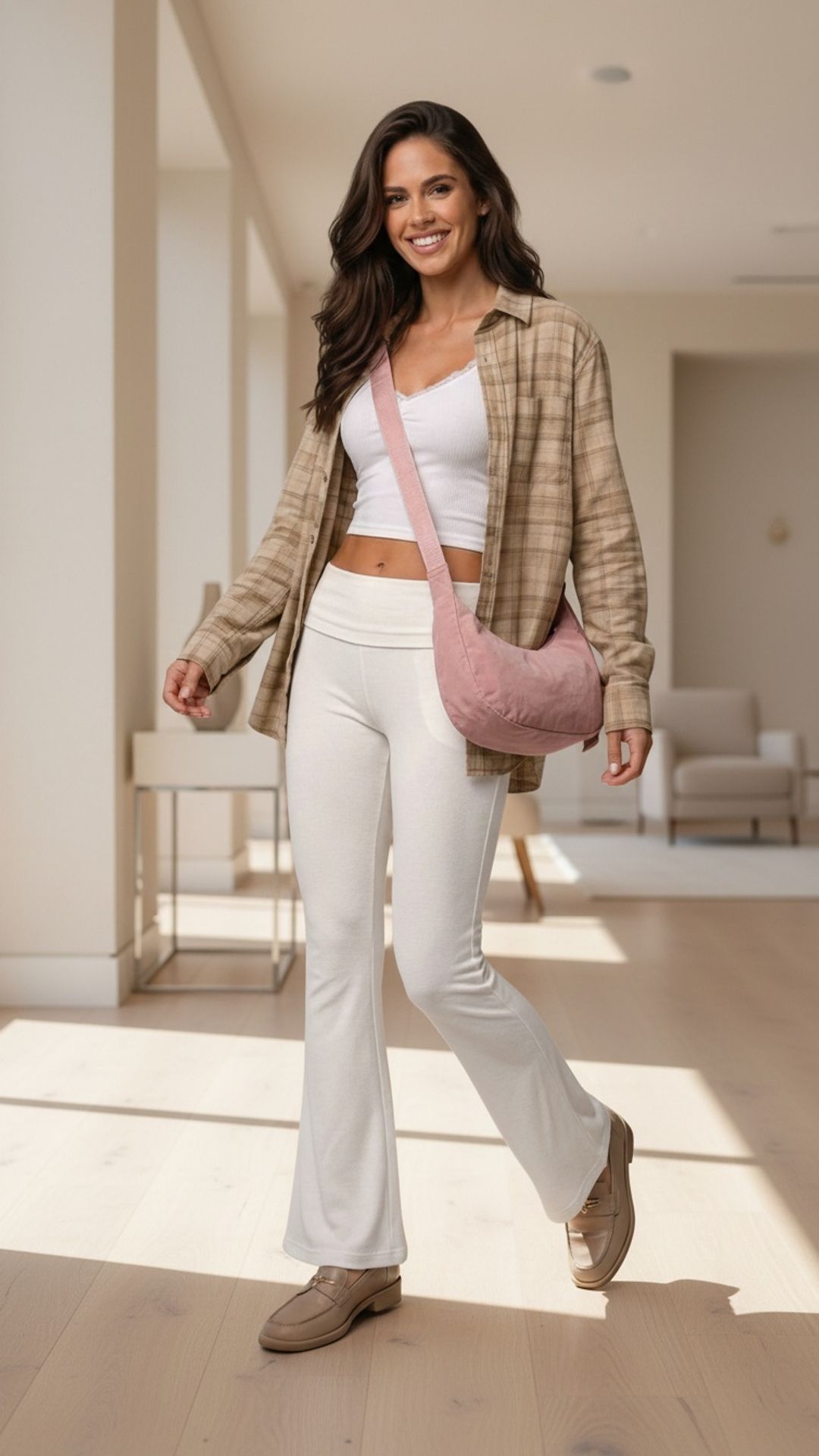
 Walk Video – Bags
 Product On-Model - Women's Cocktail
 Bundle Product Crop - Baby
Frequently
Asked Questions
What fashion product types do these recipes work for?
Recipes work across apparel (tops, bottoms, dresses, outerwear, activewear), footwear, bags, jewelry, watches, eyewear, and small accessories. With AI Match, your images are classified automatically and the right recipe variant runs on each product type — useful when one catalog spans multiple categories like apparel plus accessories or jewelry plus watches.
What are pose-aware crops and why do brands need them?
Pose-aware crops use AI to crop product images intelligently around the model's body — headless crops (cutting above the shoulders for privacy or modesty), body-aware crops (preserving the garment fully while removing surrounding context), and torso or waist-up framing. These are essential for marketplaces like Amazon and Walmart that require specific framing rules, and for brands managing influencer content where face rights aren't cleared. Most editors don't offer this — Crop.photo does.
Do recipes export the right specs for marketplaces?
Yes. Recipes export to channel-ready specs in one pass — Shopify (2048 × 2048), Amazon main image (1600 × 1600 with white background), Etsy listing photos, Instagram Shop, Google Shopping, and DTC site banners. Run a single recipe and get every output size your sales channels need, with the right aspect ratio and background rules applied automatically.
Can I create on-model visuals without a photoshoot?
Yes. The on-model generation recipe places your flat product images on AI-generated models — different ethnicities, body types, poses, and backgrounds — so you can produce on-model PDP visuals from packshots alone. Useful for new product drops, marketplace listings, and refreshing seasonal collections without booking a studio or model talent.
Can recipes handle fabric and skin retouching at scale?
Yes. The fashion retouching recipe smooths skin without making it plastic, removes lint and stray threads from garments, fixes wrinkles and fold lines on apparel, and corrects color casts under studio lighting. Run it across an entire collection and the AI maintains consistency between shots — same skin tone, same fabric texture, same exposure — so your PDP grid looks like one shoot, not twenty.
Have more questions or doubts for us? Get your questions answered from out team within 14 hours


