Shopify PDP Images, Automated

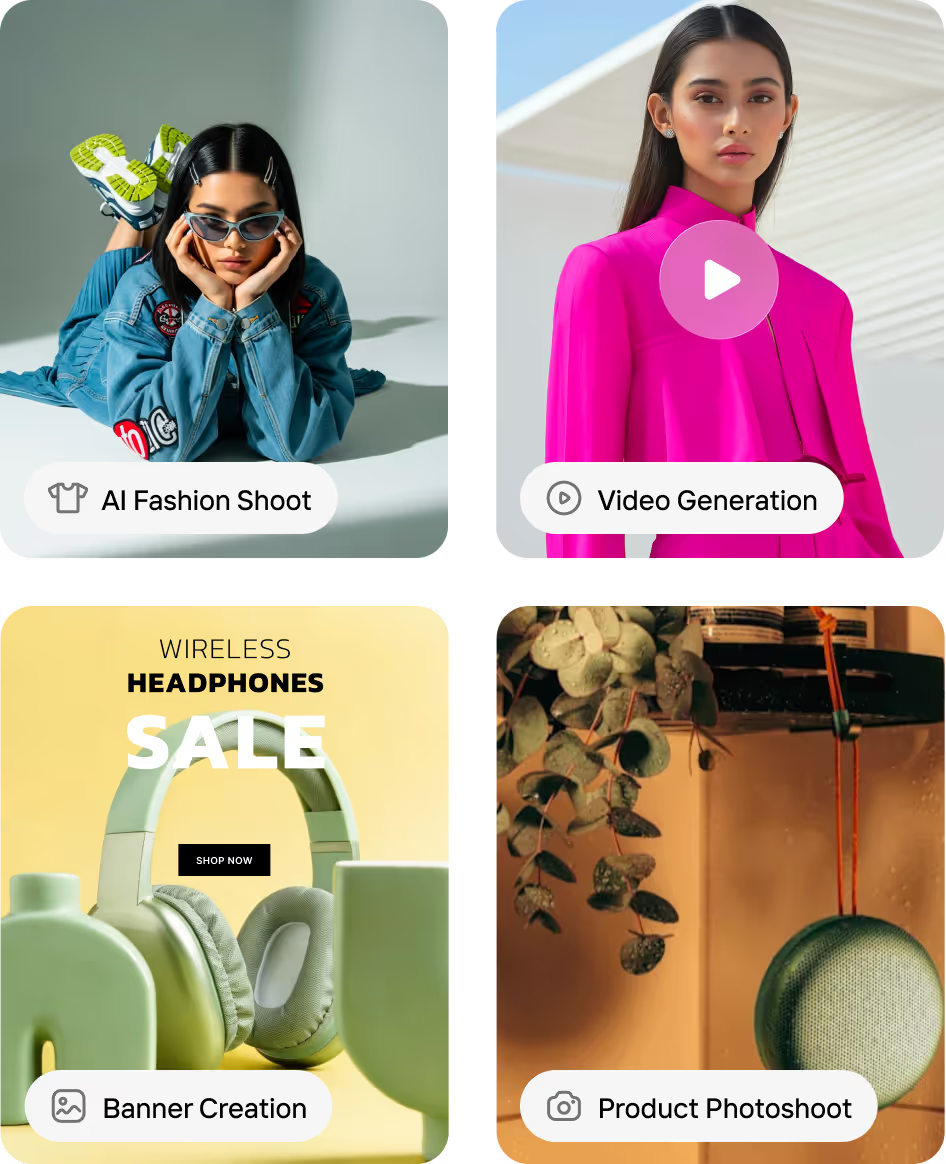
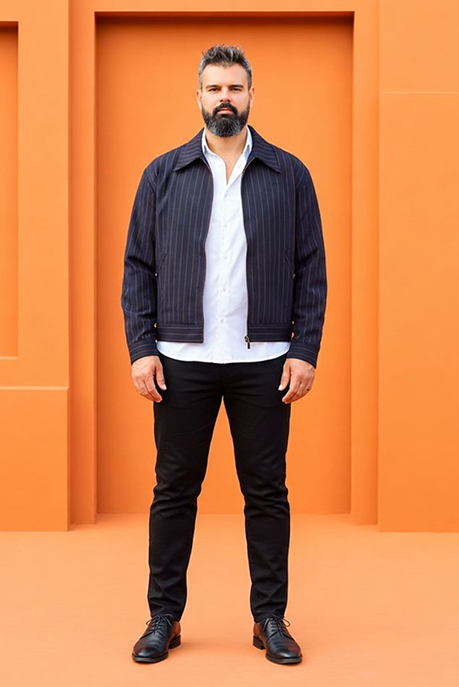
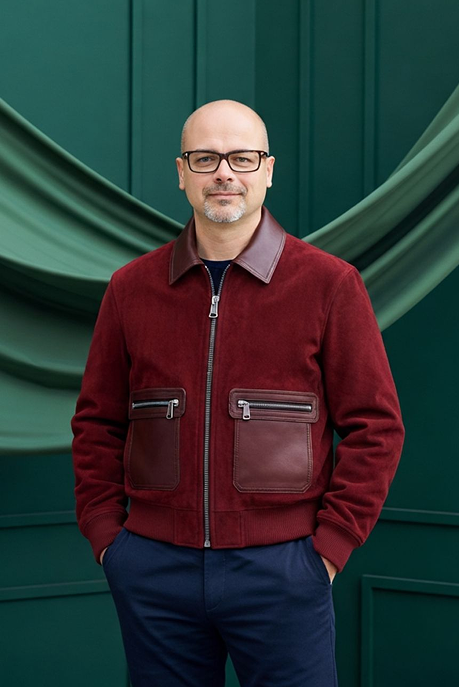
Generate complete PDP sets — lifestyle images, on‑model visuals, alternate angles, banners, and PDP videos, even when your source photos fall short.
4.6 on G2
Used by
5K+
Shopify stores
Production gradeBattle tested

What Shopify Brands Are Struggling With Right Now
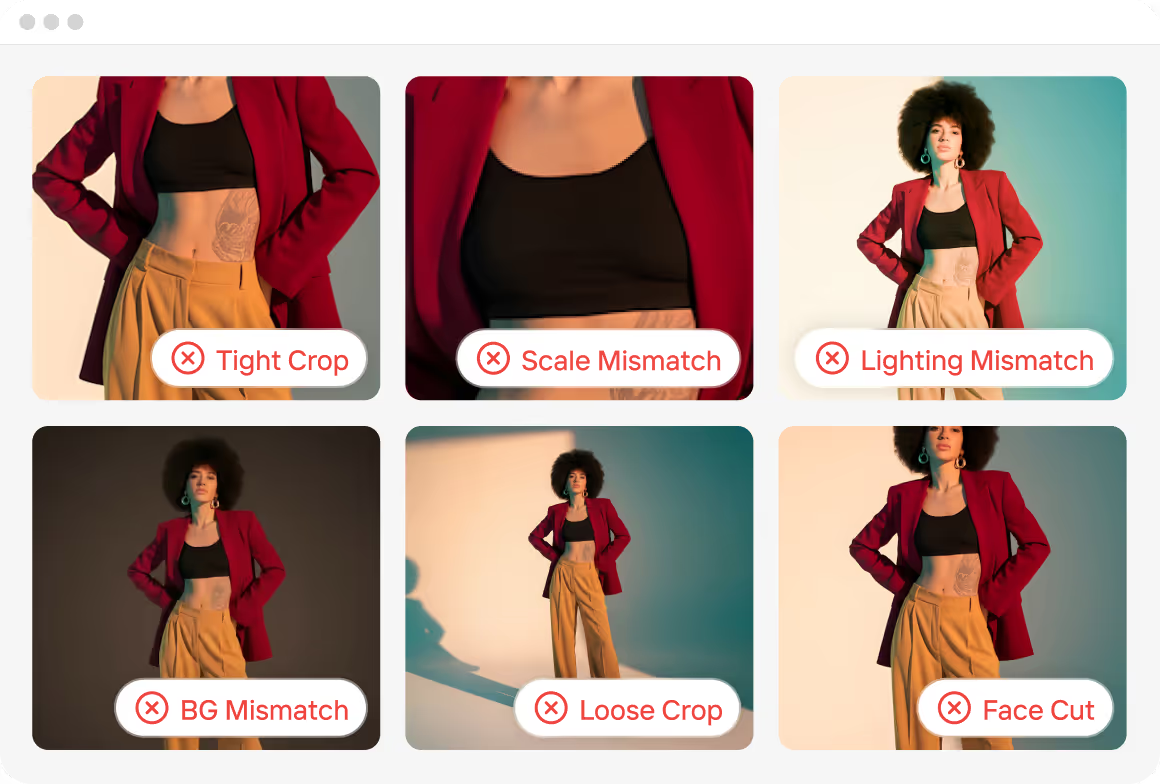
You built a Shopify store to grow sales — not to fix images all day.

Inconsistent Product Photos

Mixed crops, lighting, and backgrounds make PDPs look unpolished and hurt conversion

Slow, Costly Content Production

Mixed crops, lighting, and backgrounds make PDPs look unpolished and hurt conversion

Inconsistent Product Photos

Mixed crops, lighting, and backgrounds make PDPs look unpolished and hurt conversion

One Shopify Workflow to Handle Every Product Drop
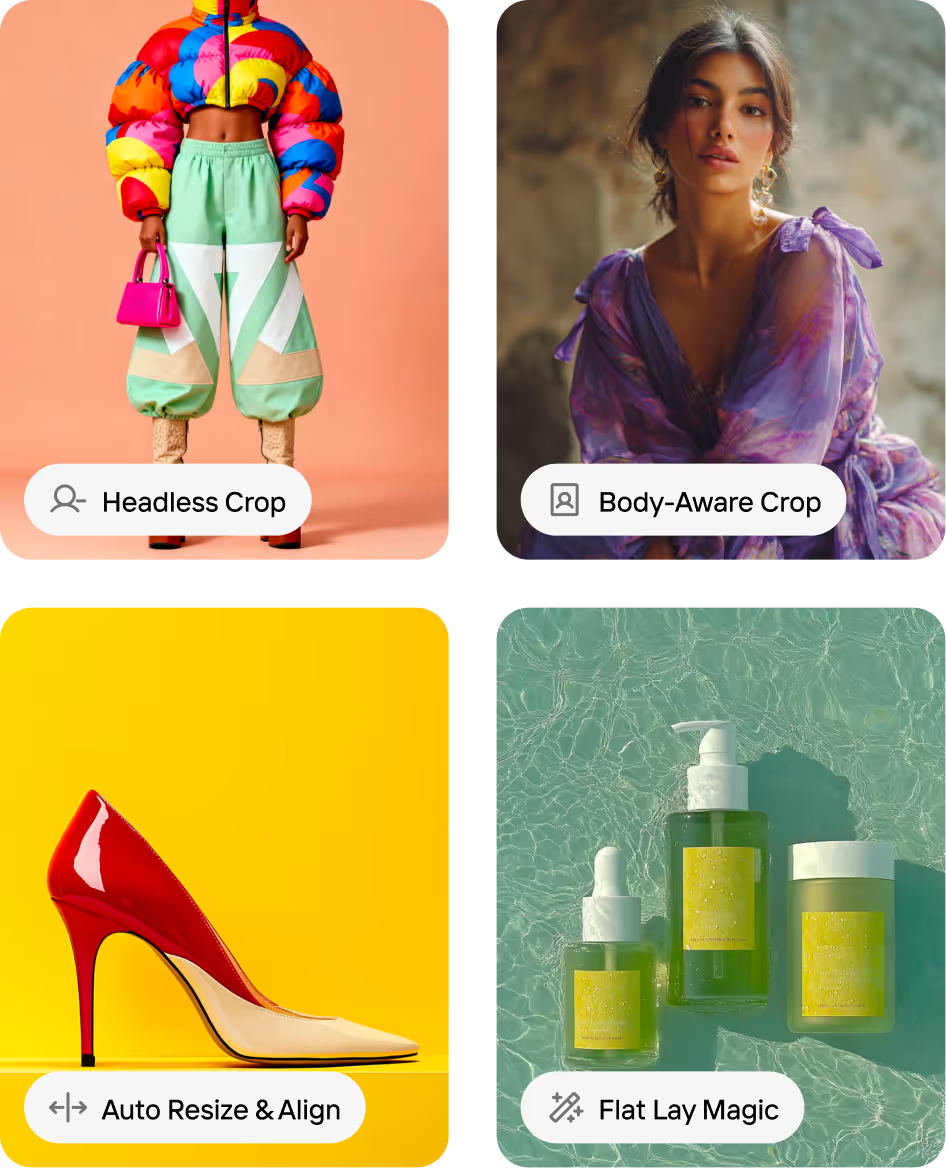
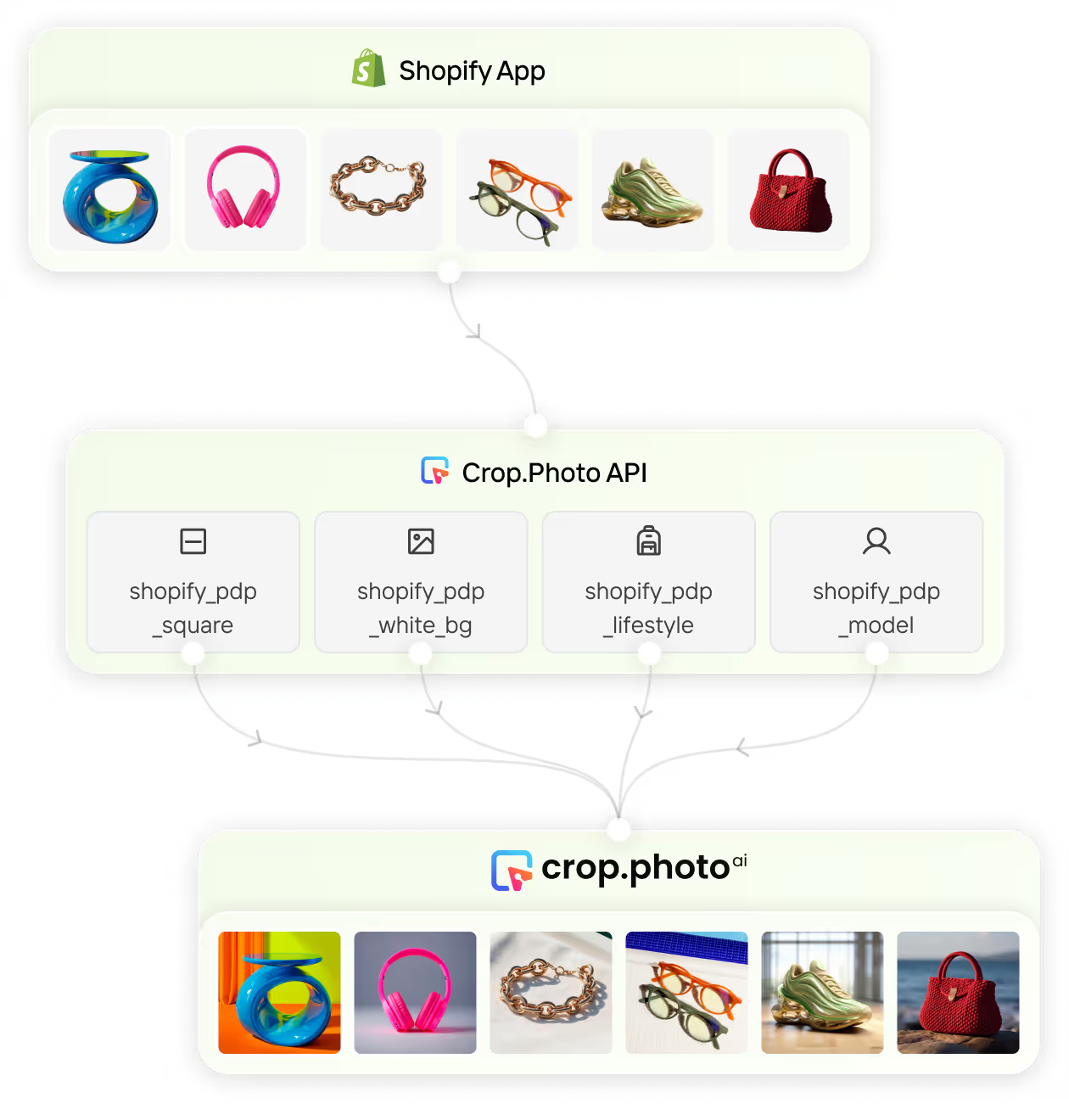
No more piecing together tools or rebuilding processes for each new collection. Your entire image pipeline - from raw assets to Shopify-ready outputs - runs automatically.

Bulk PDP Image Editor

Mixed crops, lighting, and backgrounds make PDPs look unpolished and hurt conversion

Bulk Content Generation

Generate campaign-ready assets at scale — including on-model shots and PDP videos that match your brand’s look across your Shopify store.

What Shopify Brands Can DoWith Crop.photo

Run your entire product imagery pipeline in one automated platform built for Shopify scale.

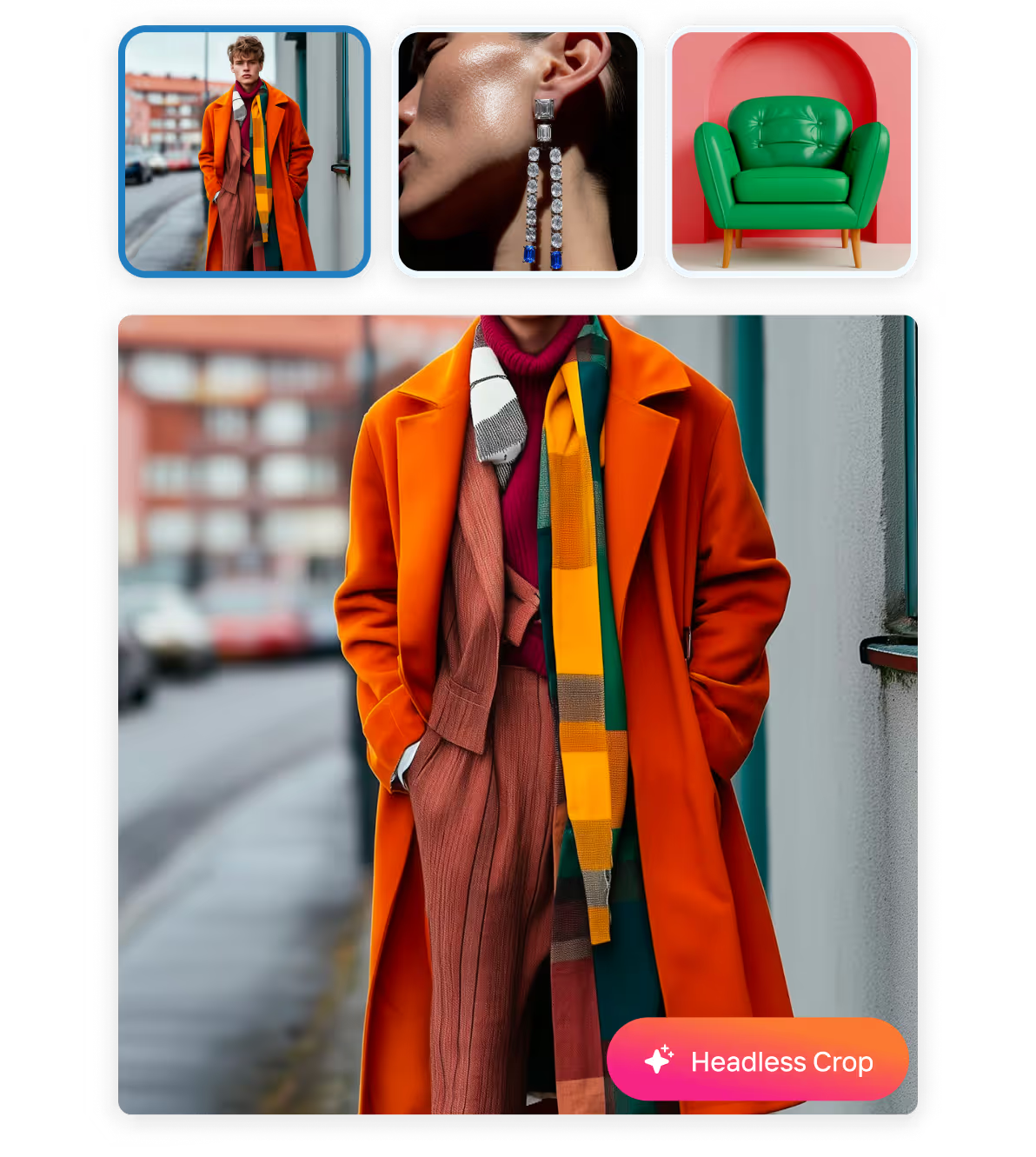
Fix Product Images in Bulk

Make 1000s of SKU photos consistent instantly.
Auto-crop for apparel, accessories, shoes
Auto-resize for PDP, Instagram, Meta Ads
Background cleanup or branded background
Auto-align flat lays and model shots
Try the Demo

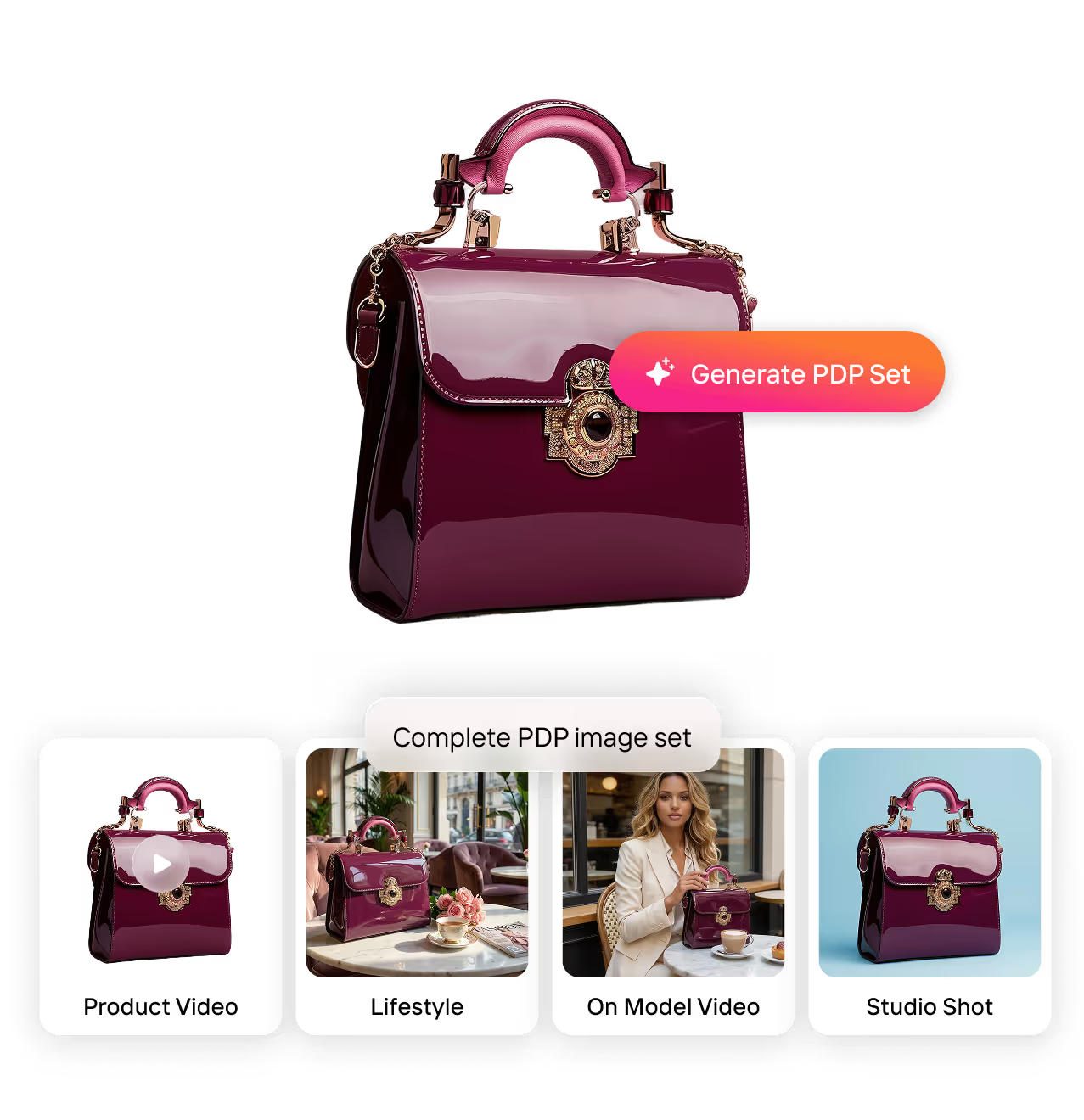
Generate Complete PDP Sets

Create every PDP asset your Shopify brand needs without another shoot. Turn one product image into:
Studio-background shots
Lifestyle images
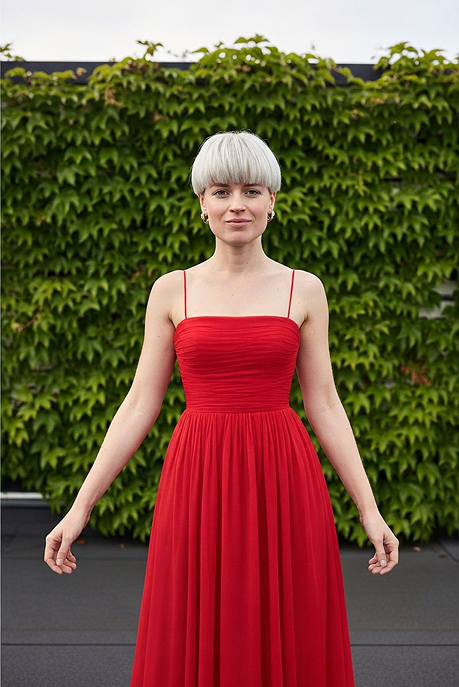
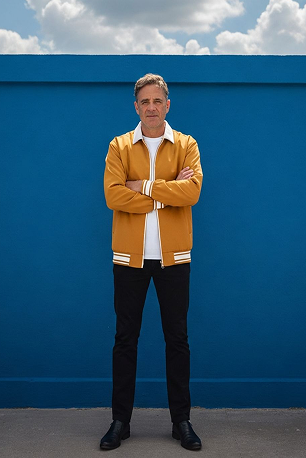
On-model visuals
Short PDP videos
Try the Demo

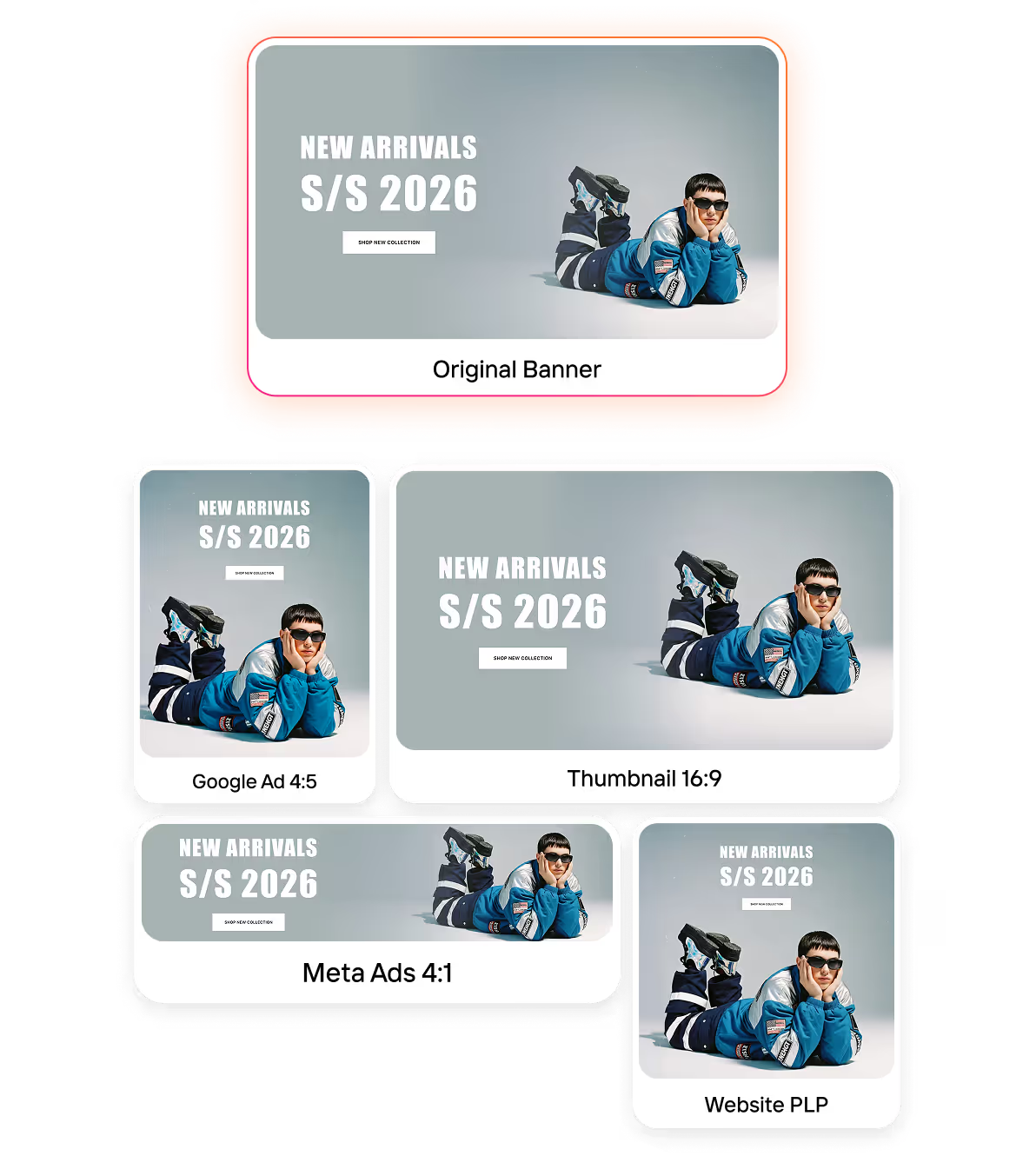
Create Campaign Banners Instantly

Turn any product image into a full set of homepage, collection, and email banners. Resize and adapt banners as:
Homepage hero
Collection header
Announcement bar
Email + ad creatives
Try the Demo

API Access

Integrate Crop.photo directly into your Shopify PIM workflows — auto-generate PDP assets, edit images in bulk, and push final outputs back to your product catalog automatically.
Try the Demo

What Leading Shopify Brands Achieve With Crop.photo

Bulk PDP Image Editor

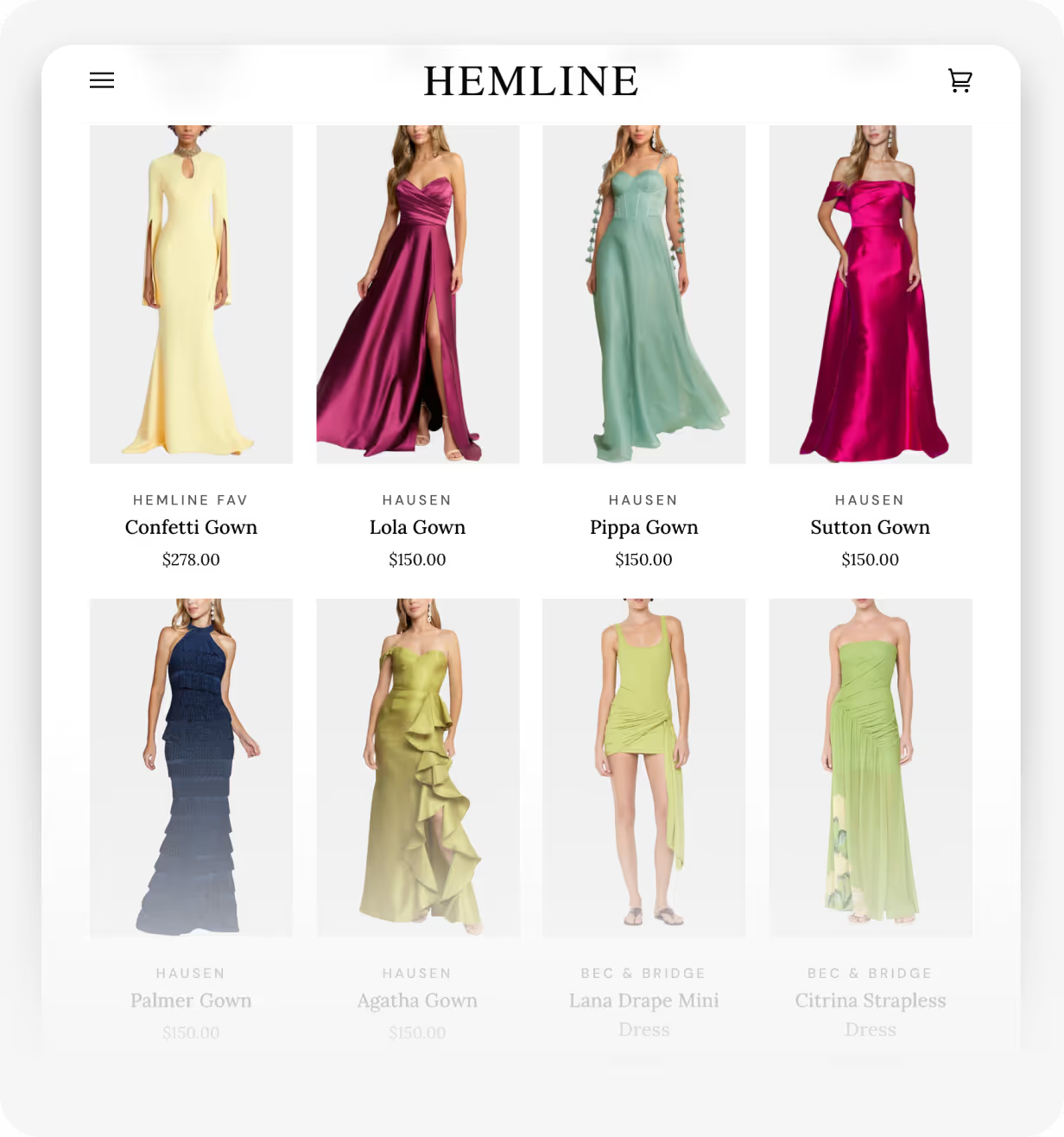
“There's nothing like Crop.photo. It's simply the best way to keep our images consistent across all 32+ Shopify stores. Using Crop.photo to prepare our images before publishing them, it has shown clear ROI with every product listing.”

Gabriella Holthausen

VP at Hemline | Shopify Plus Store
Read Case Study

Built for Shopify Plus, Multi-Store, & Multi-Brand Scale

Crop.photo handles massive catalogs with ease — select and process 40K+ images in a single bulk workflow.

Try Shopify Recipes Today!

Thousands of Shopify stores already use Crop.photo’s Recipes to automate their PDP workflows – now you can too.

Sign Up Now
and get 25 free credits

Brands Across The Globe ♥️ Us

Avant de trouver Crop.photo, j'avais effectué des recherches sur des tonnes de sites Web et d'options concernant la possibilité de recadrer automatiquement les portraits de mes membres sur les épaules et le haut de la tête, et de supprimer l'arrière-plan. Cela semble être un processus simple, mais je n'ai pas pu le trouver. Quand j'ai découvert Crop.photo, j'ai été tellement impressionnée par ce que j'ai vu jusqu'à présent. Je n'arrive pas à croire à quel point leur système est élégant et à quel point cela va être une bénédiction. Ça va être super que ces photos soient automatiquement recadrées et que l'arrière-plan soit supprimé, afin que les portraits de tous mes membres soient uniformes et recadrés au même niveau.
Read More
Shanna Middleton
Propriétaire d'entreprise, ICID World
C'est tellement facile et pratique à utiliser. J'ai juste besoin de télécharger les photos et les photos finies sont prêtes quelques minutes plus tard. Cela me fait gagner beaucoup de temps !
Read More
Johanna Tornqvist
Co-fondateur de 7EAST
Grâce à la fonction de redimensionnement basée sur le contenu de Crop.photo, nous avons pu migrer des produits contenant de nouvelles images, 1 700 images et plus, en une fraction du temps qu'il nous aurait fallu avec d'autres outils que nous avons examinés, tels que Canva. Cela a changé la donne pour nous.
Read More
Mike Horwood
Propriétaire, A&A Wines
Désormais, nous automatisons le redimensionnement, la suppression de l'arrière-plan et l'alignement, ce qui nous permet de gagner plusieurs heures par mois à recadrer les images à l'aide de l'IA, ce qui nous permet de nous concentrer sur d'autres tâches importantes de notre travail. Ce qui est encore mieux, c'est que Crop.photo est en constante évolution et améliore constamment son logiciel pour offrir une expérience utilisateur encore meilleure. Ils sont également impatients de recevoir des commentaires, afin de garder une longueur d'avance. Leur temps de réponse sur le chat est également vraiment excellent. Toujours prêt à aider.
Read More
Craig Resurrección
Producteur de contenu numérique B2B chez Workwear Group
Pour nous, l'utilisation de Crop.photo était très axée sur les KPI. Le premier KPI était le temps de commercialisation de nos bannières et, bien sûr, le retour sur investissement de Crop.photo également. Avant, nous avions dû faire beaucoup de va-et-vient avec les agences sur ce que nous voulions en matière de bannières pour les différentes chaînes. Maintenant, c'est comme redonner le contrôle créatif aux équipes qui produisent ces images de bannière. Crop.photo nous a donc vraiment aidés à respecter les délais de commercialisation. Cela augmente également le retour sur investissement, c'est certainement une augmentation. Comme c'était manuel auparavant et que nous avons maintenant l'automatisation des bannières, le retour sur investissement est assez énorme. Avec Crop.photo, votre retour sur investissement est multiplié par 10 ! Donc c'est vraiment bien.
Read More
L'équipe Lacoste
La gestion d'une vaste gamme d'images de commerce électronique a toujours été un défi. Avec Crop.photo, nous avons transformé notre flux de travail en personnalisant les automatisations pour répondre aux besoins uniques de chaque client. Cela a considérablement rationalisé notre processus, réduisant le délai d'exécution de 4 jours à moins d'une heure, tout en maintenant une production de haute qualité.
Read More
Eray OZ
Fondateur de Wonder Wheel
L'un des plus gros problèmes auxquels nous avons dû faire face en matière de retouche d'image a été de devoir redimensionner ou réduire manuellement les photos afin de maintenir des tailles de sujet uniformes dans différents rapports d'aspect. Désormais, grâce à Crop.photo, nous sommes en mesure de maintenir une taille de sujet constante pour plusieurs recadrages en un seul clic !
Read More
Gabriella Holthausen
Directeur de produit chez Room 58
Il est difficile de centrer et de recadrer près de 200 portraits d'entreprises sur deux cultures différentes à la main. Crop.photo a rendu le recadrage automatique très facile.
Read More
Gary Hughes
Directeur principal de l'imagerie créative chez TTI Floor Care

Frequently 
Asked Questions

Learn more about our offering and services that can help your business grow exponentially.

Can I generate product videos from a single image?

Yes. You can create studio-quality product videos from just one image, no filming, no editing timelines, and no reshoots.

What kind of images work best for generating product videos?

For best results, upload images with: A clear product (or model + product) visible, minimal blur and good sharpness, strong product edges and details and consistent angles across SKUs (for catalog-wide consistency). You can upload images with backgrounds too. Crop.photo will still generate clean motion videos.

Does it support bulk image-to-video generation for large catalogs?

Yes. You can upload bulk product or on-model images and generate videos at scale. Ideal for high-volume ecommerce teams managing hundreds or thousands of SKUs.

What kinds of motion videos can Crop.photo create?

You can generate formats like a 360-style product view, zoom/pan product highlights, and subtle on-model motion loops and more.

What channels are these videos meant for?

They’re designed to work across channels - from social placements (like Reels-style vertical video) to Product Detail Pages with product highlight motion.

Do I need to write prompts to get a good video?

No. Crop.photo is by design prompt-free. The AI detects product context automatically and applies motion and composition that fits the product type without manual prompt engineering.

Will the videos stay on-brand across many SKUs?

Yes. Once you get a video look you’re happy with, you can save it as a recipe for your reusable set of video settings and style choices. Then you can apply that same recipe to all your product images in bulk, so every output stays consistent and on-brand across the entire catalog.

Can I generate both pure product videos and on-model videos?

Yes. Crop.photo supports: Pure product videos (like 360° rotations, subtle push-ins, tabletop-style motion) and on-model videos (natural movement like a slow walk or pose shift) So you can produce both PDP-ready and campaign-ready content in one workflow.

Can I control camera movement and composition?

Yes. You can adjust camera and composition settings, such as camera motion, framing, and composition style, and video duration per batch.

Can I upload multiple views/angles to reduce hallucinations?

Yes. You can provide multiple views of the same product (front, side, back, close-ups) so the model has more real reference data and is less likely to “invent” details. This is one of the best ways to keep videos accurate and consistent.

If you have more questions about AI Fashion, chat with us now. Get answers from a live agent.